



Building a SharePoint Online Intranet That Survives the Real World: The Architect's Blueprint
A SharePoint online intranet is a centralized, cloud-based digital workplace built on Microsoft 365. It utilizes flat, connected site architectures to distribute corporate communications, manage structural governance, and provide employees with a personalized, AI-ready gateway to enterprise data, applications, and collaborative workspaces.
Most intranets are digital graveyards. The reality we found is that companies spend six months arguing about hex codes and logos, but completely ignore the underlying data architecture. When you treat your intranet as a static IT bulletin board rather than a dynamic structural governance tool, user adoption plummets.
To build a modern sharepoint intranet that employees actually use, you must prioritize engineering and findability over aesthetics. We do not build websites; we architect business solutions.
The "Grey Zone" of Employee Experience
The "Grey Zone" in intranet deployment is human behavior. Users do not care about your corporate vision statement; they want to find their paystubs, the holiday schedule, and the IT helpdesk. When search fails, the intranet fails.
Bad search is a direct symptom of bad architecture. Employees suffer from "Notification Fatigue" and digital sprawl. They are overwhelmed by fragmented data. The goal of a sharepoint intranet design is to cut through this noise. If it takes more than three clicks to find a mandatory HR policy, your architecture has failed the user.
Structural Foundations: The Death of the Subsite
The biggest technical truth in modern M365 engineering is the death of the subsite. If you are building a deeply nested hierarchy of subsites, your architecture is already obsolete. Microsoft's modern framework demands a completely flat topology.
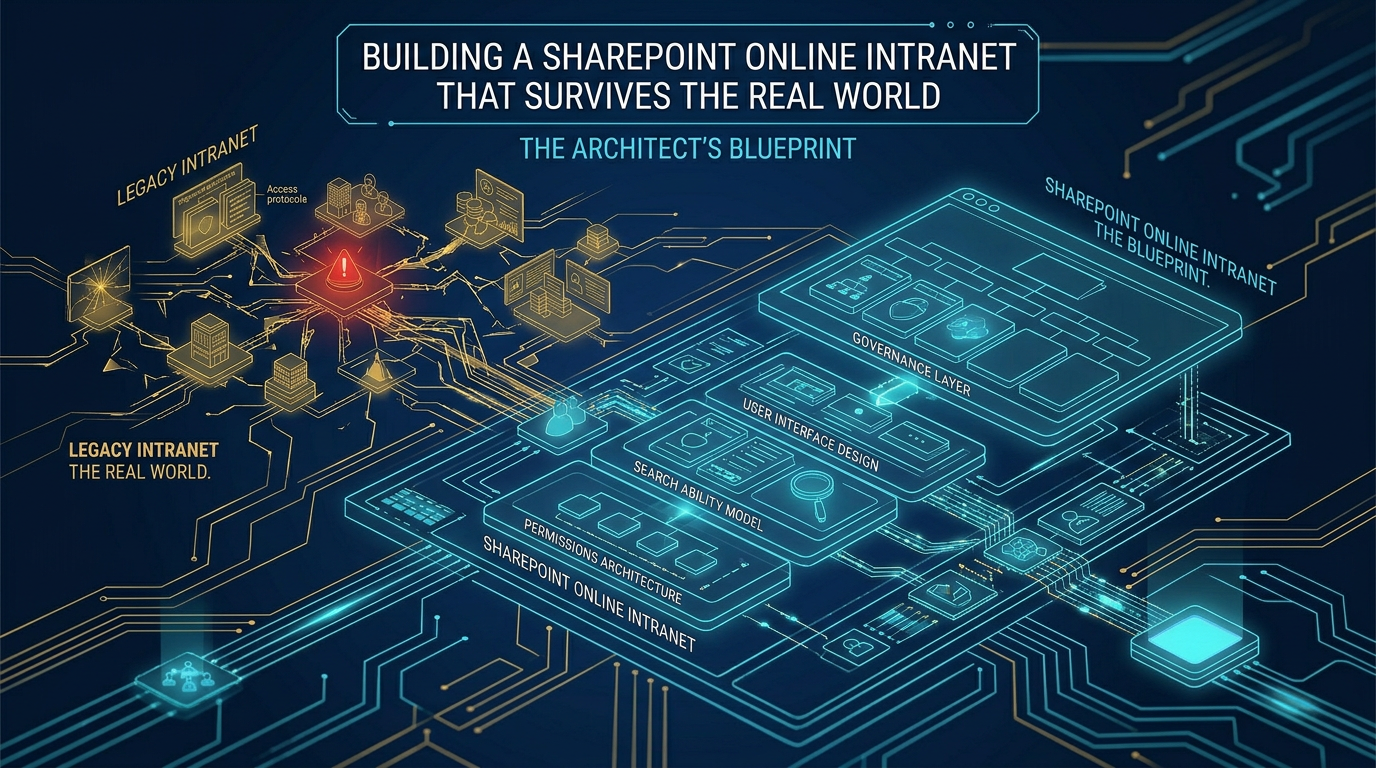
We use SharePoint Hub Sites to logically connect distinct, flat site collections. A Hub Site provides shared navigation, unified branding, and a scoped search experience across all associated sites without inheriting fragile, broken permissions.
This flat structure prevents URL length limits and radically improves the Microsoft Search index. As heavily advocated by structural experts at SharePoint Maven, if you do not flatten your architecture, your AI and search capabilities will be permanently crippled.

Architecting the SharePoint Communication Site Intranet
Your primary landing page must be a sharepoint communication site intranet. The trap most Architects fall into is using a standard Team site for corporate broadcast. Team sites are tied to Microsoft 365 Groups and are designed for collaborative chaos.
Communication sites are structurally engineered for authoritative publishing. They enforce strict read-only access for the masses, ensuring that only designated corporate communicators can alter the front page.
We engineer the communication site to act as the "Front Door." It aggregates news, events, and metrics from associated departmental Hubs dynamically.
Precision with Audience Targeting
We do not blast every employee with every piece of news. We utilize audience targeting protocols integrated with Azure AD. This ensures that a factory worker sees safety compliance updates while a regional sales rep sees quarterly numbers. Relevance drives adoption; noise drives abandonment.
The Metadata Engine: Fixing the Search Problem
An intranet is useless if users cannot find official policies. Deeply nested folders kill findability. In our deployments, we replace folder-driven document libraries with strict, metadata-driven architectures using the SharePoint Term Store.
When an HR policy is tagged with Department:HR and DocumentType:Policy, it surfaces dynamically in web parts across the entire intranet. This ensures there is only ever one "source of truth." You never copy a file to multiple sites; you simply surface it via metadata queries.
Content Lifecycle: Preventing the Digital Graveyard
Technology alone cannot fix stale content. A massive failure point for any intranet is the lack of a page lifecycle protocol. If users search for the travel policy and find a document from 2018, they will never trust the intranet's search bar again.
We implement automated Power Automate flows that trigger 90-day review cycles for critical policy pages. If a page owner does not validate the content, it is programmatically archived. We enforce a strict "prune or perish" governance model to ensure the intranet remains a highly trusted asset.
"Dark Mode" Deployment: Securing the Launch
Never deploy a massive new intranet directly to the live environment. We engineer and populate the entire structure in "Dark Mode"—a quarantined state accessible only to a pilot testing group of stakeholders.
During this Dark Mode phase, we rigorously test permission boundaries. We obsess over "Search Bar Leaks." If a standard user in the pilot group can search and inadvertently find draft M&A documents from the CEO's private workspace, the hub architecture has failed. We must lock permissions before the data becomes indexable.
Only after the navigation paths, metadata tags, and security boundaries are validated against the "Ollo Methodology" do we execute the Live Launch. This pragmatic, structural approach is the only way to deliver a secure intranet that tames digital sprawl and actually serves the enterprise.

















