


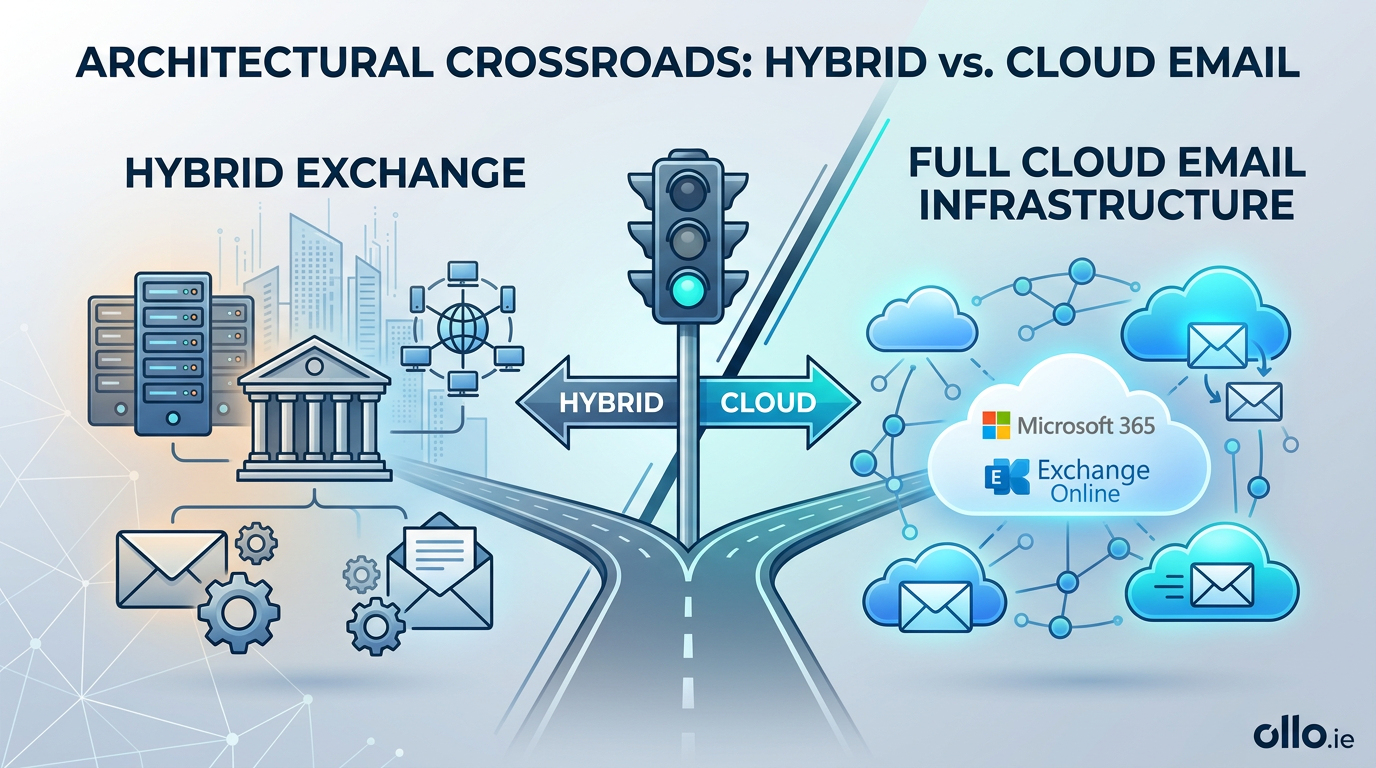

Hybrid Exchange vs Full Cloud Email Infrastructure: The Architectural Crossroads
A hybrid exchange migration vs cloud exchange decision dictates your enterprise messaging architecture. Hybrid maintains an on-premises Exchange server synchronized with Microsoft 365, essential for legacy application routing. Full cloud eliminates local servers entirely, offering maximum scalability. Your choice relies on assessing technical debt against security governance.
The trap most Architects fall into is viewing hybrid architecture as a permanent destination rather than a transitional bridge. In our experience, maintaining two disparate environments multiplies your security vulnerabilities. However, pushing a legacy organization to full cloud prematurely will break critical business processes.
The Reality of the "Hybrid vs Cloud" Dilemma
When evaluating whether to stay on-prem vs migrate exchange fully to the cloud, you must face a hard technical truth. Full cloud architecture is the undisputed North Star for the modern digital workplace. It removes hardware lifecycle management and forces the adoption of modern authentication.
However, the "Grey Zone" of enterprise IT dictates that pure cloud is rarely an immediate option. Your manufacturing floor has legacy ERP systems that can only send email via unauthenticated internal SMTP relays. Your HR applications might rely on hardcoded local IP addresses.
These legacy dependencies physically cannot authenticate directly to Exchange Online. This is why the hybrid vs cloud debate usually ends in a compromise. You deploy a hybrid structure to keep the legacy lights on while migrating user mailboxes to the modern cloud.
The Burden of the Exchange Online Hybrid Configuration
Operating a hybrid environment means you are managing the complexity of both worlds. The Exchange online hybrid configuration protocol relies on the Hybrid Configuration Wizard (HCW). This tool establishes secure mail routing between your local servers and the Microsoft 365 tenant.
The reality we found is that the HCW is highly sensitive to environmental variables. It requires meticulous management of SSL certificates, firewall rules, and virtual directories. If a local certificate expires, your cross-premises mail flow halts immediately, creating a catastrophic communication failure.
Furthermore, maintaining an on-premises Exchange server requires constant vigilance. Exchange servers are high-value targets for zero-day exploits. The maintenance burden—patching, securing, and monitoring—remains entirely on your infrastructure team, even if 99% of your mailboxes live in the cloud.

Identity Architecture: The Anchor to On-Premises
Your email architecture is inextricably linked to your identity architecture. If you maintain an Exchange hybrid, you must use Azure AD Connect to synchronize your local Active Directory to the cloud. Microsoft dictates that in this state, your on-premises AD remains the absolute Source of Authority.
This means you cannot manage user email aliases or primary SMTP addresses directly in the Microsoft 365 admin center. You must use the local Exchange Management Shell or the local Exchange Admin Center to modify attributes, which then sync to the cloud.
This architectural anchor frustrates modern IT teams. Severing this dependency requires migrating away from Active Directory entirely or carefully decommissioning the hybrid state, a complex process often requiring deep troubleshooting insights from MVP platforms like SharePains.
"Dark Mode" Mailbox Migration Protocol
Moving mailboxes in a hybrid scenario must follow our "Dark Mode" deployment framework. We never execute a massive migration batch over a single weekend. That is a recipe for an unmitigated disaster.
We script targeted migration batches, starting with a quarantined pilot group of IT staff. We migrate these mailboxes silently in the background. Once synced, we finalize the cutover and aggressively test cross-premises calendar free/busy lookups and mail routing.
If free/busy sharing breaks between a cloud user and an on-premises user, executive assistants cannot function. We resolve these specific federation limits before we target the broader executive user base.
The Eventual Path to Full Cloud
The ultimate goal of a hybrid exchange migration vs cloud exchange strategy should always be the systematic dismantling of the hybrid environment. Once your mailboxes are fully migrated, the hard work begins.
You must audit your network to identify every legacy system using the on-premises Exchange server as an SMTP relay. We re-engineer these systems to utilize Microsoft Graph APIs or direct Office 365 client submission.
Only when the last legacy application is modernized or retired can you safely cut the cord. Decommissioning the final Exchange server and removing Azure AD Connect transitions your enterprise into a fully modern, cloud-native architecture, drastically reducing your attack surface.

















