



Microsoft 365 Copilot Pricing Explained: Is It Worth It for Mid-Market Companies?
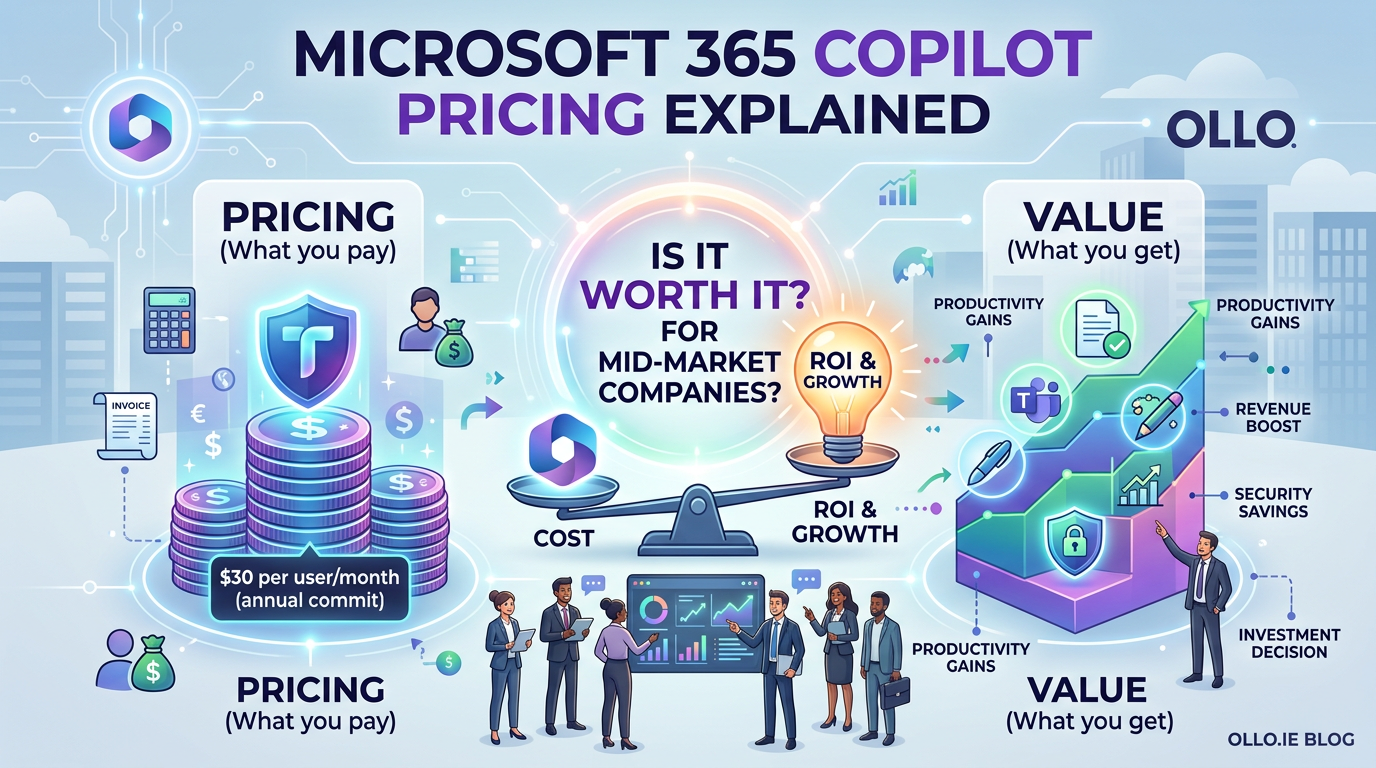
Microsoft 365 Copilot is a generative AI assistant integrated into the Microsoft 365 apps, priced at $30 per user, per month, billed annually ($360 per user, per year). It functions as a "copilot" for work, capable of summarizing meetings, drafting documents, and analysing data. Critically, there is no volume discount and this cost is an add-on to a required base license of Microsoft 365 Business Standard/Premium, E3, or E5.
For mid-market companies, the immediate reaction is often sticker shock. When an E3 license costs $36 per user, a $30 add-on nearly doubles the price of that seat. The inevitable question from every CFO and IT Director is: "Is it worth it?"
The answer is not a simple yes or no. The Microsoft 365 Copilot pricing makes it a strategic investment, not a ubiquitous utility. Deploying it without a clear architectural plan and a method for measuring its return on investment (ROI) is the fastest way to burn through your IT budget. The value of Copilot is directly proportional to the quality of your data and the readiness of your users.
Understanding the True Cost: It’s More Than Just the License
Before calculating the potential ROI, you must understand the total investment. The Copilot for Microsoft 365 cost is not just the sticker price.
- Base License Prerequisite: A user must have a Microsoft 365 Business Standard, Business Premium, E3, or E5 license. You cannot assign Copilot to a user with an F3 or Office 365 E1 license.
- Annual Commitment: The $30/user/month fee is paid as an upfront, annual commitment. This lack of monthly flexibility means your initial deployment decision carries significant financial weight.
- The Hidden Cost: Data Readiness: This is the architectural reality most vendors won't mention. Copilot's effectiveness is entirely dependent on the quality and findability of your data. If your SharePoint environment is a "digital swamp" of disorganized files and broken permissions, Copilot will fail. It will either surface irrelevant information or, worse, fail to find the critical data it needs. Therefore, the true cost may include a pre-deployment data governance initiative.
The Architectural Trap: Garbage In, AI-Powered Garbage Out
The single biggest mistake a company can make is deploying Copilot into a chaotic environment, hoping it will magically create order. Copilot is an amplifier. It amplifies good data governance, but it also amplifies bad data governance.
In our experience, a successful Copilot deployment is contingent on what we call "AI-Readiness." Before you assign a single license, you must ask:
- Is our data findable? Are critical files buried in deeply nested folders, making them invisible to the Microsoft Search index that Copilot relies on?
- Is our data secure? Are permissions locked down? Copilot respects existing permissions, but if they are too permissive, it can inadvertently expose sensitive data to the wrong people in its search results.
- Is our data relevant? Is your environment cluttered with redundant, obsolete, and trivial (ROT) data that will pollute Copilot's responses?
The trap most companies fall into is seeing Copilot as the solution to their information chaos. It is not. It is a powerful tool that works best on a clean, well-architected data foundation.
Calculating the MS365 Copilot ROI: A Persona-Based Approach
You do not need to license every employee. A "big bang" rollout is financially irresponsible. The key is a phased, persona-based deployment focused on roles where the productivity gains are most tangible. We recommend starting with a pilot group of 10-25 users from high-impact roles.

To justify the Copilot licence price, you must quantify these time savings. If a sales executive who costs the company $100/hour saves 45 minutes a day, that translates to $75 in productivity gain daily—a clear and compelling return on the $1.40 daily cost of their Copilot license.
Our Recommendation: A Phased, "Dark Mode" Deployment
- Start with an AI-Readiness Audit: Before you buy, assess your data. Use this as an opportunity to enforce better governance and clean up your digital workspace.
- Launch a Pilot Program: Select 10-25 users from the high-impact personas listed above. Treat this as a formal pilot. Provide training, gather regular feedback, and, most importantly, require participants to track and report their time savings.
- Measure and Validate: After 90 days, analyse the results. Did the pilot group achieve the projected ROI? Use this validated data to build the business case for a wider, but still targeted, rollout.
- Expand Surgically: Use the success of the pilot to expand licensing to other users in those high-impact roles. Resist the pressure to give it to everyone. The microsoft 365 copilot pricing demands a surgical, evidence-based approach, not an egalitarian one.
Copilot is not a tool you simply "turn on." It is a fundamental shift in how work is done, and it requires an equally fundamental shift in how you approach licensing and data governance. For the mid-market company willing to do the architectural work upfront, Copilot can be a powerful competitive advantage. For those who don't, it will be a very expensive lesson in the timeless principle of "garbage in, garbage out."

















