


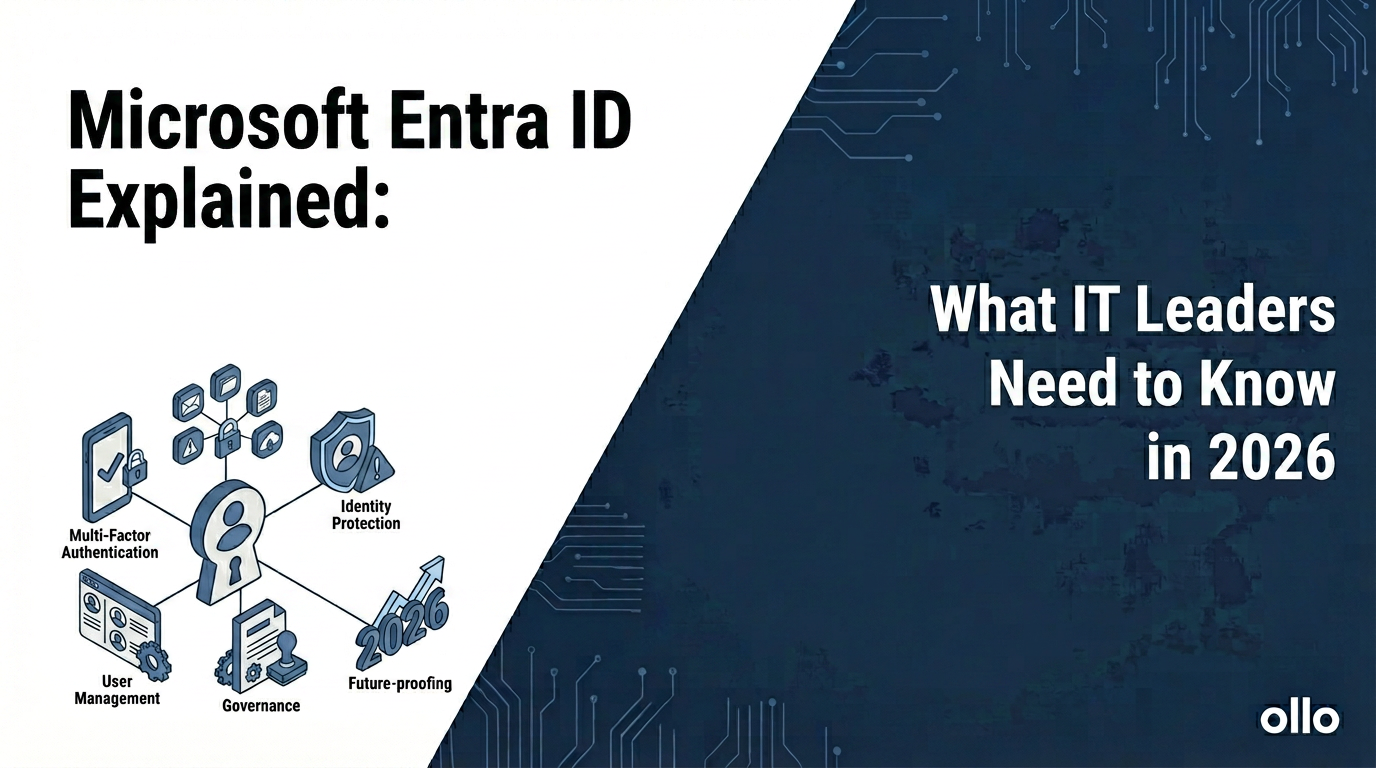

Microsoft Entra ID Explained: What IT Leaders Need to Know in 2026
Microsoft Entra ID is the evolution of Azure Active Directory (Azure AD), expanding from a core identity service into a comprehensive family of identity and network access solutions. For IT leaders, it is the new security perimeter for the enterprise. It governs access for every user, to every app, from any device, providing the foundational control plane for a Zero Trust architecture. It is no longer just "who you are" but "what you can access, when, and under what conditions."
In an era defined by hybrid work and multi-cloud environments, the old model of a corporate network protected by a simple firewall is obsolete. Your identity platform is the new border. As we've seen in countless enterprise migrations, getting identity wrong at the start leads to catastrophic failures in security and governance down the line.
A poorly configured identity model is the equivalent of leaving the front door of your corporate headquarters unlocked. Understanding the architectural shift from Azure AD to the full Microsoft Entra ID suite is therefore not just an IT task; it is a core business strategy for 2026.
The Strategic Shift: Entra ID vs. Azure AD
The name change from Azure Active Directory to Microsoft Entra ID was not merely a rebranding exercise; it signaled a fundamental expansion in scope. While Azure AD was the heart of identity for Microsoft 365, the Entra family addresses a wider set of modern security challenges. In our experience, leaders who fail to grasp this distinction often miscalculate the scope of their security projects.

This evolution is a direct response to the "identity sprawl" we see in most large organizations—a chaotic landscape of disparate directories and access methods. Entra aims to unify this, providing a single control plane to manage access across your entire digital estate.
The Core Pillars of the Microsoft Entra ID Family
For an IT leader, thinking of "Entra" as a single product is a mistake. It is a suite of capabilities. Understanding the components is key to building a robust security roadmap.
- Microsoft Entra ID (formerly Azure AD): This remains the foundation. It provides the core identity services: Single Sign-On (SSO), Multi-Factor Authentication (MFA), and Conditional Access policies. The critical function for architects is Conditional Access, which is the primary engine for enforcing your Zero Trust policies (e.g., Block access from unmanaged devices or Require MFA for users accessing sensitive apps).
- Microsoft Entra Permissions Management: This is Microsoft's Cloud Infrastructure Entitlement Management (CIEM) solution. The reality we've found is that in multi-cloud environments (Azure, AWS, GCP), permissions are a "Wild West." Developers grant excessive permissions to get a project working, creating massive standing privileges. This tool provides visibility into that chaos, allowing you to enforce the principle of least privilege for cloud workloads and identities.
- Microsoft Entra Verified ID: This addresses the future of decentralized identity. It allows your organization to issue and verify digital credentials based on open standards. Instead of your company holding all the proof, an employee can hold their own "Verified ID" proving their employment or certifications. For scenarios requiring high-trust verification with external partners, this is a game-changer.
Setting Up Microsoft Entra ID: A Phased Architectural Approach
A proper Microsoft Entra ID setup is not a "flip the switch" activity. It is a phased project that aligns with a Zero Trust journey. In our experience architecting these deployments, a rushed setup inevitably leads to security gaps or business disruption.
Phase 1: Foundational Identity & MFA (The "Lock the Doors" Stage)
The immediate goal is to eliminate your biggest vulnerability: compromised passwords.
- Enforce Universal MFA: Your first and most critical action. Use Conditional Access policies to require MFA for all users, without exception. The "we'll get to it later" approach is how breaches happen.
- Eliminate Legacy Authentication: Block protocols like POP, IMAP, and SMTP that do not support modern authentication. These are open backdoors into your environment.
- Establish Hybrid Identity Sync: Connect your on-premises Active Directory to Entra ID using Microsoft Entra Connect Sync. This creates a single, unified identity for each user, which is a prerequisite for seamless SSO.
Phase 2: Granular Access Control (The "Who Gets What Key" Stage)
Once the doors are locked, you start managing access with more precision.
- Implement Tiered Conditional Access: Go beyond simple MFA. Create risk-based policies. For example:
- Low Risk: A user logging in from a known, compliant corporate device to a non-sensitive app. -> Action: Allow access seamlessly.
- Medium Risk: The same user logging in from an unknown Wi-Fi network. -> Action: Prompt for MFA again.
- High Risk: A user logging in from an anonymous IP address. -> Action: Block access and trigger a security alert.
- Configure Identity Governance: Use Entra ID Governance features to automate the access lifecycle. Implement Access Reviews, where managers must periodically recertify their team's access to applications and groups. This prevents the slow creep of "privilege bloat" and ensures users only have the access they currently need.
Phase 3: Advanced Zero Trust (The "Verify Everything" Stage)
This is the mature state of your identity architecture.
- Integrate Device Management: Your Conditional Access policies should become device-aware. By integrating with a tool like Microsoft Intune, you can create policies that require devices to be compliant (e.g., encrypted, running antivirus) before they can access corporate data. This extends your security perimeter to the endpoint itself.
- Deploy Permissions Management (CIEM): For organizations with a significant cloud footprint in AWS or GCP, this is no longer optional. Begin onboarding your cloud subscriptions to gain visibility into over-privileged accounts and automate the process of right-sizing permissions.
Your Data Architecture is the Constant, Identity is the Gatekeeper
In an age of AI, hybrid work, and multi-cloud infrastructure, the one constant must be your data. The variable is how, when, and by whom that data is accessed. Microsoft Entra ID is the strategic control plane that governs those variables.
By moving beyond the legacy mindset of "Azure AD" and embracing the full capabilities of the Entra family, you are not just performing a technical upgrade. You are building a resilient, adaptive security architecture that can withstand the challenges of 2026 and beyond. A well-architected Entra deployment is your single best defense against the modern threat landscape.

















