



Microsoft Teams vs Slack: Which Is Better for Enterprise in 2026?
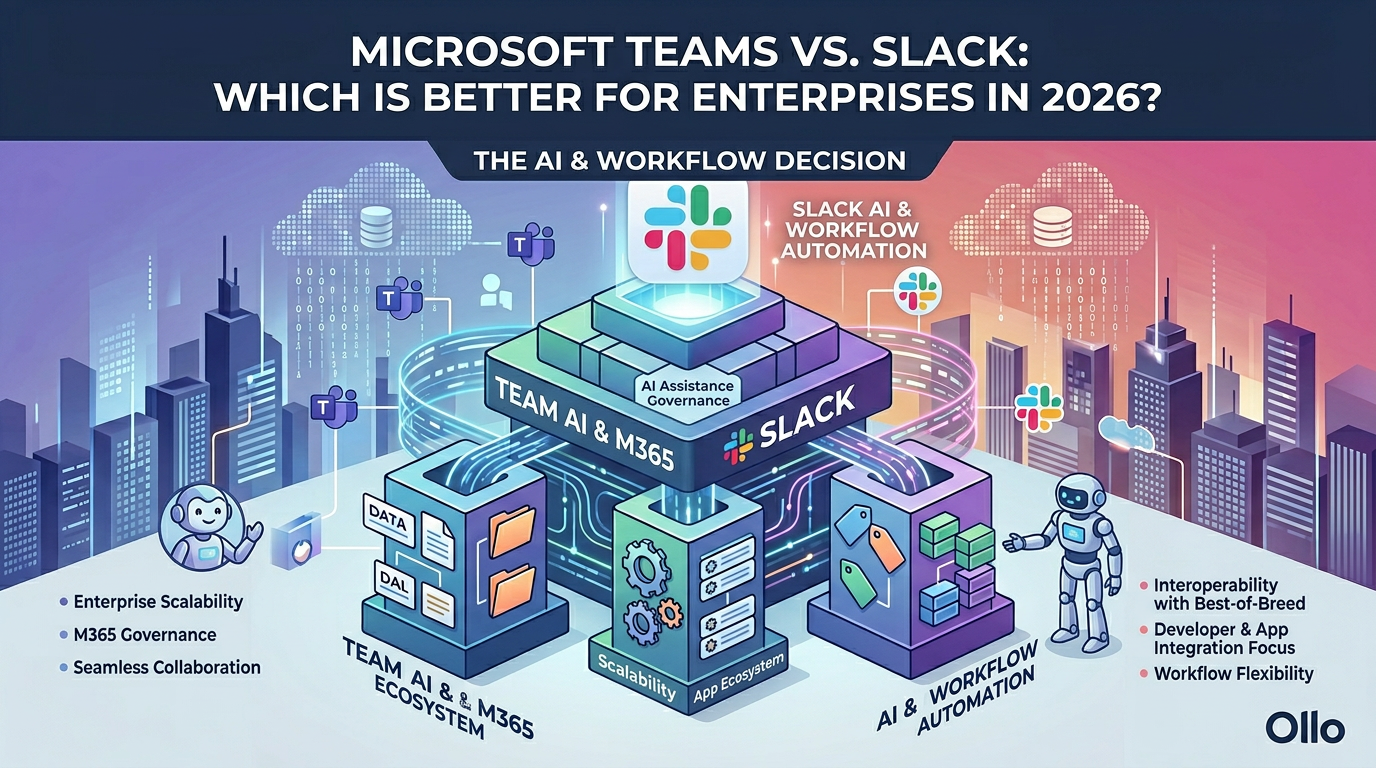
When evaluating microsoft teams vs slack for enterprise in 2026, the decision hinges on architectural strategy, not just chat features. Teams is a structural platform deeply integrated with Microsoft 365 governance, ideal for centralized data control. Slack excels in API-driven agility but requires strict external governance to prevent data sprawl.
In our experience architecting enterprise digital workplaces, the teams vs slack enterprise debate often misses the point entirely. Companies focus heavily on user interface preferences instead of data lifecycle and security protocols. The trap most Architects fall into is treating these platforms merely as standard messaging applications.
The reality we found is that these platforms are the primary ingestion interfaces for your organizational data. Whether you choose teams or slack for business, you are deploying a massive data engine. Without strict governance protocols, this engine will rapidly turn your clean corporate architecture into an unstructured digital swamp.
The Illusion of the Chat Application
A common misconception is that deploying a collaboration tool is a lightweight operational task. We must correct this premise. You are not just turning on a chat box; you are fundamentally altering how intellectual property is created, stored, and shared across your entire corporate network.
The true cost of either platform is rarely the licensing fee. It is the architectural debt you accrue when users create thousands of unmanaged channels. This uncontrolled growth creates a compliance nightmare, making data retrieval during legal discovery nearly impossible and significantly increasing your enterprise risk profile.
Architectural Foundations: Microsoft Teams
Microsoft Teams is a structural powerhouse. It is not a standalone application; it is the visual front-end for your entire Microsoft 365 ecosystem. Every time a user clicks "Create Team," they are unknowingly provisioning a Microsoft 365 Group, a SharePoint site collection, and a shared Exchange mailbox.
This integration is a double-edged sword. It provides unparalleled data governance through Microsoft Purview, but it demands rigorous provisioning protocols. If you allow self-service creation without guardrails, you will quickly hit backend technical constraints, such as the SharePoint 5,000 item limit in the underlying document libraries.
Architectural Foundations: Slack
Slack operates on a fundamentally different structural paradigm. It is an API-first platform built for decentralized agility. Instead of forcing data into a rigid folder structure, Slack acts as a central hub, pulling in notifications and workflows from thousands of third-party SaaS applications.
For developer-heavy environments, this flexibility is highly desirable. However, a proper slack microsoft teams comparison must acknowledge the governance gap. Slack’s decentralized nature means your data is scattered across multiple connected tools. Securing this environment requires third-party compliance integrations to replicate the native controls found in Microsoft 365.
The "Grey Zone" of Conversation Sprawl
Chat platforms are the ultimate embodiment of the "Grey Zone." This is where the ambiguous, unstructured human mess of daily business lives. We do not automate the Grey Zone blindly. If you simply let users chat indefinitely, critical decisions become buried in endless scrolling timelines.
To tame this, we implement structured archival processes. We replace the administrative "Spreadsheet of Doom" with automated lifecycle policies. In Teams, we configure expiration policies for inactive groups. In Slack, we enforce strict message retention limits to ensure that temporary conversations do not become permanent, unmanaged liabilities.
Teams vs Slack Enterprise: The Feature Comparison
When evaluating the structural capabilities of both platforms, you must look beyond the marketing material. This table outlines the core architectural differences you must govern.

Deployment Protocol: The "Dark Mode" Launch
Never deploy a new enterprise collaboration platform to production without a blast shield. Whether you are rolling out Teams or Slack, we mandate a "Dark Mode" deployment strategy. This means configuring the backend architecture, security policies, and data boundaries long before the first user logs in.
In Dark Mode, we stage the environment. We configure Data Loss Prevention (DLP) rules and establish Information Barriers to prevent specific departments from sharing sensitive data. We obsess over securing the perimeter first, ensuring that when the system goes live, the foundational governance is already actively protecting the data.
Securing the "Search Bar Leak"
We obsess over "Search Bar Leaks." The greatest threat to your internal security is not an external hacker; it is an over-permissioned internal user. If a public Slack channel or an open Microsoft Team contains sensitive financial data, it becomes instantly searchable by anyone in the organization.
Our protocol requires flattening permissions and locking down access rights during the Dark Mode phase. We convert fragile "Sharing Links" in integrated tools into authenticated Guest Accounts. We map out orphaned files to ensure that data remains protected, even when the original creator leaves the company.
Navigating Platform Limits and Technical Truths
As engineers, we must acknowledge that platform limits are technical truths. You cannot wish them away; you must design around them. For instance, you must architect your environment keeping the Microsoft Teams limits and specifications in mind, such as the strict limits on members per team and channels per team.
Slack also has its own constraints, particularly regarding workspace limits and API throttling. When a third-party integration aggressively polls the Slack API, it can degrade workspace performance. We design robust, limit-aware architectures that prevent these bottlenecks, ensuring that your communication backbone remains highly available.
External Collaboration: Guests vs Channels
External collaboration is a critical failure point for many architectures. Microsoft Teams handles this via Azure AD B2B, creating distinct Guest Accounts within your tenant. This allows for rigorous conditional access policies, forcing vendors to adhere to your multi-factor authentication requirements before viewing any data.
Slack handles external collaboration primarily through Slack Connect, linking two independent workspaces. While this creates a smoother user experience, it fundamentally alters the data sovereignty model. You must negotiate which organization retains the compliance record of the conversation, adding a layer of legal complexity to your architectural strategy.
E-Discovery and The Legal Burden
The legal burden of instant messaging is immense. When litigation occurs, you must be able to produce relevant chat records quickly. In Microsoft Teams, eDiscovery is centralized through Purview, allowing legal holds to be placed on user mailboxes and underlying SharePoint sites seamlessly.
In Slack, enterprise-grade eDiscovery requires the Enterprise Grid tier and often necessitates integration with third-party archiving solutions like Smarsh or Global Relay. If you attempt to run a large-scale legal hold on a standard Slack tier, you will face significant data extraction hurdles that can severely impact your compliance posture.
The Ollo Methodology Verdict
Ultimately, the choice between microsoft teams vs slack is a question of data gravity. If your organization has already invested heavily in the Microsoft 365 ecosystem, Teams is the logical architectural endpoint. It provides a secure, governed interface for the data you already host in SharePoint and OneDrive.
If your enterprise relies on a highly fragmented, decentralized stack of third-party SaaS applications, Slack provides an unparalleled API aggregation layer. However, this path requires a substantial parallel investment in specialized security and compliance tooling to match the native governance capabilities of the Microsoft environment.
Actionable Next Steps
A modern collaboration platform is an act of pragmatic architecture. It is your opportunity to tame digital sprawl and build an intelligent, resilient foundation. Do not leave your data to chance.
Are you currently struggling to govern an unmanaged deployment of Teams or Slack, or would you like to discuss a "Dark Mode" PoC for your next migration? Contact us on www.ollo.ie

















