


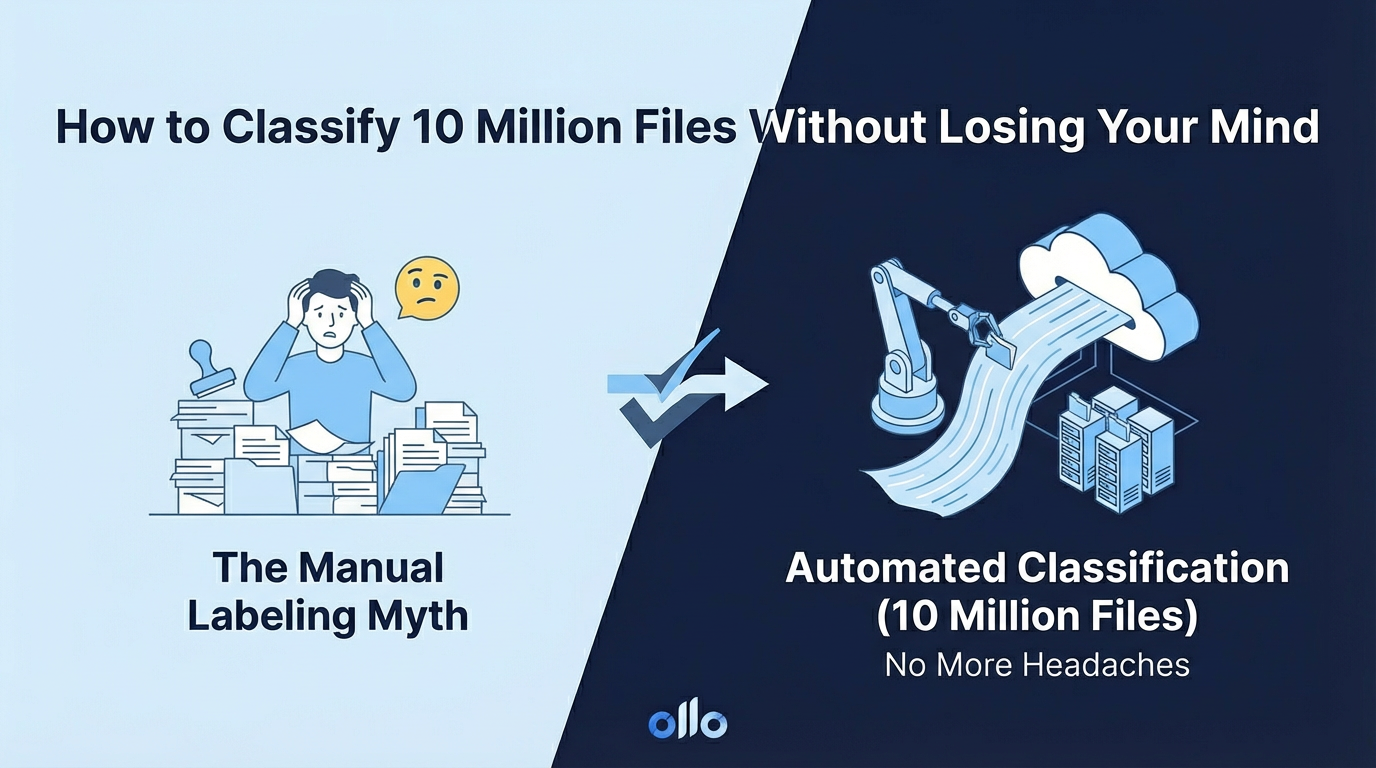

The "Manual Labeling" Myth: How to Classify 10 Million Files Without Losing Your Mind
A Trainable Classifier is a machine learning tool within Microsoft Purview that identifies proprietary data by recognizing semantic patterns rather than simple keywords. It allows architects to automate the application of Sensitivity Labels across millions of documents by "teaching" the AI what a specific document type, like a "Legal Contract" or "Engineering Spec," looks like.
In every SharePoint architecture workshop, there is a moment where we discuss Governance. The slide goes up: "Users must classify every document as Public, Internal, or Confidential."
The CTO nods. The CISO smiles. And the Architect in the room knows it is a lie.
In a "Grey Zone" environment with 10 million legacy files and 5,000 busy employees, relying on manual human labeling is not a strategy; it is a hallucination. We have seen time and again that users forget, click the default option to save time, or leave the company, taking their implicit knowledge with them. The result is a "Dark Data" swamp where your most sensitive IP is labeled "General" simply because a human didn't have time to click the right button.
The Architecture of Scale: Why "Regex" Fails
Historically, we tried to solve this problem with Pattern Matching, using Sensitive Information Types to hunt for credit card numbers or regular expressions (Regex) to find keywords like "Project Obsidian." For unstructured data, this approach is guaranteed to fail at enterprise scale.
- The False Positive Trap: The most common issue we encounter is the false positive. If you create a policy to search for the keyword "Contract," you will inevitably flag every email where someone says, "Please contract me later." The noise quickly overwhelms the signal, rendering the policy useless.
- The Context Gap: A "Strategic Plan" for the Marketing department looks vastly different from a "Strategic Plan" for R&D. A simple keyword scanner lacks the intelligence to discern this context, leading to inaccurate classification and a lack of trust in the system.
The Solution: Machine Learning as a Service
This is where Trainable Classifiers enter the architecture. Instead of telling the system what words to look for, you teach it what the document is. Think of it as training a new junior analyst. You don’t give them a dictionary of keywords; you give them a stack of examples and let them learn by observing the patterns, structure, and nuance of real-world documents.
This moves classification from a brittle, rule-based system to a resilient, pattern-based intelligence that can adapt and scale.
The "Feeding the Beast" Protocol
To build a robust classifier, our architects follow a strict "Positive/Negative" training methodology. It’s not a "fire and forget" task; it’s a deliberate process of teaching, testing, and tuning the AI model to think like your best subject matter expert.

The "Ollo" Reality Check: The 50-File Hurdle
The technology is powerful, but here is the trap most organizations fall into: they cannot find 50 clean examples. It sounds ridiculous, but in a sprawling, 10-million-file "Grey Zone," finding 50 "Design Specifications" that are purely design specs—and not meeting notes about design specs—is harder than it looks.
Our Recommendation: Don't try to boil the ocean. Do not start by building a classifier for "Everything." Begin with your Crown Jewels—the high-risk, high-value content where accuracy is paramount.
- Legal Contracts (High Business Risk)
- Financial Statements (Financial & Compliance Risk)
- Engineering CAD Drawings (Intellectual Property Risk)
By focusing your efforts, you can achieve quick wins, demonstrate the value of the technology, and build momentum for a broader rollout.
Why This Matters for Copilot and the AI-Ready Enterprise
This architectural effort is not just about security; it is about AI Readiness. If you want Microsoft Copilot to answer a prompt like, "Summarize all our active vendor contracts from the last fiscal year," it first needs to know what a "contract" is. If you've relied on manual human labeling, Copilot will miss 40% of your data and deliver an incomplete, unreliable answer.
By using Trainable Classifiers to programmatically identify and apply a "Category: Contract" metadata tag or sensitivity label, you are effectively creating a machine-readable index of your unstructured "Grey Zone" data. You are transforming a chaotic digital swamp into a structured asset, ready for the AI era.
We are moving from an era of User-Enforced Governance, which fails under the weight of human behavior, to one of System-Enforced Intelligence, which scales. This is how you make your data a constant, reliable asset in a world of ever-changing AI agents.

















