


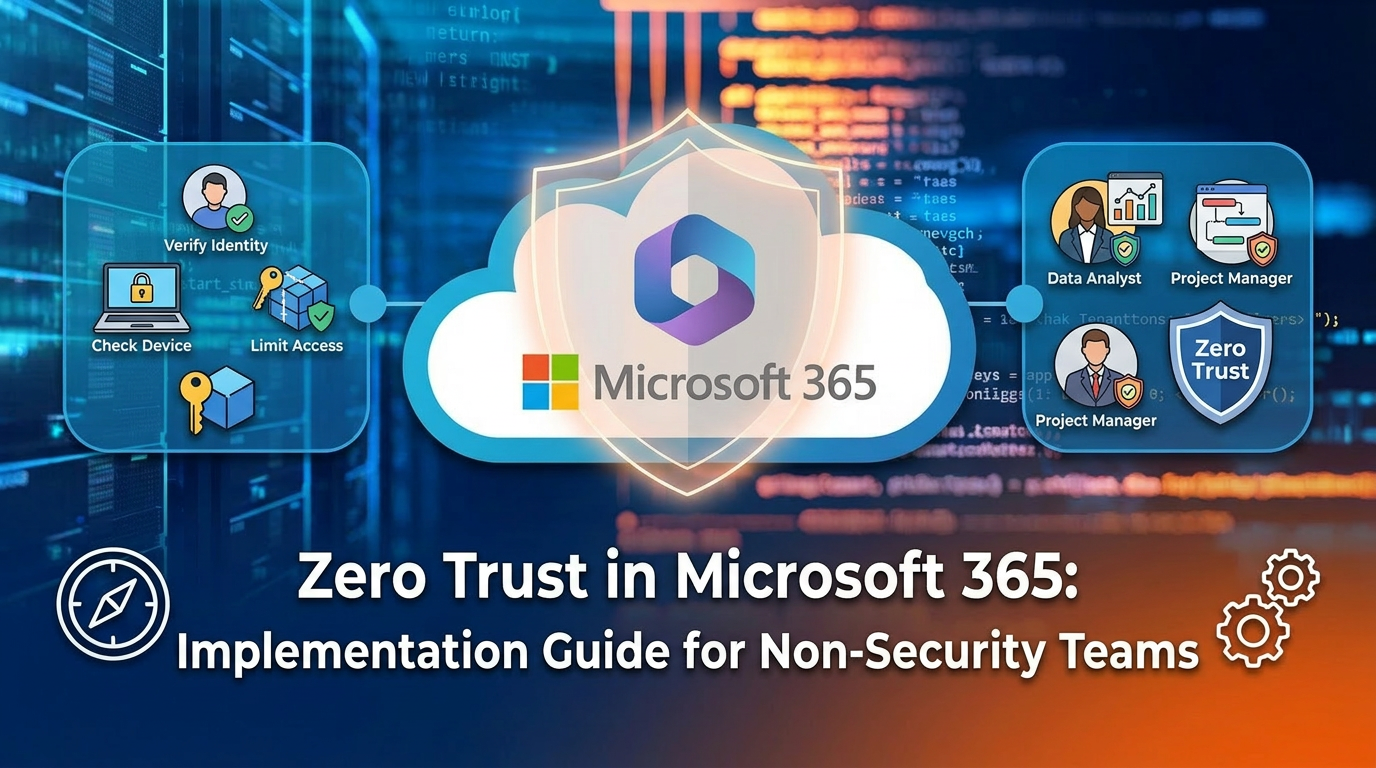

Zero Trust in Microsoft 365: Implementation Guide for Non-Security Teams
Zero Trust is not a product you buy; it's an architectural strategy built on the principle of "never trust, always verify." For non-security teams, this simply means shifting from a legacy mindset of protecting a secure internal network "castle" to a modern approach where every access request—regardless of where it originates—is treated as a potential threat and must be rigorously authenticated and authorized before access is granted.
In the context of Microsoft 365, implementing Zero Trust is the most effective strategy to govern and protect your data in an era of remote work and sophisticated cyber threats. For Governance, Risk, and Compliance (GRC) leaders, this isn't about complex firewall rules; it's about ensuring the right people have the right access to the right data, at the right time, and only for as long as they need it. The goal is to move from a state of assumed trust to one of explicit, verifiable trust.
The reality we've found in countless tenant audits is that most organizations have a "hard shell, soft center." They have strong perimeter defenses but dangerously permissive internal access controls. This is the governance gap that a Zero Trust model is designed to close, using the powerful, integrated tools already available within your Microsoft 365 license.
The Three Pillars of Pragmatic Zero Trust Governance
A full-blown Zero Trust implementation can feel overwhelming. The pragmatic approach for non-security teams is to focus on three core pillars that deliver the biggest governance wins: Identity, Endpoints, and Data.
1. The Identity Perimeter: Your New Castle Wall
In a cloud-first world, identity is the control plane. If an attacker compromises a user's identity, they have the keys to your kingdom. The trap most organizations fall into is treating all logins as equal. A Zero Trust approach scrutinizes the context of every single login.
- The Problem: A user logging in from a known corporate device in your Dublin office is not the same risk as the same user logging in five minutes later from an unrecognized device in a different country. A legacy approach might let both through with just a password.
- The Governance Solution: Conditional Access. This is the cornerstone of Zero Trust in Microsoft 365. Conditional Access policies, configured in Microsoft Entra ID, act as an intelligent gatekeeper. Instead of a simple password check, they evaluate a set of signals to make a real-time access decision.

Implementing just two or three baseline Conditional Access policies dramatically elevates your governance posture from a simple password-based model to an intelligent, risk-based one.
2. The Endpoint as a Governance Signal: Is the Device Trustworthy?
You cannot trust the data if you cannot trust the device accessing it. A core tenet of Zero Trust is ensuring that user devices (laptops, mobile phones) meet a minimum security and health standard before they are allowed to connect to corporate resources.
- The Problem: A user's personal laptop could be riddled with malware. Allowing it to connect and download sensitive SharePoint files creates a massive data exfiltration risk.
- The Governance Solution: Device Management with Microsoft Intune. Intune allows you to define and enforce health and compliance policies for all devices. When combined with Conditional Access, it becomes a powerful governance tool. You can create rules that state, "Only allow access to SharePoint if the user is verified with MFA and the device is managed by Intune and marked as compliant."
A compliant device, in Intune's terms, is one that meets the security standards you define, such as requiring a PIN, having disk encryption enabled, and running an up-to-date antivirus. This ensures a foundational layer of security on every device that touches your corporate data.
3. Data-Centric Governance: Protecting the Asset Itself
The ultimate goal of Zero Trust is to protect the data. The final layer of defense involves classifying your data based on its sensitivity and applying persistent protection that travels with the file, no matter where it goes.
- The Problem: A user downloads a "Highly Confidential" financial report from SharePoint and emails it to their personal Gmail account. Traditional perimeter security is blind to this action.
- The Governance Solution: Microsoft Purview Information Protection. This allows you to create sensitivity labels that both classify and protect your data. This is governance in its most practical form.

When a file is labeled, the protection is embedded within the document itself. If a "Highly Confidential" file is leaked, it remains an encrypted, unreadable file to anyone outside the authorized group. As leading SharePoint expert Gregory Zelfis of SharePoint Maven often points out, this shifts protection from the container (the SharePoint site) to the content itself.
Your First 90 Days: A Realistic Implementation Plan
Adopting Zero Trust doesn't require a multi-year, multi-million-dollar project. You can achieve significant progress by focusing on incremental, high-impact steps.
Phase 1: Foundation (Days 1-30)
- Action: Enable MFA for all users, starting with administrators. This is the single most effective security measure you can take.
- Action: Create a baseline Conditional Access policy to block logins from high-risk locations you don't do business in.
Phase 2: Device Trust (Days 31-60)
- Action: Begin enrolling corporate-owned devices into Intune.
- Action: Create a basic device compliance policy requiring a PIN and up-to-date OS.
- Action: Implement a Conditional Access policy that requires devices to be compliant before accessing key services like Exchange and SharePoint.
Phase 3: Data Protection (Days 61-90)
- Action: Define a simple sensitivity label taxonomy (e.g., Public, General, Confidential).
- Action: Deploy the labels and begin a pilot with one department, like Finance or HR, training them to apply labels to sensitive documents.
Zero Trust is a journey, not a destination. By focusing on these pragmatic governance-led controls within Microsoft 365, you move beyond the theoretical and into the practical. You build a more secure, more compliant, and more resilient organization, not by adding more walls to the castle, but by verifying every key to every door.
Is there a specific pillar you would like to explore in more detail?

















