



Your SharePoint migration project is already at risk. The standard playbook, which likely involves using Microsoft's free SharePoint Migration Tool (SPMT) or a popular off-the-shelf product, is a well-trodden path to failure for any enterprise-scale move. These tools excel at simple, small-scale migrations, but they break down when faced with real-world complexity: throttled APIs, broken permission inheritance, GUID conflicts from parallel migrations, and the infamous 5,000-item list view threshold. The marketing copy promises a seamless transition; our experience in the trenches tells a different story. Failure here isn't just a project delay; it's a security incident, a compliance breach, and a direct hit to your operational budget.
This article is not another marketing roundup. It is a critical analysis of the leading third party SharePoint migration tools, framed by lessons learned from migrations that went sideways. We will dissect the strengths of tools like ShareGate, AvePoint, and Quest, but more importantly, we will expose their specific breaking points in complex enterprise environments. You will learn precisely where these tools stop and where custom scripting or specialist intervention becomes non-negotiable. Understanding the common data migration risks is the first step, but choosing the right toolset for your specific data profile is what separates a successful project from a costly disaster.
Each review provides direct links and assesses the tool against the harsh realities of regulated industries and large-scale data structures. We will show you the scenarios where a tool is a reliable asset and where it becomes a liability. The goal is to equip you to see past the sales pitch and make a decision that protects your data, your timeline, and your job.
1. ShareGate Migrate
ShareGate Migrate is a staple in the SharePoint admin's toolkit for a reason. Its desktop application is widely recognised for migrating and reorganising content across SharePoint, Teams, and OneDrive. For straightforward, lift-and-shift projects or even moderately complex restructures like merging sites, it’s often the first tool teams reach for. The pre-migration analysis is one of its strongest features, flagging potential issues like long file paths, illegal characters, and broken permissions before you move a single byte of data.
Core Capabilities and Limitations
ShareGate excels at granular control. You can copy individual lists, libraries, or entire site collections while mapping metadata and permissions with a high degree of precision. Its "Insane Mode" directly uses the SharePoint Migration API, offering significant throughput for moving large volumes of data into SharePoint Online. However, its architecture is also its primary weakness in an enterprise context. As a Windows client application, performance is tied to the machine it runs on and the network it uses. A single license key activates on one machine, which creates an immediate bottleneck for large-scale, concurrent migrations that require genuine parallelism. We often see clients fail when they try to run multiple instances on separate VMs; this can lead to GUID conflicts and overwritten data if not expertly managed.
The Ollo Verdict
ShareGate is an excellent tool for tactical, admin-led migrations and content reorganisation. We use it ourselves for specific tasks within a larger project. However, it is not a set-and-forget enterprise migration platform. Your team will hit a wall when dealing with multi-geo tenants, complex custom solutions, or migrations requiring certified data handling and auditable chain-of-custody. The tool provides reports, but it does not guarantee compliance. For a deeper analysis of when a tool like ShareGate suffices versus when a managed approach is non-negotiable, you can review our breakdown of the Microsoft SharePoint Migration Tool and its limitations.
Website: https://sharegate.com/sharepoint-migration
2. AvePoint Fly (SaaS and Fly Server)
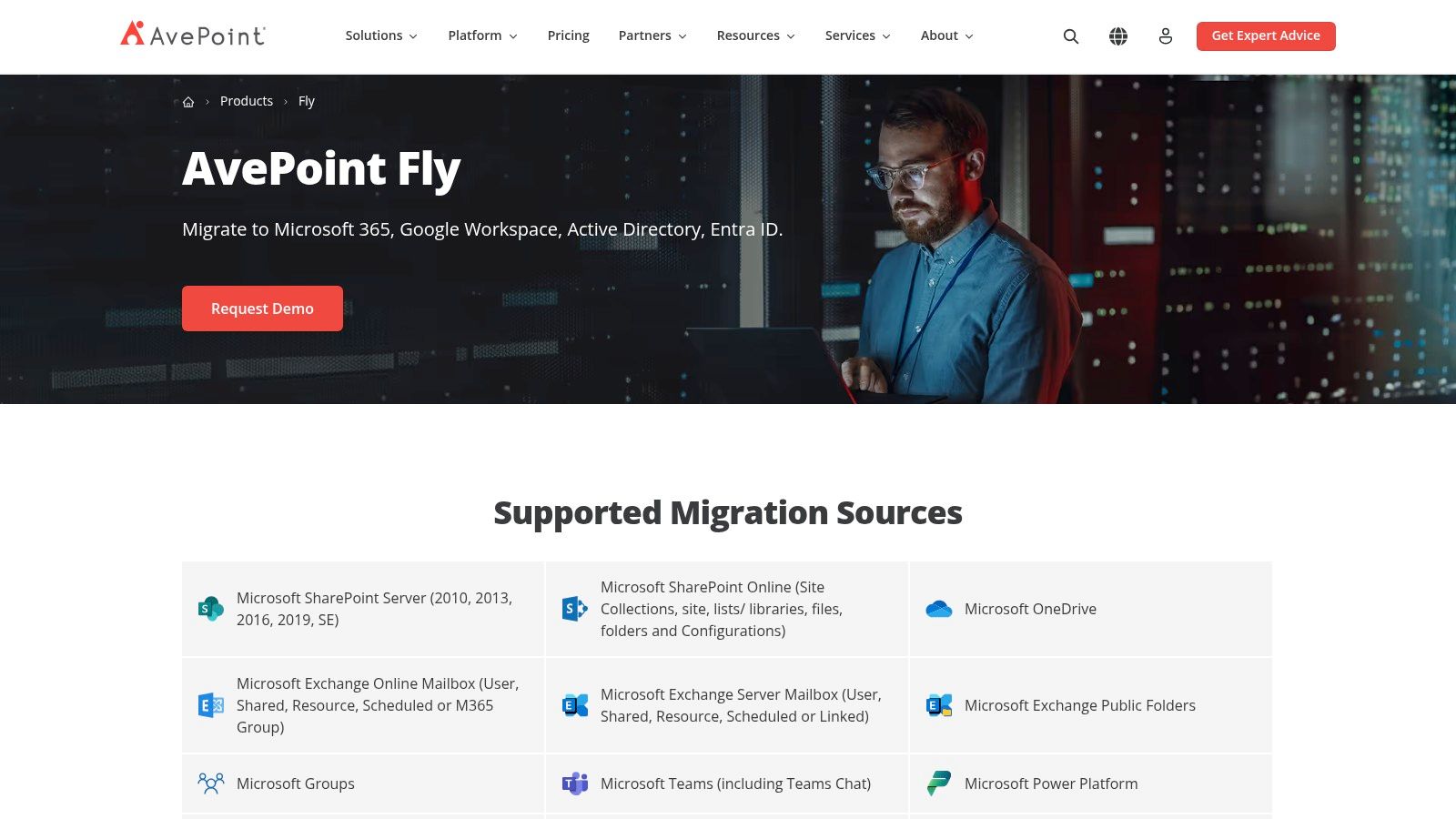
AvePoint Fly is a genuine enterprise-grade migration platform, available as either a fully-managed SaaS solution or a self-hosted Fly Server. This dual offering is crucial for organisations with strict data sovereignty requirements or those operating in hybrid environments. It’s built for large-scale, complex projects involving SharePoint, Teams, and other sources, where auditability and centralised project management are non-negotiable. Its architecture is designed to manage multiple, concurrent migration jobs from a single control plane.
Core Capabilities and Limitations
Fly's strength is its broad workload coverage and policy-driven control. You can orchestrate migrations of SharePoint sites, individual objects, and entire Teams environments with granular filters. This is particularly effective for tenant-to-tenant moves following a merger or acquisition, where you need to map users and untangle permissions at scale. The self-hosted Fly Server option gives you direct control over the infrastructure, ensuring data never leaves your network perimeter, a key requirement for regulated industries. The platform's main friction point is its commercial model. It’s designed for committed, long-term projects with quote-based, annual pricing, which creates a procurement hurdle for smaller teams or one-off tactical migrations.
The Ollo Verdict
AvePoint Fly is one of the few third-party SharePoint migration tools we trust for heavily regulated or globally distributed enterprise projects. Its detailed reporting and auditable job histories provide the chain-of-custody evidence that compliance officers demand. However, the tool's power is also its complexity; configuring it incorrectly can be just as disastrous as using a lesser tool. It is not an admin-in-a-box solution. Your team will still be responsible for scoping, planning, and executing the project within the platform. Missing a single policy step doesn't just fail a migration job; it can break legal compliance across an entire dataset. For a clearer picture of what's involved in planning such a project, you can get more details on SharePoint migration software and the strategic choices involved.
Website: https://www.avepoint.com/sharepoint-migration-tools
3. Quest On Demand Migration (ODM) for SharePoint
Quest’s On Demand Migration (ODM) positions itself as a SaaS-first platform, a clear departure from client-side tools. It is architected for tenant-to-tenant migrations of SharePoint, OneDrive, and Teams, where hosted orchestration and strict, auditable security are non-negotiable. Its primary selling point is its security-first access model, which leans on granular, application-only permissions using Sites.Selected and Role-Based Access Control (RBAC). For organisations in regulated industries, this is a significant distinction, moving access control from a per-user, per-machine basis to a centrally managed, auditable application consent model.
Core Capabilities and Limitations
As a fully hosted service, Quest ODM removes the infrastructure planning and scaling headaches associated with desktop tools. You are not provisioning virtual machines or worrying about network throughput from a specific office; the migration engine runs in their cloud. Project dashboards provide centralised control over scheduling and execution, allowing for phased migrations. However, this model introduces its own set of challenges. The documentation says you are insulated from throttling, but in reality, the service is a black box. If performance degrades, your team has limited visibility or control beyond what Quest’s support offers. Furthermore, pricing is not transparent and typically requires a formal quote, which can significantly lengthen procurement cycles.
The Ollo Verdict
Quest ODM is one of the more credible enterprise-grade third party SharePoint migration tools for complex M&A scenarios and tenant consolidations. Its change-controlled, auditable access is genuinely valuable for security teams who will rightly refuse to grant Global Admin rights to a desktop app. We see its value in projects where proving a secure chain-of-custody is as important as moving the data itself. The tradeoff is a loss of direct control and a more rigid, enterprise-style procurement process. This is a risk-reduction strategy, but only if you have a partner who can navigate the platform's opaqueness and hold the vendor accountable.
Website: https://www.quest.com/products/on-demand-migration/sharepoint.aspx
4. Quest (Metalogix) Content Matrix
Quest's Content Matrix (formerly Metalogix) is an old hand in the migration game, built for the kind of complex, version-to-version SharePoint reorganisations that give most tools trouble. Its strength lies in deep object fidelity, providing granular control over moving legacy sites, lists, pages, and critically, InfoPath forms and Nintex workflows. For organisations moving off SharePoint 2010, 2013, or 2016, this tool offers a path for preserving customisations that other solutions simply abandon.
Core Capabilities and Limitations
Content Matrix operates with a power-user console that allows for detailed project planning, including bulk transformations of metadata, permissions, and site structures during migration. You can create and reuse project templates, which is a significant advantage for phased migrations across large environments. However, this power comes with a steeper learning curve and a higher price tag. The Windows-based deployment model also reintroduces the single-point-of-failure risk seen with other client-side tools. We've seen projects stall because the tool failed to handle a single, complex workflow, requiring days of expert intervention to script a workaround.
The Ollo Verdict
Content Matrix is a specialised instrument for difficult on-premises to cloud scenarios involving intricate custom solutions. We've used it to untangle years of technical debt from legacy SharePoint farms. However, its cost and complexity make it overkill for straightforward lift-and-shift projects. It's a powerful tool, but it requires a skilled operator to drive it effectively. Without a solid migration strategy, you’re simply paying for a more expensive way to fail. Reviewing some foundational SharePoint migration best practices is non-negotiable before committing to a tool of this calibre.
Website: https://support.quest.com/Content-Matrix
5. Cloudiway Migration Platform (SharePoint Sites)
Cloudiway positions itself as a fully SaaS migration platform, meaning there is no client software to install or manage. This approach is attractive for teams wanting to move quickly without provisioning dedicated migration hardware. The platform handles migrations from SharePoint on-premises and other sources like Google Workspace into SharePoint Online, using modern APIs. Its focus is on providing a direct, cloud-based pathway for sites, lists, and libraries.
Core Capabilities and Limitations
As a SaaS solution, Cloudiway’s main benefit is speed to first byte moved. You can sign up, configure your source and target tenants, and start a proof-of-concept migration relatively quickly. The platform’s documentation is a strong point, openly discussing known SharePoint Online limitations like path length constraints and how its engine attempts to handle them. However, its out-of-the-box capabilities are geared towards standard structures. If your migration involves complex transformations, merging sites with conflicting metadata, or handling highly customised on-premises solutions, you will find yourself needing significant pre-migration remediation or custom scripting. The platform gets you from A to B, but reshaping the content during the journey is limited.
The Ollo Verdict
Cloudiway is a capable tool for straightforward, tenant-to-tenant or simple on-premises to cloud projects where speed is a primary driver. We see it as a good fit for organisations without deep in-house infrastructure expertise who need a reputable tool for a well-defined project. However, its quote-based pricing makes budget forecasting difficult without a full engagement, and it shares a common SaaS weakness: you are handing over control. For complex migrations with strict compliance, security, or data sovereignty requirements, this black-box approach introduces unacceptable risk.
6. BitTitan MigrationWiz (Documents/SharePoint)
BitTitan MigrationWiz is a well-known SaaS platform in the integrator community, particularly for its strength in mailbox migrations. Its document migration capabilities extend this to SharePoint, OneDrive, and Google Shared Drives, operating on a license-per-workload model. The platform uses project templates and job orchestration to manage document and library migrations, including more complex tenant-to-tenant scenarios. For managed service providers (MSPs) and internal teams familiar with its ecosystem, it presents a quick-to-start option for certain migration projects.
Core Capabilities and Limitations
As a purely SaaS solution, MigrationWiz eliminates the need to manage local client machines, a key advantage over tools like ShareGate. Its broad familiarity within the MSP channel means many teams can get started without a steep learning curve. However, this is not a tool we recommend for high-stakes SharePoint migrations. The documentation says it handles documents, but in reality, it lacks the deep pre-migration analysis and error handling required to foresee and mitigate common SharePoint-specific failures like broken permission inheritance or list view threshold issues before they halt your project. We often see clients fail when they assume its mailbox migration reliability translates to complex SharePoint site structures.
The Ollo Verdict
Use MigrationWiz for straightforward tenant-to-tenant OneDrive migrations or simple file share-to-SharePoint moves where you can afford some manual cleanup. We see teams run into trouble when they attempt to use it for complex SharePoint-to-SharePoint reorganisations. Its "one size fits all" approach to document migration doesn't account for the unique complexities of SharePoint architecture. For any migration involving regulated data, custom solutions, or a low tolerance for error, the risk of data loss or misconfiguration is simply too high.
Website: https://www.bittitan.com/
7. Proventeq Migration Accelerator
Proventeq Migration Accelerator targets a different class of problem from most other third party SharePoint migration tools. It is engineered for complex, high-compliance journeys from legacy Enterprise Content Management (ECM) systems like FileNet, Documentum, or OpenText into Microsoft 365. Its core strength is not just moving data, but intelligently analysing, classifying, and enriching content during the migration process. This is critical for organisations where simply lifting and shifting content would mean failing to meet modern governance, retention, and metadata standards.
Core Capabilities and Limitations
Proventeq’s platform excels at transforming unstructured, poorly organised data from old systems into a structured, compliant information architecture within SharePoint Online. Its AI-assisted analysis and on-the-fly classification engine can apply metadata, set sensitivity labels, and enforce retention policies as content is ingested. This capability is a significant differentiator. However, this is not a tool you simply download and run. Its power demands a deep discovery and planning phase, often as part of a formal engagement with their services team. The quote-based model and requirement for upfront governance planning make it unsuitable for simple file share migrations or tactical content moves where speed is the only objective.
The Ollo Verdict
For petabyte-scale migrations from legacy ECMs in highly regulated sectors like finance or energy, Proventeq is one of the few platforms built for the task. We see it as a specialised engine for programmes where the primary risk is not migration failure, but compliance failure post-migration. Your team should consider Proventeq when the cost of getting metadata and governance wrong is measured in regulatory fines, not just project delays. This is not for moving your marketing department's files; it's for decommissioning a mission-critical, regulated archive, and it requires commensurate investment and strategic planning.
Website: https://www.proventeq.com/products/migration-accelerator
8. Xillio (Migration software + services)
Xillio positions itself differently from many self-service, third party SharePoint migration tools. It combines a high-performance migration platform with mandatory consulting services, making it an engagement-based solution rather than a simple tool you license and run yourself. This approach is built around a core philosophy of cleaning up content before you move it. Their pre-migration analytics, delivered through a product called Xillio Insights, are designed to identify and remediate ROT (Redundant, Obsolete, Trivial) content, reducing the overall migration scope and cost.
Core Capabilities and Limitations
The platform’s main strength lies in its pre-migration intelligence and its high-throughput connector, which is optimised for the SharePoint Migration API. This makes it a powerful option when the primary goal is not just to lift-and-shift, but to conduct a full content cleanup and reorganisation. By identifying duplicates and obsolete data, you can shrink your source data significantly, which simplifies the migration itself and improves governance in the target environment. The major limitation is that this is not a quick, self-serve tool. Engaging with Xillio means committing to a project-based model with quote-based pricing, which can be a barrier for smaller projects or teams looking for immediate, tactical solutions.
The Ollo Verdict
Xillio is a valid choice when your migration is part of a larger content governance initiative. If your primary pain point is a massive, unorganised file share filled with years of ROT, their analytics-first approach can deliver real value. We've seen projects where this method cut the migration workload by over 40%. However, this is a managed service engagement, not a toolkit. Your team gives up direct control in exchange for their expertise. This can work, but it also locks you into their process and timeline. For organizations that need granular control, a dedicated partner like Ollo can provide the governance layer on top of this model.
Website: https://www.xillio.com/sharepoint-migration-services-solutions-xillio
9. Tzunami Deployer for SharePoint
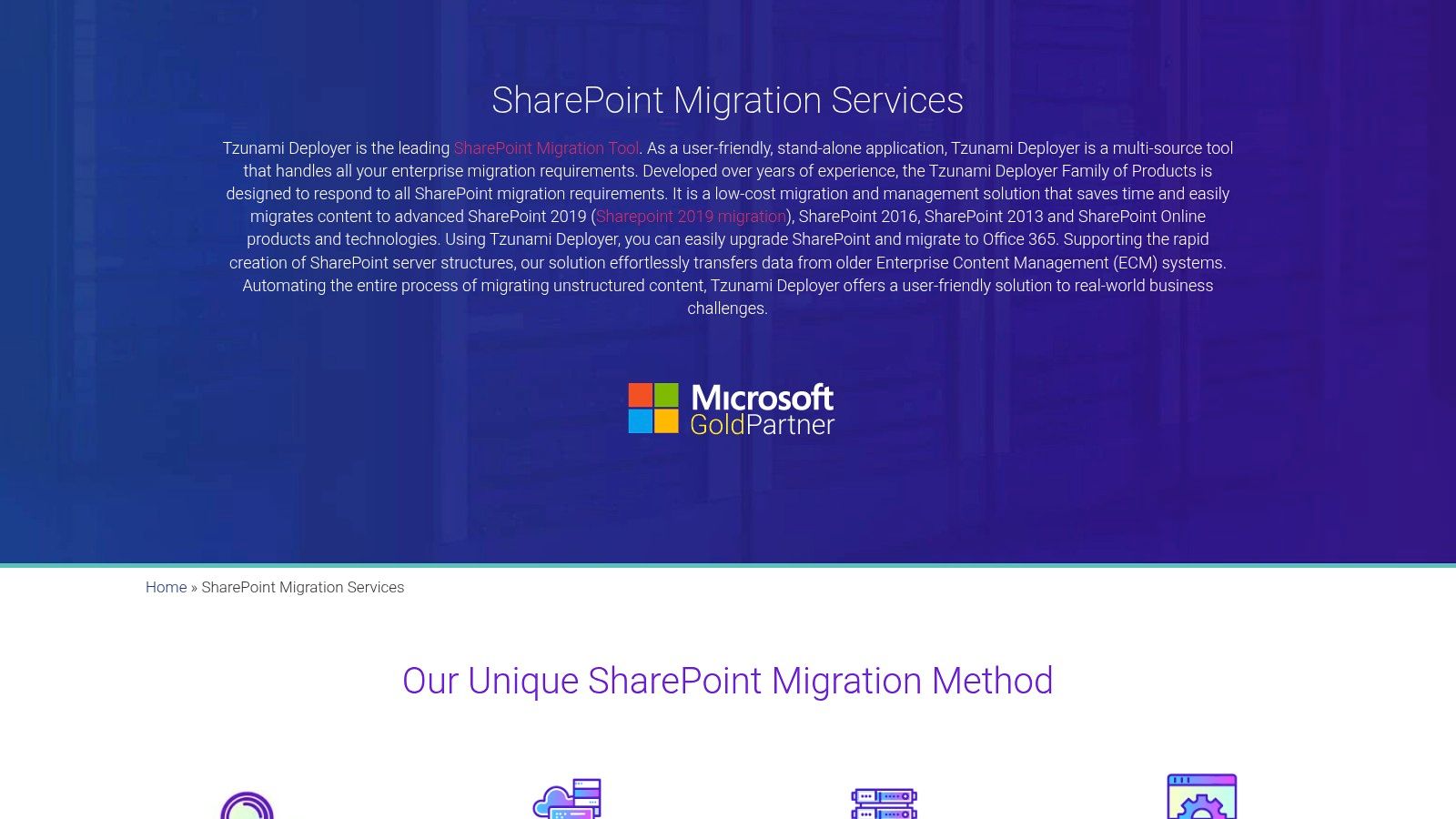
Tzunami Deployer is a veteran in the migration space, a tool that shows its maturity in its deep support for a wide array of legacy Enterprise Content Management (ECM) systems beyond just old SharePoint versions. Its core differentiator is its methodology: it forces you to model the entire migration offline before a single file is moved. This "pre-flight" approach allows your team to map out complex source structures, define rules, and run validation routines to catch show-stoppers like long URLs or blocked file extensions before the migration job even starts.
Core Capabilities and Limitations
The strength of Tzunami lies in this meticulous planning phase. For migrations from complex, non-Microsoft sources like Documentum or OpenText, this offline modelling is not just a feature; it's a necessity. It provides a structured way to handle the messy reality of dissimilar metadata and permission models. However, this strength comes at a cost. The user interface feels dated and less intuitive than modern, wizard-driven tools. It’s a powerful engine that demands an expert operator. Without significant hands-on expertise, your team will struggle to define the correct rules and mappings, leading to a migration that is technically complete but functionally useless.
The Ollo Verdict
Tzunami Deployer is a specialist tool for a specific, painful scenario: extracting data from old and obscure ECMs. We see it as a powerful extraction and analysis engine rather than a complete migration platform. You can use it to pull content and metadata into a staging environment where you can then apply further remediation and governance before the final push to Microsoft 365. For a direct SharePoint-to-SharePoint move, its complexity is often overkill. Your team will achieve results faster with other third party SharePoint migration tools unless the source environment is exceptionally convoluted.
Website: https://tzunami.com/sharepoint-migration/
10. Vyapin Dockit Migrator for SharePoint (DocKIT)
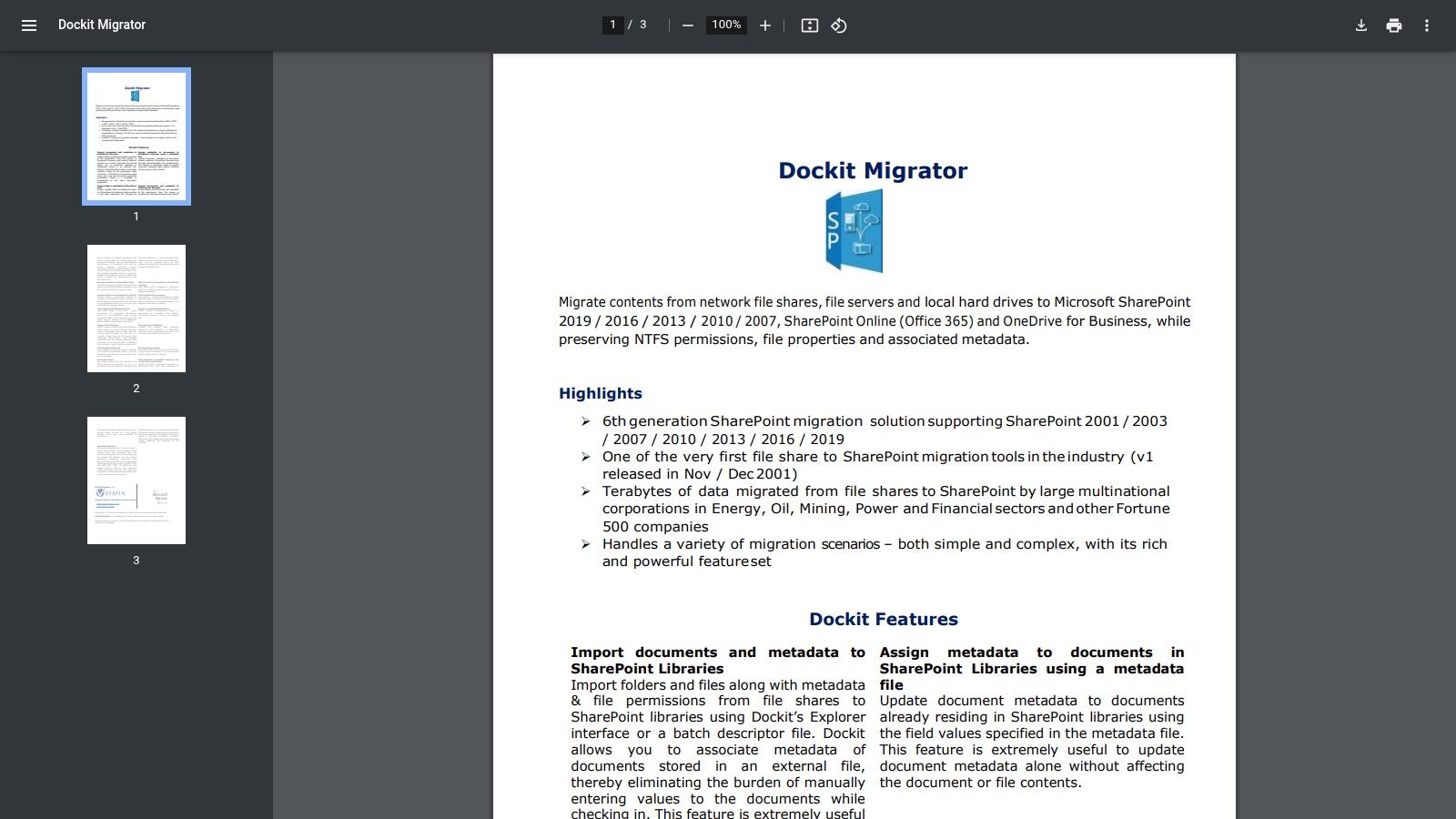
Vyapin's Dockit Migrator, often called DocKIT, is a veteran Windows-based tool with a specific, powerful niche: highly structured, repeatable document migrations. Its core strength lies in its use of CSV files to drive bulk import, export, and metadata injection. This makes it an ideal choice for projects where you are moving well-organised file shares into SharePoint libraries and need to enforce strict metadata tagging, such as applying document IDs, retention labels, or content types based on source folder structures. It's a workhorse for cleaning up and organising content as it moves.
Core Capabilities and Limitations
DocKIT excels where other tools offer clumsy UI-based mapping. By defining all your source files, destination libraries, and metadata columns in a CSV, you create a repeatable, auditable migration plan that can be scripted and automated. This is exceptionally useful for phased migrations or for organisations that regularly acquire and onboard data from external systems into SharePoint. The downside is its legacy focus. The user experience feels dated compared to modern SaaS platforms, and it is squarely aimed at SharePoint libraries and lists. It offers little for migrating modern Teams structures, Planner boards, or other complex M365 workloads. It is a specialist tool for a specialist job.
The Ollo Verdict
Use DocKIT for structured file share migrations where metadata injection is the primary challenge. Its CSV-driven engine is more precise than many graphical tools for this specific task. However, your team will find it completely inadequate for a full tenant-to-tenant migration involving Teams and modern sites. It is one of many third party SharePoint migration tools that solve one problem well but create a false sense of security if you misapply it to a broader, more complex M365 project.
Website: https://www.vyapinsoftware.com/Resource-Files/Brochures/DocKIT-Brochure.pdf
11. Saketa SharePoint Migrator
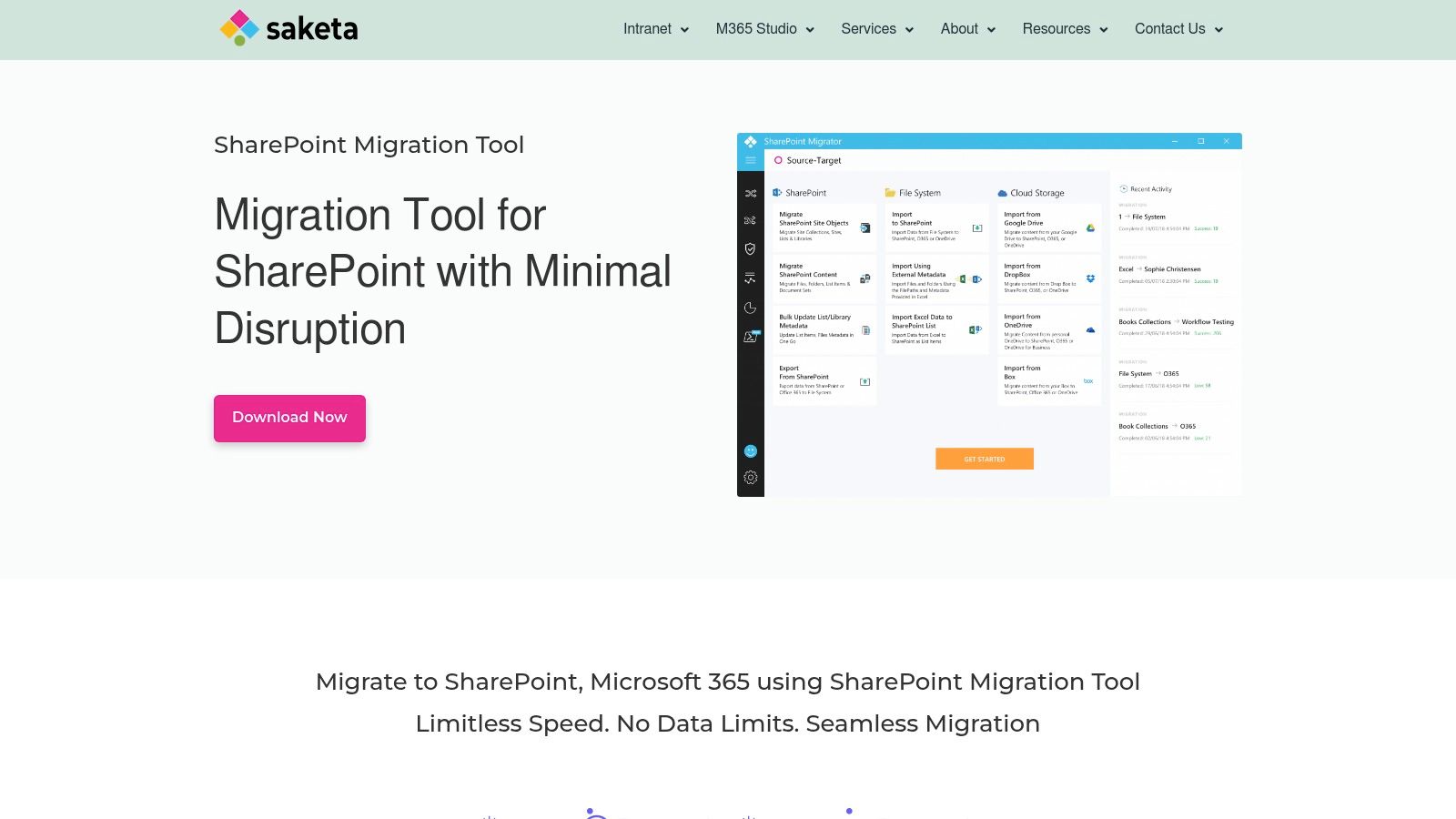
Saketa’s SharePoint Migrator is another desktop client tool that enters a crowded market of third party SharePoint migration tools, competing directly with incumbents like ShareGate. It covers the expected bases, handling migrations from older SharePoint versions (2010, 2013, 2016) and file shares into SharePoint Online and OneDrive. The tool provides pre- and post-migration analytics, selective content migration, and support for managed metadata, giving administrators a familiar set of controls for tactical content moves.
Core Capabilities and Limitations
Saketa distinguishes itself with PowerShell integration, which allows for scripting and automating migration tasks beyond what the GUI offers. This is a critical feature for repeatable, predictable outcomes. A notable strength is its explicit guidance for modernising InfoPath forms into Power Apps, a specific and painful migration sub-project many organisations face. However, like other client-side tools, its performance is bound by the machine it runs on, creating a bottleneck for large-scale projects. The smaller community and knowledge base mean your team is more isolated when troubleshooting esoteric permission issues or API throttling errors, compared to the extensive user forums for more established tools.
The Ollo Verdict
Saketa is a competent tool for small to mid-sized migrations, particularly if your team has a significant InfoPath liability to resolve and possesses strong PowerShell skills. The quote-based licensing requires you to engage their sales team, introducing a delay in evaluation. We see it as a viable option for technically adept teams on a budget who understand its architectural limitations. For any migration involving complex customisations, multiple terabytes of data across geo-distributed tenants, or regulated data requiring a defensible chain-of-custody, a desktop tool running on an admin’s machine introduces unacceptable risks.
Website: https://saketa.com/migrator/
12. DryvIQ (formerly SkySync)
DryvIQ, previously known as SkySync, is an enterprise-grade migration and synchronisation platform built for one primary purpose: moving massive, complex file estates with minimal business disruption. It’s not a simple desktop tool; it is an infrastructure solution designed to handle petabyte-scale migrations from sources like Box, Dropbox, Google Drive, and on-premises file servers into SharePoint and OneDrive. Its standout feature is its ability to perform a "continuous copy," creating a near-real-time synchronisation between the source and target. This drastically reduces the pressure and duration of the final cutover weekend.
Core Capabilities and Limitations
DryvIQ’s power lies in its policy-based engine and parallelism. It scales horizontally across multiple servers to tackle millions of files concurrently, bypassing the single-machine bottleneck of client-side tools. Its analysis and remediation are top-tier, automatically fixing forbidden characters and long path issues based on predefined rules, which is critical when moving from less restrictive systems like Box. However, this power comes with significant operational overhead. It is not a self-serve, click-and-go application. Deploying and configuring DryvIQ is a project in itself, requiring dedicated infrastructure and expertise. Its quote-based pricing model reflects its enterprise focus, making it unsuitable for small-scale or ad-hoc projects.
The Ollo Verdict
DryvIQ is one of the few third party SharePoint migration tools we consider for large, multi-terabyte migrations where business continuity is paramount. Its "sync and cutover" model is the correct approach for minimising downtime risk on complex projects. However, it is a specialist tool that demands a specialist team to operate it effectively. Your internal team will face a steep learning curve, and a misconfigured policy can have widespread consequences. We use it as part of a managed migration service, where we handle the architecture, configuration, and validation. For projects measured in terabytes and involving multiple legacy sources, DryvIQ is a powerful engine, but it requires a skilled driver.
Website: https://dryviq.com/sharepoint-migration/
Top 12 Third-Party SharePoint Migration Tools Comparison
Your Next Step: From Tool Selection to Risk Mitigation
You have now seen the arsenal of third party SharePoint migration tools available, from the developer-centric power of Quest Content Matrix to the SaaS simplicity of AvePoint Fly. Each has its place. ShareGate excels at straightforward tenant-to-tenant moves, while more specialised tools like Proventeq Migration Accelerator offer deep analysis for regulated industries. However, possessing a toolbox doesn't make one a master craftsman. The real challenge isn't picking a tool; it's orchestrating a migration that doesn't collapse under the weight of real-world complexity.
We see this repeatedly: an IT team, armed with a powerful migration license, hits a wall they never anticipated. The tool’s marketing promised a smooth path, but reality delivered API throttling that grinds the project to a halt for days, complex permissions that break inheritance chains, and thousands of "minor" errors that compound into a major data governance crisis post-migration. The cost isn't just the tool's license fee; it's the emergency overtime, the lost productivity, and the damaged credibility with business stakeholders.
Moving Beyond the Tool: A Framework for Decision-Making
Your selection process must be brutally honest and grounded in the specific technical debt and operational realities of your environment. Stop thinking about which tool is "best" and start asking which tool will fail you the least.
Here is a practical framework to guide your final decision:
- Quantify Your Technical Debt: Don't just estimate. Run pre-migration scans to identify the actual number of files with long path names, the exact count of broken permission inheritances, and the volume of customised legacy web parts. Your "small" problem might be a 100,000-item nightmare that will bring a standard tool to its knees.
- Pressure-Test the Edge Cases: The success of your project lives in the edge cases. Does your source data include heavily customised InfoPath forms, SharePoint Designer workflows, or solutions with deeply nested lookup columns? These are the exact scenarios where out-of-the-box tools falter, requiring custom scripting or manual remediation that wasn't in your project plan.
- Validate the "Last Mile" - Governance and Security: A migration isn't complete when the data is moved. It's complete when it's secure, compliant, and governed in the new environment. How does your chosen tool handle mapping permissions to Microsoft 365 Groups, applying sensitivity labels based on metadata, or ensuring retention policies are correctly attached? Ignoring this doesn't just create a messy SharePoint site; it creates a compliance breach waiting to happen.
- Assess Your Internal Risk Appetite: The decision to use a third-party migration tool is, fundamentally, a risk management exercise. When you select any external software, you are inheriting its security posture and operational limitations. This is a core tenet of managing vendor relationships, and it's why formalising your approach with third-party risk management software and processes is becoming standard practice in mature organisations. It forces you to ask: what is the business cost if this tool fails, corrupts data, or introduces a security vulnerability?
Ultimately, these tools are powerful accelerators, not magic wands. They excel at the 80% of migrations involving standard files and simple site structures. The remaining 20% - the complex permissions, the custom applications, the regulated data - is where projects fail. This is where the true cost of a SharePoint migration is determined. Your next step is to honestly assess if your project falls into that critical 20% and plan accordingly. Don’t let a tool’s feature list lull you into a false sense of security; your data, your compliance posture, and your reputation are on the line.
When the risks of data corruption, compliance failures, and project delays outweigh the cost of a tool's license, you need more than software. You need a dedicated partner who has navigated these failures before. Ollo provides the strategic oversight and deep technical expertise required for high-stakes migrations where failure is not an option. Visit Ollo to see how we turn migration risk into a competitive advantage.

















