



Before you buy another automation tool, your team has probably already seen the polished demo. Buttons click. Approvals route. Dashboards glow. Everyone leaves the call thinking the mess in operations, finance, or compliance is finally about to get cleaned up.
Then reality lands. Connectors throttle. SharePoint permissions unravel. A citizen developer hard-codes logic nobody documents. Your workflow works in test, then falls apart the first time it hits real enterprise data, real approval chains, and real Microsoft 365 constraints. If you're in Ireland and you operate in finance, healthcare, or energy, the risk gets worse because governance gaps don't just create rework. They create audit exposure.
I've spent enough time cleaning up failed automation and migration programmes to say this plainly. This isn't a guide to what business process automation tools can do. It's a guide to where they break, what kind of technical debt they introduce, and how to avoid building a brittle estate your team will resent six months from now. The global BPA market is projected to reach $19.6 billion by end-2026 at a 12.2% CAGR, but Irish regulated sectors don't get to play by generic low-code rules because zero-trust, auditability, and Microsoft 365 design constraints change the decision entirely, as noted in this BPA market projection.
If you're also evaluating adjacent options, it's worth exploring AI workflow automation solutions. But don't confuse more tooling with a safer architecture. Those are different conversations.
1. Microsoft Power Automate
Power Automate is the obvious first stop if your data already lives in SharePoint, Teams, Outlook, and the rest of Microsoft 365. That native fit matters. Your admins can apply tenant-level DLP, identity controls through Entra ID, and governance patterns that don't require bolting on another platform just to approve leave requests or route invoices.
That said, Power Automate creates more disasters than is generally acknowledged because it makes flow creation look easier than flow design. We often see clients fail when they let business users build production automations on top of badly structured SharePoint lists, oversized document libraries, and approval chains nobody modelled properly.
Where it breaks first
Microsoft Learn confirms the SharePoint 5,000-item list view threshold, but the documentation never saves you from the operational reality that throttling pain shows up much earlier in enterprise scenarios. Ollo's field experience with SharePoint migration and workflow estates shows performance degradation often starts around libraries with 2,000 items and complex metadata, especially when versioning is enabled, and discovery can consume 20% to 25% of the timeline before a safe redesign even begins, as detailed in Ollo's enterprise SharePoint migration analysis.
If your team wires cloud flows directly into those structures, you'll hit failed runs, duplicate actions, and corrupted metadata relationships. Then someone adds retry logic without understanding idempotency. Now you've automated the damage.
- Use it when your estate is already Microsoft-first: SharePoint, Teams, Outlook, and Microsoft Graph all reduce integration friction.
- Avoid naive connector chaining: Request limits and connector throttling punish copy-paste flow design.
- Govern approvals properly: Ollo's work on Power Automate approval workflow design focuses on approver resolution, tracking, and failure handling because that is where business workflows usually collapse.
Practical rule: If your automation depends on SharePoint permissions, inheritance, or cross-site content movement, treat it like architecture, not citizen development.
Ollo verdict
Use Power Automate for Microsoft 365-centric automation where governance already exists. If your data model is messy, your permissions are inconsistent, or your flows touch enterprise-scale SharePoint structures, don't let your team freestyle this. Bring in specialists and design the control plane first.
2. Azure Logic Apps
Logic Apps is what I recommend when Power Automate starts pretending it's an integration platform. If you need event-driven orchestration across Azure services, SAP, Service Bus, custom APIs, and Microsoft 365, Logic Apps gives you the engineering surface area that enterprise workloads need.
It also demands discipline. That's a strength, not a flaw. Teams that complain Logic Apps feels heavier usually mean they wanted production-grade integration without source control, deployment pipelines, monitoring, or proper secret handling.
The trade-off is intentional
Logic Apps fits organisations that already think in terms of environments, release management, Key Vault, telemetry, and infrastructure as code. Consumption plans handle bursty patterns well. Standard plans and isolated deployment patterns make more sense when regulated workloads need tighter control over connectivity and runtime behaviour.
The catch is simple. If your team doesn't have Azure engineering discipline, you'll build a brittle estate faster than with any low-code tool because now the blast radius includes networking, identity, deployment, and runtime configuration.
We often see clients fail when they buy Logic Apps to solve a workflow problem but never define ownership between infrastructure, application support, and business process teams. The platform can be excellent. The operating model often isn't.
- Strong fit for integration-heavy estates: Especially when workflows span M365, Azure Functions, Service Bus, and line-of-business APIs.
- Better for CI/CD than citizen development: ARM, Bicep, Terraform, and Azure DevOps patterns matter here.
- Regional deployment helps governance strategies: Particularly for organisations shaping EU residency and isolation requirements.
If your Microsoft estate already stretches into Azure landing zones, Ollo's Microsoft 365 and Azure services are the kind of support model that reduces platform drift before it becomes an operational mess.
The documentation tells you what you can deploy. It doesn't tell you who'll own the failures at 2am.
Ollo verdict
Use Logic Apps when your automation is really systems integration and you have engineers who can run it properly. If you want drag-and-drop convenience without engineering accountability, this tool will punish you.
3. Nintex Automation Cloud
Nintex still earns respect because it understands document-heavy process work better than many newer platforms. Forms, workflow, document generation, eSign, and strong SharePoint and Teams connectivity make it attractive for procurement, HR, controlled document handling, and approval-heavy operations.
That's the good part. The bad part is that organisations often buy Nintex to avoid engineering complexity, then recreate governance problems in a different interface. A rich forms and workflow layer doesn't rescue poor identity design, weak access control, or undocumented exceptions.
Where regulated teams trip up
In Ireland, governance isn't an optional enhancement to workflow design. It's part of the business case. A 2025 EU Commission angle highlighted in industry coverage found that 68% of IT Directors in Ireland cited governance gaps in citizen-developed automations as a top risk, while only 12% of BPA vendor documentation explicitly covered zero-trust redesigns or audit trail integrity for SharePoint-integrated workflows, as referenced in this BPA governance discussion.
That's the exact trap with Nintex and similar platforms. Teams focus on form design and happy-path routing, but ignore broken inheritance, audit gaps, and permission leakage inside Microsoft 365. Missing this step doesn't just create support tickets. It creates regulatory exposure.
Nintex can absolutely support enterprise workflow patterns. It just won't save you from your own governance negligence.
- Good at document-centric workflows: Especially where forms, approvals, generated artefacts, and signatures sit together.
- Risk rises with weak Microsoft 365 governance: SharePoint-integrated workflows inherit all the ugliness of the underlying permission model.
- Commercial complexity matters: Enterprise pricing and modules can expand total cost of ownership quickly.
Ollo verdict
Use Nintex when document workflows are your core need and your governance model is already mature. If your SharePoint permissions are chaotic, fix that first. Otherwise, you'll pay premium licence costs to automate disorder.
4. UiPath Business Automation Platform

UiPath is what you reach for when APIs don't exist, legacy interfaces won't die, and someone still needs a robot to click through a line-of-business screen that should've been retired years ago. It handles unattended automation seriously, and its governance, role-based access controls, and deployment flexibility make it credible in regulated estates.
I don't dismiss it. I also don't romanticise it. RPA is often the clean-up crew for bad architecture. Sometimes that's necessary. It still means you're automating fragility.
RPA solves the symptom, not the disease
UiPath gives you Orchestrator, Studio, unattended and attended robots, process discovery, and document understanding. That's useful. But if your business process automation programme leans too hard on screen automation, your team becomes dependent on UI stability, credential hygiene, and exception handling that grows uglier with every application change.
In regulated organisations, role-based governance helps. It doesn't erase the need for architectural simplification. We often see clients fail when they deploy bots as a substitute for redesigning data flows, identity boundaries, and approval authority.
Use UiPath when you must bridge systems that don't offer sane integration paths. Don't use it to avoid the harder conversation about retiring brittle manual steps and redesigning upstream processes.
If you're evaluating document AI and task orchestration together, Ollo's AI automation services are relevant because the hard part isn't adding intelligence. It's deciding where automation belongs and where it becomes another operational dependency.
Robots don't remove technical debt. They often hide it behind successful runs until a screen changes.
Ollo verdict
Use UiPath for legacy-heavy estates, unattended processing, and hard-to-integrate systems. If your Microsoft 365 architecture can solve the same problem through governed APIs and proper workflow design, do that first.
5. ServiceNow Flow Designer
ServiceNow Flow Designer works best when ServiceNow already owns the centre of gravity in your organisation. If ITSM, CSM, or GRC lives there, automating approvals, fulfilment, SLA-driven tasks, and record-centric service work inside the platform makes sense. You keep process context close to the ticket, case, or request.
The trap is obvious. Too many teams try to turn ServiceNow into their universal automation layer just because they already pay for it. That usually creates expensive sprawl.
Strong platform, expensive mistake when misused
Flow Designer and IntegrationHub give you no-code automation, subflows, triggers, actions, and API connectivity through spokes. Governance is stronger than what you'll get in many ad hoc low-code estates because approvals, catalogues, and service constructs already exist.
But ServiceNow only feels efficient when your processes belong in ServiceNow. If your automation is tied to Microsoft 365 content structures, SharePoint permissions, Teams membership, and Entra ID design, Flow Designer won't remove that complexity. It just gives you another orchestration layer to debug.
We often see clients fail when they automate service workflows in ServiceNow but leave the underlying Microsoft 365 permission model untouched. Then approvals say one thing, file access says another, and audit trails stop lining up.
- Best fit: Existing ServiceNow estates with mature ITSM, CSM, or GRC operations.
- Bad fit: Organisations trying to justify broader BPA purely because the platform is already licensed.
- Big risk: IntegrationHub and add-ons can turn a sensible use case into an expensive architecture detour.
Ollo verdict
Use ServiceNow Flow Designer when the process is service-management-first. If your core automation problem lives inside Microsoft 365 governance and content architecture, don't outsource the problem to a service desk tool.
6. Appian
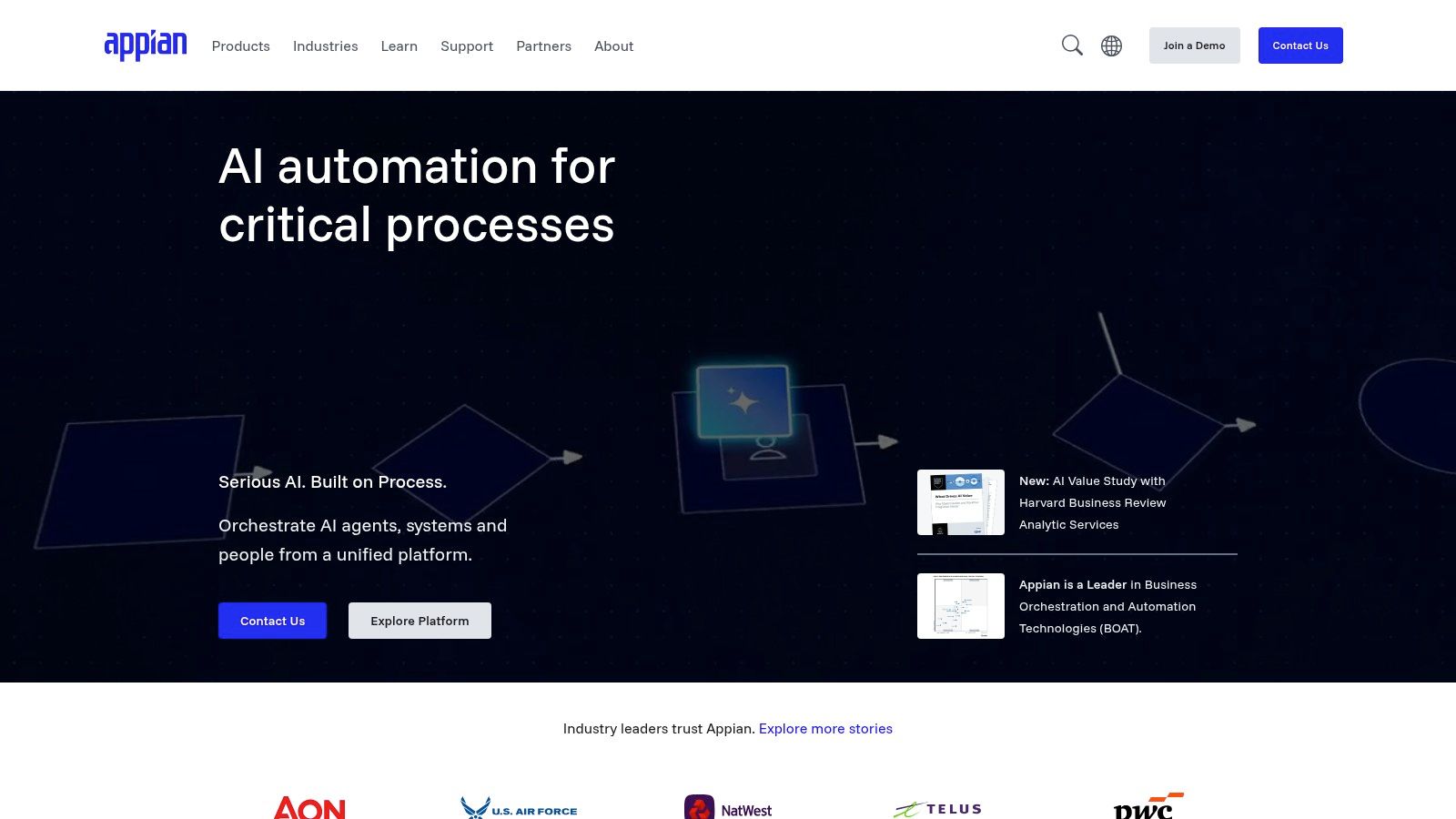
Appian is for organisations that need more than workflow. It combines BPMN modelling, case management, data fabric, process mining, RPA integration, and enterprise development lifecycle control in one governed platform. If your process spans multiple departments, regulated decision points, and long-running case work, Appian deserves serious attention.
It also punishes casual adoption. This isn't a toy for a business unit that wants to digitise one approval chain and figure governance out later.
Enterprise capability means enterprise responsibility
Appian can support in-region deployment options and enterprise-grade availability patterns, which matters when data residency and operational control sit under scrutiny. But the platform only works if your team accepts governed development, release management, and ownership boundaries.
That governance burden is exactly why many smaller automation efforts inside large firms fail. Business leaders buy a platform with case-management power, then try to run it like a departmental low-code tool. The result is predictable. Half-built applications, weak release discipline, and process logic scattered across designers and handoffs no one fully owns.
Appian is powerful because it forces you to think in end-to-end process terms. That's also why it gets rejected by teams looking for shortcuts.
Appian rewards operating maturity. It exposes organisational laziness fast.
Ollo verdict
Use Appian for complex, cross-functional case management where governance and lifecycle control are paramount. If your team wants quick wins without platform discipline, you'll create a very expensive backlog.
7. Pega Platform
Pega has lived in high-volume, regulated process environments for years. That shows in its case lifecycle management, decisioning, guardrails, and support for complex operational flows where throughput, consistency, and controlled routing matter more than flashy low-code demos.
It isn't lightweight, and that's often a benefit. Some process problems should feel heavy because the regulatory and operational consequences are heavy.
Best for complexity you can't simplify away
Pega makes sense in organisations dealing with intricate customer operations, regulated service processes, and large-scale case handling that needs decisioning logic alongside workflow. EU control options also matter for firms under stricter regulatory scrutiny.
But I see the same implementation mistake repeatedly. Teams buy Pega because they know their processes are chaotic, then refuse to clean up ownership, data boundaries, and exception paths before modelling begins. The platform can encode complexity. It can't make unmanaged complexity sane.
If you're still deciding whether your process belongs in a heavyweight low-code platform at all, this view on low-code automation platforms is the right sanity check. The wrong platform choice usually starts with confusing complexity with maturity.
- Strong fit: Regulated, high-throughput case and decisioning environments.
- Weak fit: Teams that need a quick departmental workflow builder.
- Real risk: Procurement and commercial models can become part of the architecture problem if stakeholders don't align early.
Ollo verdict
Use Pega when your process needs enterprise case management and decisioning at scale. If your Microsoft 365 estate is the actual bottleneck, fix the Microsoft 365 architecture first instead of wrapping complexity in another platform.
8. Camunda Platform 8
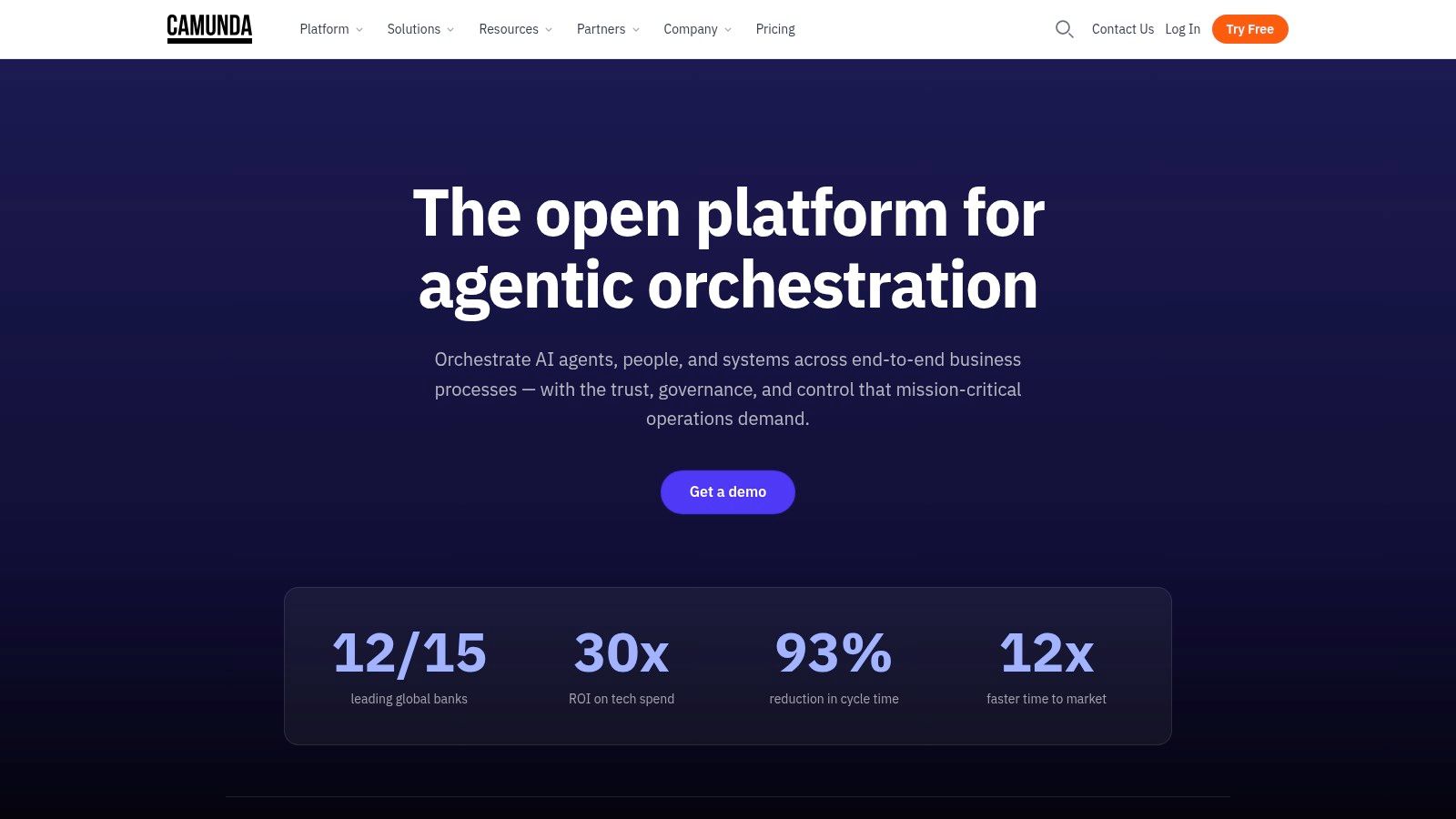
Camunda is what I recommend to engineering-led teams that want orchestration without surrendering their architecture to a mega-suite. BPMN and DMN support, the Zeebe engine, external task patterns, and strong observability tooling make it excellent for orchestrating microservices and human work across heterogeneous systems.
This is not a comfort blanket for non-technical departments. That's a good thing. Camunda doesn't pretend developers and business users want the same operating model.
Precision over convenience
If your estate already runs modern services, event-driven workloads, and APIs that deserve proper orchestration, Camunda gives you control without locking your process brain inside a proprietary business app layer. Operate and Optimize support process visibility in ways many low-code tools don't.
The catch is straightforward. Camunda expects engineering capacity. If your organisation says it wants orchestration but wants form builders, drag-and-drop administration, and business-led change with minimal technical involvement, you'll generate friction immediately.
We often see clients fail when they buy a developer-first platform for a governance problem. Tooling won't rescue weak ownership models. Camunda is excellent when engineers own process execution as code-informed architecture. It isn't a shortcut around that.
Ollo verdict
Use Camunda when your automation programme belongs to engineering and your systems already speak API. If your bottleneck is SharePoint permissions, tenant design, or Microsoft 365 governance, start there instead.
9. FlowForma Process Automation
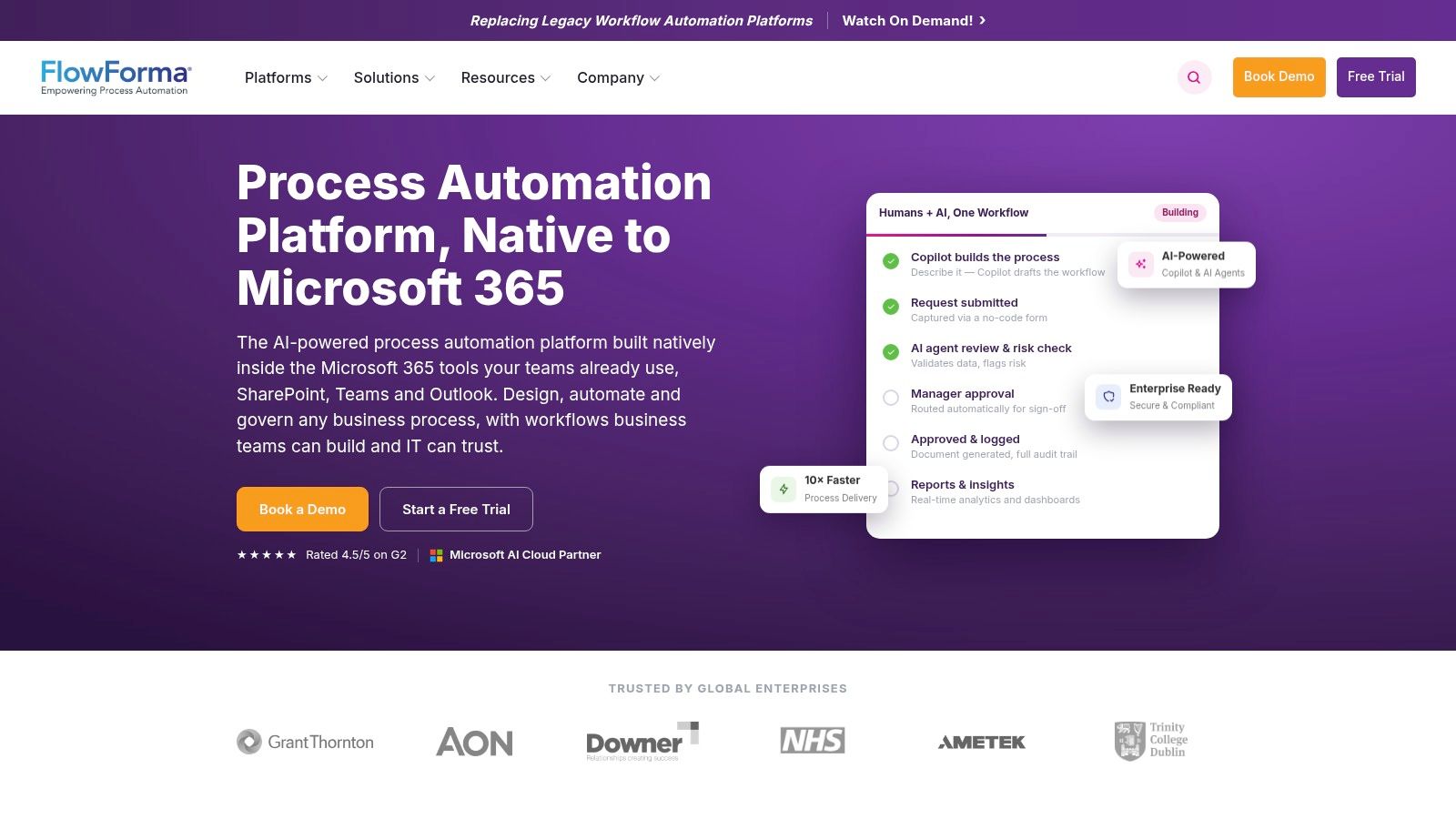
FlowForma is one of the more sensible options for Microsoft 365-centric organisations that want no-code forms and workflows while keeping process data inside their own tenant. That matters in Irish organisations that care about data posture, tenant governance, and minimising unnecessary platform sprawl.
I like the premise. I also know exactly where the danger sits. SharePoint-native automation inherits SharePoint-native mistakes.
Tenant-native doesn't mean risk-free
FlowForma aligns well with Microsoft 365 permissions and storage models. That's useful, particularly for firms trying to avoid external data silos. Simpler licensing than giant BPM suites also makes it attractive for focused process digitisation.
But your team still has to deal with the ugly parts of Microsoft 365. Permissions drift. Broken inheritance. Poorly structured libraries. Half-governed external sharing. Those issues don't disappear because the form builder is cleaner.
In Ireland and the broader EU, 84% of SharePoint migration projects fail due to poor scoping, lack of stakeholder buy-in, and inadequate data cleansing before migration, according to this SharePoint migration webinar deck. The same failure pattern shows up in automation. Teams automate before they inventory content, permissions, and process ownership. Missing that step doesn't just delay a project. It can break legal compliance where audit trails are mandatory.
If your organisation still runs critical work in spreadsheets and ad hoc lists, these signs you've outgrown spreadsheets usually appear before automation debt becomes obvious.
Your forms can be elegant while your permission model is rotten. Users only notice after exposure happens.
Ollo verdict
Use FlowForma when you're committed to a Microsoft 365-first operating model and you've already cleaned up your tenant. If not, you're just building polished workflows on unstable ground.
10. WEBCON BPS
A familiar failure starts like this. The business wants stronger workflow than SharePoint and Power Automate can safely deliver, so IT adds WEBCON as the process layer. Six months later, approvals are running, but identity mappings are inconsistent, documents live in two governance models, and nobody can explain which system owns the audit trail.
That is the WEBCON decision.
WEBCON BPS fits organisations that already run heavily on Microsoft 365 but need a proper BPM engine for case management, routing, and controlled deployments. It gives you more discipline than native list-and-flow sprawl. That matters. So do the new fault lines you introduce the minute process logic sits outside the platform where users still store content and collaborate.
The product is strongest in SharePoint-adjacent estates that have already accepted a hard truth. Microsoft 365 is not a BPM architecture. WEBCON brings versioned workflow design, deployment controls, API access, webhook support, and tighter handling for more complex process paths. If your team has outgrown basic automation but does not want the cost and operational overhead of a full-scale enterprise suite, WEBCON can be a sensible middle path.
It is also a classic source of hidden architecture debt.
The break point is not forms or workflow logic. It is system ownership. Who owns the record. Who owns permissions. Which directory attributes drive routing. Where exceptions get handled. Which platform carries the authoritative audit trail when legal or finance asks hard questions. Teams that treat those as implementation details usually end up with a process estate that works in demos and fails under scrutiny.
WEBCON is a good fit when you want an external BPM engine and you are willing to govern it like one. It is a bad fit for teams looking for a tidy add-on to compensate for weak Microsoft 365 design. That shortcut fails often, and it fails expensively.
- Use it for: SharePoint-heavy environments that need stronger workflow control, case handling, and release discipline than native Microsoft tooling can provide.
- Watch for: Identity mapping, audit ownership, integration boundaries, and document lifecycle rules across both platforms.
- Avoid: Treating WEBCON as a cosmetic upgrade while your tenant, content model, and security design are still a mess.
Ollo verdict
Use WEBCON when you have a clear architecture owner and the discipline to define system boundaries up front. If you do not, you are not buying control. You are buying a second place for process debt to hide.
Top 10 Business Process Automation Tools Comparison
| Platform | ✨ Best fit / Unique | Key risk / Reality (battle-hardened) | 💰 Pricing & procurement | ★ Governance / Maturity | 👥 Target audience |
|---|---|---|---|---|---|
| Microsoft Power Automate | Native M365 + desktop RPA; EU Data Boundary coverage ✨ 🏆 | We often see clients fail when naive flows hit API Throttling/connector limits, requires batching/partitioning. (Confirmations in Microsoft Learn re: throttling/request limits.) DIY = high-risk; hire Ollo to reduce risk. | Per-user/flow + connector SKUs; hidden entitlements at scale 💰 | ★★★★ (Strong Entra/Dataverse governance) | 👥 M365-first IT teams in regulated sectors |
| Azure Logic Apps | iPaaS-grade orchestration, VNET/ISE isolation, wide connector library ✨ | We often see clients fail when treating Logic Apps as citizen code, needs Azure infra, CI/CD and quota-aware design. (See Microsoft Learn quotas/limits.) DIY risky; Ollo mitigates operational risk. | Consumption (scales) or Standard plans; cost-efficient for bursty loads 💰 | ★★★★★ (Enterprise DevOps & monitoring) | 👥 Integration/DevOps teams, SAP/Service Bus estates |
| Nintex Automation Cloud | Workflow + forms + doc-gen + eSign; strong SharePoint connectors ✨ | We often see clients fail when TCO and add-ons escalate at scale, procurement & partner engagement required. DIY risky for regulated migrations. | Enterprise-tier, quote-based; partner sales common 💰 | ★★★★ (Mature for document-centric processes) | 👥 Document-heavy teams, public sector buyers |
| UiPath Business Automation Platform | Unattended/attended robots, doc understanding, EU regions & on‑prem option ✨ | We often see clients fail when ignoring multi-SKU licensing and robot infra needs; orchestration & cost ops required. DIY risky without specialised ops. | Multi-SKU enterprise pricing; negotiation required 💰 | ★★★★ (Robust RBAC & governance) 🏆 | 👥 RPA-first automation teams, high-volume document processing |
| ServiceNow Flow Designer | No-code automation inside Now Platform; SLA-aware flows & catalog ✨ | We often see clients fail when buying Flow Designer without owning Now Platform, licensing balloons and dependences emerge. Ollo reduces platform-fit risk. | Tied to Now Platform licensing; can be expensive if not already licensed 💰 | ★★★★ (Excellent governance if on-platform) | 👥 Organisations already invested in ServiceNow/ITSM |
| Appian | Low-code BPMN/case management, data fabric, in-region backups ✨ | We often see clients fail when lacking governed dev lifecycle and release management; platform adoption needed. DIY risky for regulated estates. | Enterprise, quote-based pricing; procurement-led 💰 | ★★★★ (Enterprise BPM & resiliency) | 👥 Case-management and regulated operations teams |
| Pega Platform | Model-driven case automation, decisioning, EU Service Boundary option ✨ | We often see clients fail when procurement/consumption models are misunderstood, complex engagements and cost models. Ollo helps navigate fit/gov. | Quote-based and consumption elements; complex commercials 💰 | ★★★★ (Proven at scale in regulated scenarios) 🏆 | 👥 High-throughput regulated enterprises |
| Camunda Platform 8 | Developer-focused BPMN/DMN orchestration; EU-hosted SaaS & observability ✨ | We often see clients fail when treating Camunda as low-code, significant engineering investment required. DIY risky for mission-critical migrations. | Transparent SaaS plans; engineering cost centre model 💰 | ★★★★ (Strong observability & developer control) | 👥 Engineering teams, microservice orchestration |
| FlowForma Process Automation | SharePoint-native no-code; tenant data stays inside M365; Ireland vendor ✨ | We often see clients fail when SharePoint limits are ignored, list/view thresholds and permission inheritance bite (Microsoft Learn confirms 5,000 item threshold). DIY risky; Ollo reduces migration/permission risk. | Simpler licensing vs mega-suites; M365-centric pricing 💰 | ★★★ (Good M365 governance alignment) | 👥 M365-centric organisations needing tenant-residency |
| WEBCON BPS | External BPM engine with deep SharePoint/Teams/Outlook surfacing ✨ | We often see clients fail when assuming pricing transparency, vendor engagement required; integrations need engineering discipline. Ollo reduces integration risk. | Quote-based licensing; partner sales typical 💰 | ★★★★ (Strong SharePoint integration patterns) | 👥 SharePoint-heavy estates wanting robust external BPM |
Your Next Move: From Tool to Architecture
A team picks a shiny automation platform, wires up a few approvals, demos it to leadership, and declares victory. Six months later, the first audit lands, a cross-tenant change breaks group membership, SharePoint permissions have drifted beyond recognition, and nobody can explain why a workflow sent regulated data to the wrong people. That is how technical debt gets disguised as transformation.
Enterprise automation fails at the edges first. Identity. Permissions. Retention. Exception handling. Operational ownership. In Microsoft 365 estates, workflow logic collides with SharePoint libraries, Teams membership, Entra ID controls, audit requirements, and content sprawl. Product demos hide that mess. Production exposes it fast.
That is the buying decision. You are not choosing a tool. You are choosing the failure mode you are willing to live with.
In regulated Irish organisations, governance mistakes become security incidents, audit findings, and expensive rework. The pattern is consistent. Teams try to build serious process automation on top of immature permission models, weak environment controls, and undocumented dependencies. Then zero-trust changes, DLP policies, or tenant restructuring arrive and the workflows start lying. Approvals route to the wrong people. Records land in the wrong place. Audit trails stop telling a clean story.
Migration-heavy programmes make the risk worse. Automation tied to Microsoft 365 restructuring or tenant consolidation inherits every bad assumption in the source environment. Discovery gets rushed. Dependencies stay hidden. Cost estimates collapse. A rollback turns into a business outage. The point is simple. If your process automation is attached to a migration, the architecture matters more than the workflow designer.
Microsoft's cross-tenant SharePoint migration guidance makes the same problem obvious. Limits exist. Queueing exists. Dependency planning matters. Starting small matters. Teams that ignore those constraints usually break permissions, memberships, and downstream workflow behaviour. That is not a migration footnote. It is a direct warning about automation architecture. You can read the details in Microsoft's cross-tenant SharePoint migration guidance.
My recommendation is blunt. Use simple tools for simple jobs. Use Power Automate when the Microsoft 365 estate is already governed properly. Use Logic Apps or Camunda when engineers need explicit control over integration and orchestration. Use UiPath when legacy UI scraping is unavoidable and you accept the support burden. Do not pretend a low-code canvas will save a bad identity model, a dirty SharePoint estate, or a rushed tenant split.
DIY becomes a guaranteed path to failure when automation depends on regulated data, unstable permissions, cross-tenant movement, or zero-trust redesign. At that point, the tool choice is secondary. The design review is the project.
Ollo handles that layer. Microsoft 365 and SharePoint migrations, Entra ID redesigns, rescue migrations, governed automation patterns, ShareGate execution, and custom PowerShell PnP work when basic tooling stops short. That is not added complexity for its own sake. It is controlled delivery for environments where one bad assumption turns into months of remediation.
If you need extra delivery capacity, you can hire dedicated AI automation engineers. Do not hand them a broken architecture and expect a good outcome.
If your Microsoft 365 automation programme touches regulated data, complex SharePoint structures, cross-tenant migration, or zero-trust redesign, talk to Ollo before your team hard-codes technical debt into the foundation.

















