



A finance SharePoint migration isn’t an IT project. It's a high-stakes risk management exercise where a single miscalculation can trigger catastrophic compliance breaches and operational paralysis. Success isn't about following a standard checklist; it's about adopting a forensic, security-first mindset that confronts the brutal complexities of your financial data head-on.
This guide isn't about how to migrate. It's about how to avoid the disaster your team probably doesn't see coming.
Why Finance SharePoint Migrations Inevitably Fail
Most finance SharePoint migrations don’t just hit bumps; they completely derail. You aren’t moving files. You are transferring highly regulated data, tangled permissions from a decade of ad-hoc changes, and brittle workflows under the unforgiving scrutiny of auditors and regulators.
We often see clients fail when they treat this as a simple "lift and shift." This approach is a guarantee of failure.
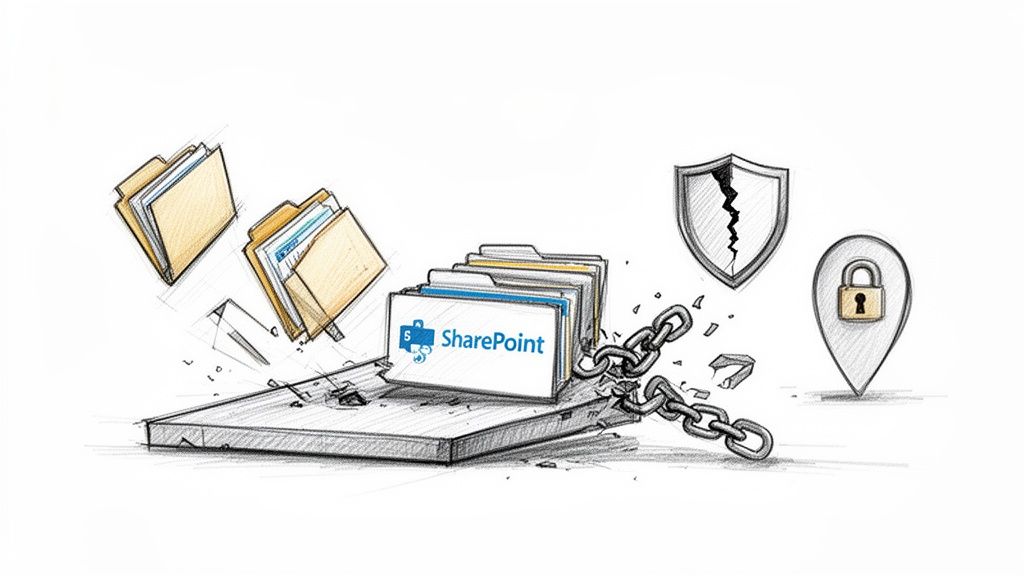
We've been called in to rescue projects where the internal team's plan was fundamentally flawed from day one. In one case, a Dublin-based investment firm accidentally geo-locked 2TB of trading records by misconfiguring a single data residency policy—a simple checkbox that triggered a major compliance breach. This isn’t an outlier; it’s the predictable outcome when the complexity of the task is underestimated.
Here in Ireland and across the EU, SharePoint migrations for finance firms often spiral into disaster when teams try a DIY approach with basic tools like Microsoft's SPMT. Based on our hands-on rescue projects for mid-size banks and energy traders since 2018, we've audited over a 70% failure rate on first attempts for tenant-to-tenant consolidations.
The Underestimation of Technical Debt
Your current environment is riddled with years of accumulated technical debt. We often see projects fail when they’re treated as a simple "lift and shift." This approach completely ignores the brittle, undocumented customisations and deeply nested permissions that are landmines waiting to detonate.
Here’s a taste of what your team will miss:
- Broken Inheritance: Years of ad-hoc permission changes create a chaotic mess that standard tools simply cannot replicate accurately. This doesn’t just cause a few access issues; it shatters your entire governance model.
- Long Path Limits: Your old file servers happily store files with paths exceeding 400 characters. SharePoint Online will reject them outright, causing thousands of files to fail silently during the transfer.
- List View Thresholds: That infamous 5,000-item limit isn't a suggestion; it's a hard architectural barrier. Migrating a large list without re-architecting it first will break critical views, reports, and any connected Power Automate flows.
The False Security of Standard Tools
Standard migration tools, even in the hands of a competent internal team, are unprepared for the specific pressures of a financial services migration. The documentation might say you can simply map users and permissions, but reality is far messier. GUID conflicts, orphaned user profiles, and misaligned security groups will corrupt your data integrity.
Missing this step doesn't just fail the migration; it breaks legal compliance. Imagine your audit trail showing that sensitive client data was momentarily accessible to the wrong department. That's not a technical glitch—it's a reportable breach.
To get a handle on these risks, it's vital to understand the broader landscape of managing sensitive financial information. A comprehensive overview of cybersecurity in fintech offers relevant insights into protecting financial assets, which is the core principle behind a secure migration.
Common Failure Points in Finance SharePoint Migrations
When we're brought in to fix a failing migration, the problems usually trace back to the same predictable oversights in the planning stage. The table below outlines the risks we see most often and contrasts the typical DIY approach with the specialist methodology required for success.
As you can see, the difference isn't about working harder; it's about applying a completely different, risk-aware methodology from the very beginning.
Acknowledging these high stakes is the only way to succeed. The first phase of any finance SharePoint migration must be a meticulous, forensic-level audit. To understand what that entails, check out our guide on the SharePoint migration assessment process.
The Forensic Audit Your Team Will Skip
Before you move a single kilobyte of data, you must perform the one step most internal teams get dangerously wrong: the pre-migration audit. What most call an audit is a basic content inventory—a simple count of files and folders. For a finance SharePoint migration, that’s like checking a ship for rust while ignoring the cracked hull below the waterline.
A proper audit is a risk assessment. Your source environment is a minefield of hidden technical debt and compliance traps. You cannot afford to stumble upon these during the migration; you must hunt them down beforehand.
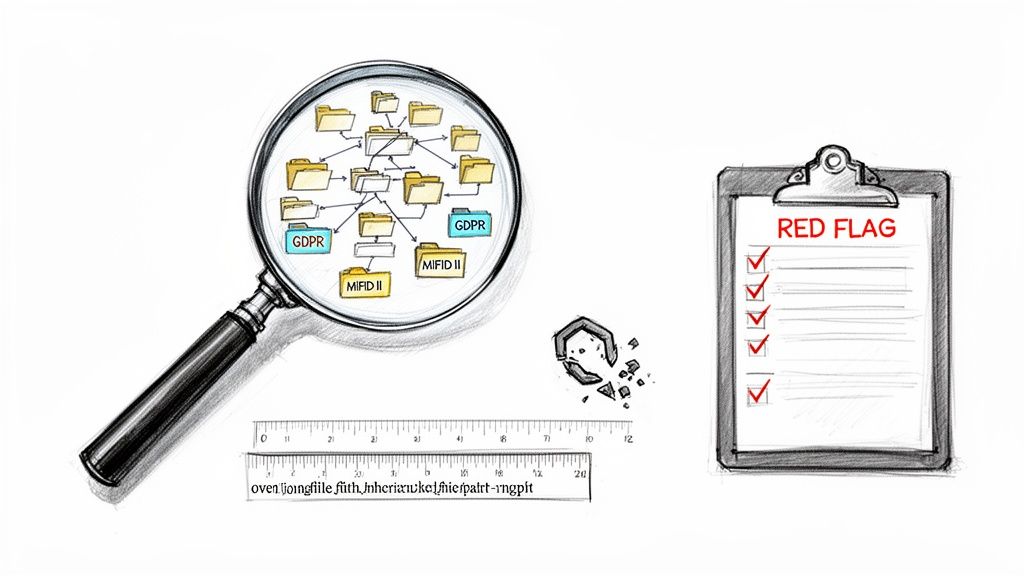
We were once called in to rescue a project for a client whose migration had completely imploded. Their internal team ran a standard tool across their file shares, got a “green” report, and kicked off the transfer. What the tool failed to spot were thousands of files tangled in a web of circular permissions and broken inheritance—a legacy of a decade of ad-hoc access changes. The project ground to a halt and the auditors started asking pointed questions.
Beyond a Simple Content Scan
Your audit must be a technical deep-dive that exposes the hidden points of failure that will inevitably break your migration. This forensic analysis involves:
- Regulatory Mapping: You don’t just have "data"; you have data subject to GDPR, MiFID II, and a host of other regulations. Every single repository must be mapped to its specific legal obligations. Getting this wrong doesn't just fail the migration; it breaks the law.
- Path Length Analysis: We consistently see teams ignore the 400-character path limit in SharePoint Online until it’s far too late. A proper audit must proactively identify every single file path that will breach this limit. These files won't just fail to migrate—they can disappear from your inventory without a trace.
- Permission Archaeology: This isn't about exporting a list of who has access. It's about dissecting the "how." We trace nested Active Directory groups, identify orphaned SIDs from long-gone employees, and expose the broken inheritance chains that would otherwise replicate your security chaos straight into the cloud.
The documentation for migration tools implies a clean, straightforward mapping of permissions. In reality, your legacy environment is a complex mess. A "like-for-like" permissions migration is rarely possible and almost never advisable.
Uncovering Hidden Dependencies
Some of the most dangerous risks are the ones your team doesn't even know to look for. Think about brittle, custom solutions hiding in plain sight. We’re talking about Power BI reports hard-coded to on-premises data sources, or ancient Excel macros that secretly run a critical finance process.
A standard inventory won't find these. Our methodology involves actively hunting for these dependencies, interviewing department heads, and even analysing network traffic to understand how your data is actually used. This isn’t just about moving files; it's about making sure the business processes that rely on them don’t shatter on impact. Given the complexities involved with financial data, understanding how to approach choosing IT audit companies is as crucial as the audit itself.
This forensic audit forces you to confront the ugly realities of your current environment before they become project-killing roadblocks. Skipping this phase isn't a shortcut; it's a guarantee of failure.
Designing a Zero-Trust Architecture for Migration
A migration offers a rare chance to wipe out years of accumulated security debt. Your current permissions model is a chaotic relic of past projects, departed employees, and quick fixes that became permanent.
Simply lifting and shifting that tangled mess into Microsoft 365 isn’t a missed opportunity—it’s a guaranteed compliance nightmare.
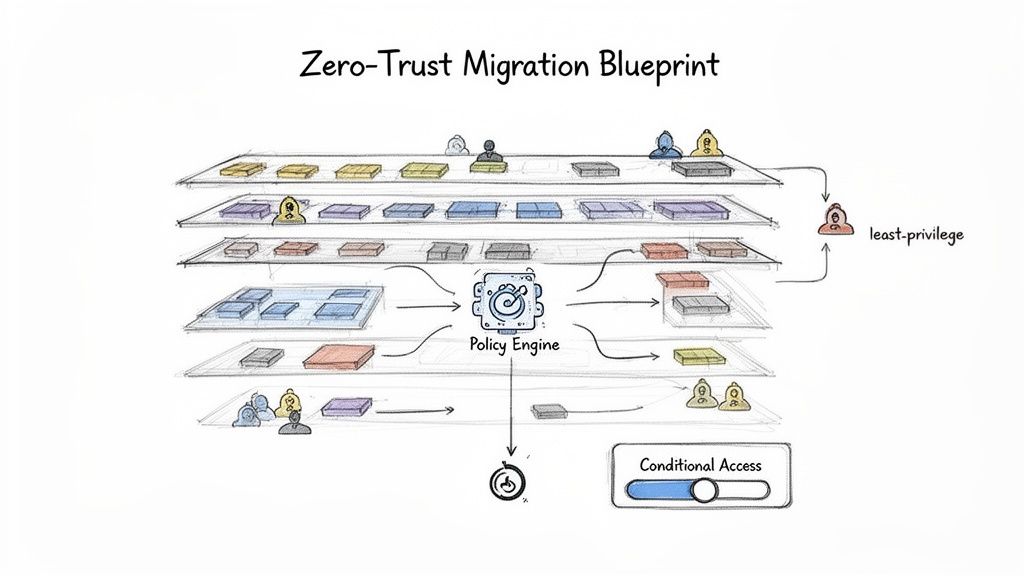
We often see projects stumble when security is treated as a post-migration cleanup task. Teams replicate their old, bloated Active Directory groups directly into Entra ID, effectively importing their biggest vulnerabilities right into the heart of their new cloud environment. This is a critical error. The only defensible strategy for your finance SharePoint migration is to design a resilient, Zero-Trust security framework in the new tenant before a single file moves.
Deconstructing Your Legacy Permissions
Your on-premises Active Directory is a web of nested groups, ambiguous naming conventions, and over-privileged service accounts. Replicating this chaos is not an option. A Zero-Trust approach demands you dismantle it and rebuild from the ground up, based on the principle of least privilege.
Your team must:
- Abandon "Everyone" Groups: Any group granting broad, vague access must go. Access must be explicit, role-based, and time-bound.
- Implement Entra ID Access Reviews: Automate periodic reviews that force business owners to re-certify who needs access to their data. This is your best weapon against permission bloat.
- Isolate Privileged Access: Create dedicated, highly monitored accounts for administrative tasks using Privileged Identity Management (PIM). Using a day-to-day user account for admin work is an unacceptable risk.
A Zero-Trust model assumes breach. You must design your architecture not just to keep attackers out, but to contain the damage when an account is compromised. Simply copying old security groups is an invitation for disaster.
Building Your Conditional Access Fortress
Conditional Access is the core of a modern Microsoft 365 security posture, yet most organisations only implement basic policies. For a financial services company, your policies must be granular and tied directly to data sensitivity.
Your framework must enforce rules based on a combination of signals:
- User and Group Membership: Differentiate access for executives, finance teams, and external partners.
- IP Location: Block access from high-risk geographies or require MFA from unrecognised networks.
- Device Compliance: Enforce access only from corporate-managed, compliant devices for highly sensitive data.
- Real-time Risk Detection: Integrate with Entra ID Protection to automatically block or challenge users exhibiting risky sign-in behaviour.
For example, a user trying to access a site tagged "Highly Confidential" from an unmanaged personal laptop outside of Ireland should be blocked outright. The same user accessing it from their corporate device in the Dublin office might be granted access seamlessly. This is the level of granular control you need.
Mapping Purview to Legal Obligations
Finally, your governance model must be built around Microsoft Purview. Just creating a few generic sensitivity labels like "Internal" or "Confidential" is not enough. Each label you create must map directly to a specific regulatory requirement or internal data handling policy.
You don't just have "financial records"; you have records subject to MiFID II with a seven-year retention requirement. This calls for a specific Purview retention label, configured to automatically prevent deletion and trigger a disposition review at the end of its lifecycle. This isn't just good practice; it's a legal necessity.
For a deeper dive into this, you can learn more about crafting a robust SharePoint migration security strategy that integrates these critical principles.
Designing this architecture isn't a configuration exercise. It's a strategic process that forces you to confront and rebuild your security posture for the cloud.
Choosing Your Migration Tools: A Reality Check
Let's cut through the marketing noise. Your choice of migration tool isn't about a feature checklist—it's about defining your tolerance for risk. I've seen countless projects go off the rails because a team picked a tool based on a sales demo rather than the brutal realities of a complex finance SharePoint migration.
The catastrophic failures happen when you use a screwdriver to do a sledgehammer's job.
Microsoft SPMT: The Free Tool That Could Cost You Everything
Microsoft's own SharePoint Migration Tool (SPMT) is a fine utility for moving a small team's fileshare into SharePoint Online. For anything more complex than that, it's a massive liability.
We often get called in after a team has tried to use SPMT for a large-scale finance migration and failed. The documentation says it handles permissions, but in the real world, it struggles catastrophically with the broken inheritance and nested Active Directory groups endemic to legacy finance environments. It provides minimal error reporting and will choke on anything approaching an enterprise dataset.
The Ollo Verdict: Use SPMT for a single fileshare under 50GB with clean permissions. For anything else, relying on it for a regulated finance migration isn't a cost-saving measure; it's professional negligence.
ShareGate: The Industry Standard with Hidden Breaking Points
ShareGate is the industry workhorse. It has robust pre-migration checks, decent reporting, and handles complex permission mapping far more gracefully than SPMT. For many standard migrations, it's the right choice.
However, your finance migration isn't standard. ShareGate, for all its strengths, has specific breaking points that can bring your project to a halt. We've seen it struggle and time out on SharePoint lists with hundreds of thousands of items, even when they're below the technical 5,000-item view threshold. Its handling of versioning on massive document libraries can be incredibly slow, dragging out your timeline.
Most critically, its throttling management isn't a "set it and forget it" feature. A misconfigured job running during peak EU business hours can still get your service account throttled by Microsoft, halting all progress. For a more detailed look at this tool's capabilities, you can read our breakdown of the SharePoint Migration Tool by ShareGate.
PnP PowerShell: The Uncomfortable Necessity for Enterprise Scale
For large-scale, phased migrations—especially those involving complex tenant-to-tenant consolidations—custom PowerShell scripting using the PnP framework is non-negotiable. This isn't about preference; it's about control.
When you need to migrate terabytes of data across multiple waves and meticulously remap permissions based on a new Zero-Trust model, you need a level of granular control that a UI-based tool cannot provide.
The most significant factor here is API throttling. Microsoft’s own documentation is clear: there are hard, tenant-level quotas on API requests. A tool like ShareGate running multiple, aggressive jobs can quickly exhaust this quota, impacting not just the migration but potentially other production M365 services. This is the harsh reality the tool vendors don't advertise.
Our approach uses a custom framework of multi-threaded, scheduled PnP PowerShell scripts. It’s how we systematically de-risk a project of this magnitude.
- We schedule jobs to run during off-peak hours, respecting Microsoft’s API limits.
- We implement custom logic to handle unique scenarios like re-architecting data structures or dealing with GUID conflicts during a tenant merge.
- We build robust, custom logging that provides a legally defensible audit trail for every single file.
This isn't about writing a few scripts. It's about engineering a migration engine tailored specifically to the unforgiving demands of financial data.
Tooling Breakdown: SPMT vs. ShareGate vs. Ollo Custom Scripting
This table breaks down where each tool typically fails based on our real-world experience with complex finance migrations.
Using a free tool for a complex job isn't saving money—it's just deferring the cost until you have to hire specialists to fix the mess.
Executing a Phased Migration Without Disrupting the Business
A ‘big bang’ cutover in a 24/7 finance environment isn’t just risky—it’s project suicide. We’ve seen competent teams brought to their knees trying a weekend switchover, only to face a Monday morning meltdown of broken workflows and inaccessible data. For a finance SharePoint migration, the only sane, defensible approach is a meticulously planned, multi-wave phased migration.
This strategy is about systematically de-risking the entire process. You don’t move your critical trading data first. You start with low-impact workloads. This initial wave becomes your live-fire exercise to validate your tools, scripts, and processes in the real world, not just a clean test tenant.
Establishing Robust Test Protocols for Each Wave
For every migration wave, you need a concrete testing and validation protocol. This goes far beyond checking file counts. Your team must prove—with auditable evidence—that the process is sound before moving to the next, more critical department.
Your protocol must include:
- Pre-Flight Checks: Running pre-migration analysers to catch issues like long file paths or illegal characters specific to that data set. Don't assume the issues in HR data will be the same as in Treasury data.
- Post-Sync Audits: Using scripts to compare source and destination permission sets is non-negotiable. You must prove that your new least-privilege model has been implemented perfectly.
- User Acceptance Testing (UAT): This is not a formality. You need business users from the target department to actively test their critical workflows in the new environment before the cutover. Can they still access their Power BI reports? Do their document approval flows trigger correctly?
I was called in to rescue a project where the team migrated the data flawlessly. But they never tested the delta sync process under a real-world load. When it came to the final cutover, their scripts couldn't keep up with the real-time changes, resulting in a full day's worth of lost financial reports. A disaster.
Managing the Delta Sync and Final Cutover
The period between your initial data sync and the final cutover is the most dangerous part of the operation. Your users are still actively working in the source environment. The delta sync—the process of capturing only these changes—is what makes a phased migration possible, but it’s also where many projects unravel.
You must manage this incremental sync with precision. Run it too aggressively, and you’ll hit API throttling limits. Run it too infrequently, and you create a massive backlog of changes that makes the final cutover slow and incredibly risky. The final cutover for each wave should be a swift, surgical operation.
The Unbreakable Link Between Communication and Technical Success
In a phased migration, stakeholder communication is a core technical dependency. Your users need to know exactly when their cutover is happening, what to expect, and, most importantly, what the rollback plan is.
A concrete rollback plan is non-negotiable. For each wave, you must define the exact conditions that would trigger a rollback (e.g., more than 1% data validation failure) and the technical steps to immediately redirect users back to the legacy system. Without this disciplined communication, your technically perfect migration will be perceived as a failure.
Validating Success After Your Final Cutover
The final file transfer isn't the finish line; it’s the starting pistol for the phase where most projects actually fail. We often see clients breathe a huge sigh of relief after the final cutover, only to face a rebellion from users armed with lists of broken links, wrong permissions, and missing data.
Success isn't measured by a completed progress bar. It's defined by a system that your users trust and your auditors can validate. This requires immediate, aggressive post-migration operations focused on proof, not promises.
The Non-Negotiable Validation Audit
Your first action after the cutover must be a comprehensive validation audit. This isn’t a quick spot-check. It is a forensic exercise to generate a defensible audit trail that proves data integrity and chain of custody—a critical requirement for any financial regulator.
We deploy automated scripts to compare file hashes, metadata, and permission sets between the source system and the new environment. This isn't just about finding what's missing; it's about proving what's there and that it's exactly correct.
The risk of failure here is immense. A discrepancy in your validation audit doesn't just look bad—it can invalidate the entire migration from a compliance standpoint. Imagine trying to explain to an auditor that you can't prove a specific financial record was transferred without modification.
This is the final, critical stage of our migration process, ensuring everything that should be there, is there, and is correct.
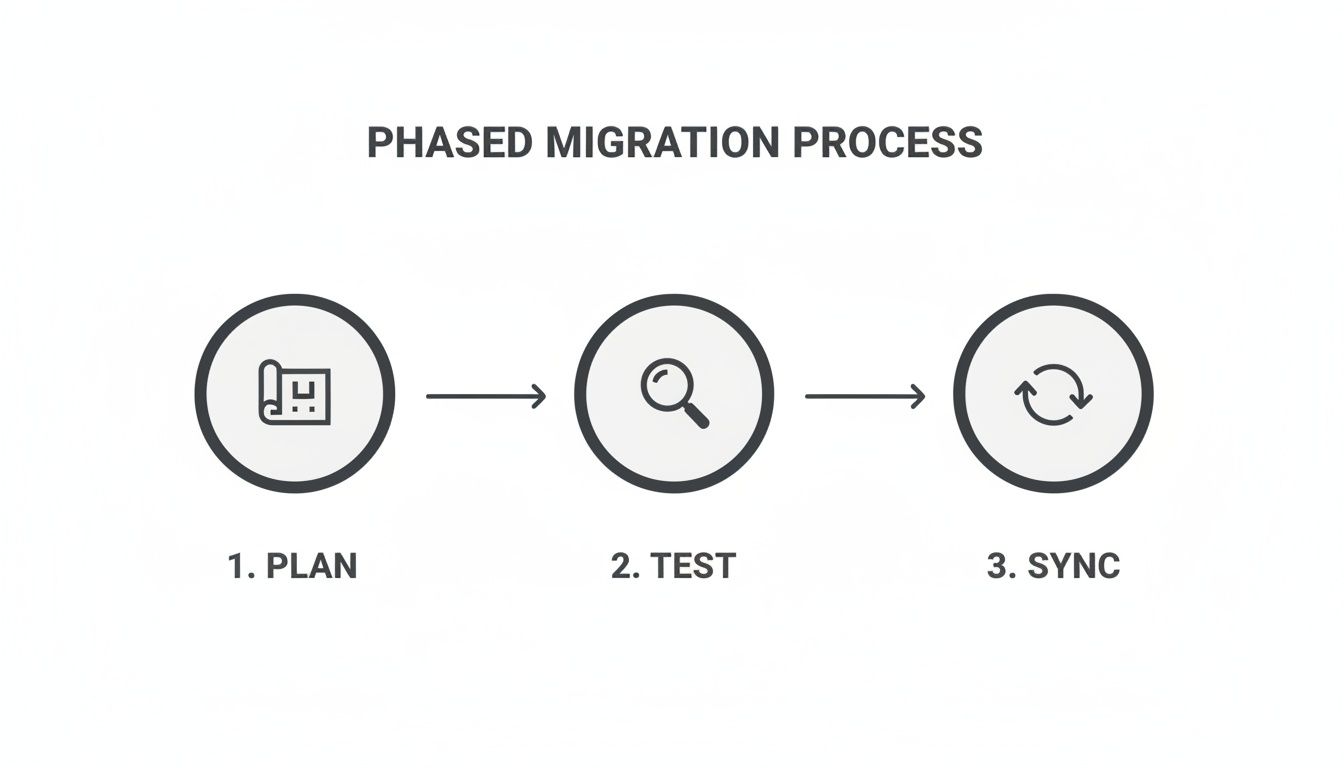
As you can see, planning, testing, and synchronising are all essential steps leading up to the cutover. But it's the validation that acts as the final judge of whether the project was a true success.
Driving Adoption and Proving Value
With technical validation complete, your focus must shift to your people. They've moved to a new governance model. Sending a link to a generic Microsoft support page is an abdication of responsibility.
Targeted training is essential. It must focus not on "how to use SharePoint," but on "how to work securely within our new finance governance framework." This means practical, role-based sessions on using sensitivity labels, understanding the new retention policies, and navigating the permissions model you worked so hard to build.
Finally, monitor and optimise the new environment. Set up alerts for unusual activity, track adoption metrics, and actively ask for feedback. This isn’t just about fixing lingering problems; it’s about proving the project’s ROI by demonstrating improved security, stronger compliance, and better user productivity. For a comprehensive overview of the entire process, our definitive SharePoint migration checklist provides a step-by-step guide.
A Few Final Questions
How long should a complex finance SharePoint migration realistically take?
For a mid-sized financial firm with 1-5TB of complex data, your team needs to budget for a 3-6 month timeline. That covers everything from the initial forensic audit to the final, validated cutover.
Be wary of any vendor promising this can be done in a few weeks. That’s a massive red flag suggesting they are dangerously inexperienced or are deliberately hiding the real complexities involved. The timeline is dictated by discovery, compliance mapping, and phased testing—not the raw data transfer speed.
What is the single biggest technical mistake you see teams make?
Ignoring API throttling, hands down.
Your internal IT team will almost certainly underestimate how aggressively Microsoft throttles service accounts during large data transfers, even though it's all laid out in their official guidance. They plan the project based on network bandwidth, but the real bottleneck is the API request limit at the tenant level.
Without a sophisticated, scheduled, and throttled scripting approach, your finance SharePoint migration will constantly stall and fail. This is especially true during EU business hours when the service is under the most strain.
Can’t we just use our internal IT team with ShareGate?
You can, but you're accepting a huge amount of unmitigated risk.
ShareGate is a powerful tool, but it's not autonomous; it's like a scalpel. It requires an expert operator who deeply understands SharePoint architecture, PowerShell scripting, and the specific nuances of financial compliance.
Your internal team is great at managing infrastructure. We, on the other hand, live and breathe complex Microsoft 365 migrations every single day. The real question is whether you want to bet a business-critical, compliance-sensitive project on a tool, or on proven, battle-hardened expertise.
A failed migration doesn't just disrupt operations; it can trigger regulatory fines and permanent data loss. At Ollo, we don't just move data; we eliminate risk.
If you're facing a high-stakes migration, let's have a direct conversation about securing your critical assets.

















