



Your team is probably stuck in the same argument we hear before troubled programmes go sideways. One camp wants a clean cloud cutover because it sounds simpler. The other wants hybrid because it feels safer. Both camps usually underestimate the part that causes the damage.
The mailbox move rarely kills the project. Identity, governance, coexistence overhead, and service limits do. That's why the right question in hybrid exchange migration vs cloud isn't which model looks cleaner on a slide. It's which failure mode your organisation can survive without breaking operations, audit posture, or user trust.
Here's the blunt version. If your estate is regulated, integrated, or politically difficult to change, hybrid often exists for a reason. If your on-prem footprint is mostly dead weight and your governance is mature, cloud-only can give you a cleaner end state. But either path fails fast when teams treat Exchange as “just email” instead of a control plane tied to Entra ID, directory sync, routing, permissions, and compliance.
| Decision area | Hybrid Exchange migration | Cloud-native cutover |
|---|---|---|
| Primary shape | Coexistence across on-prem and Exchange Online | One-way move to Exchange Online |
| Main advantage | Lower immediate cutover shock for phased moves | Fewer dependencies after cutover |
| Main risk | Long-tail operational drag and governance sprawl | High-stakes execution failure during migration |
| What usually breaks first | Connectors, Autodiscover, free/busy, attribute authority | Throttling, migration pacing, content constraints |
| Best fit | Regulated estates, phased business-unit moves, dependency-heavy environments | Simpler estates that can tolerate concentrated change |
| Business risk if mishandled | Ongoing support burden, unclear ownership, wider attack surface | Stalled migrations, incomplete moves, abrupt service disruption |
| My recommendation | Use when you must preserve control and phased coexistence | Use when you can prove governance, pacing, and rollback discipline |
Stop Asking Which Is Better and Start Asking Which Is Riskier
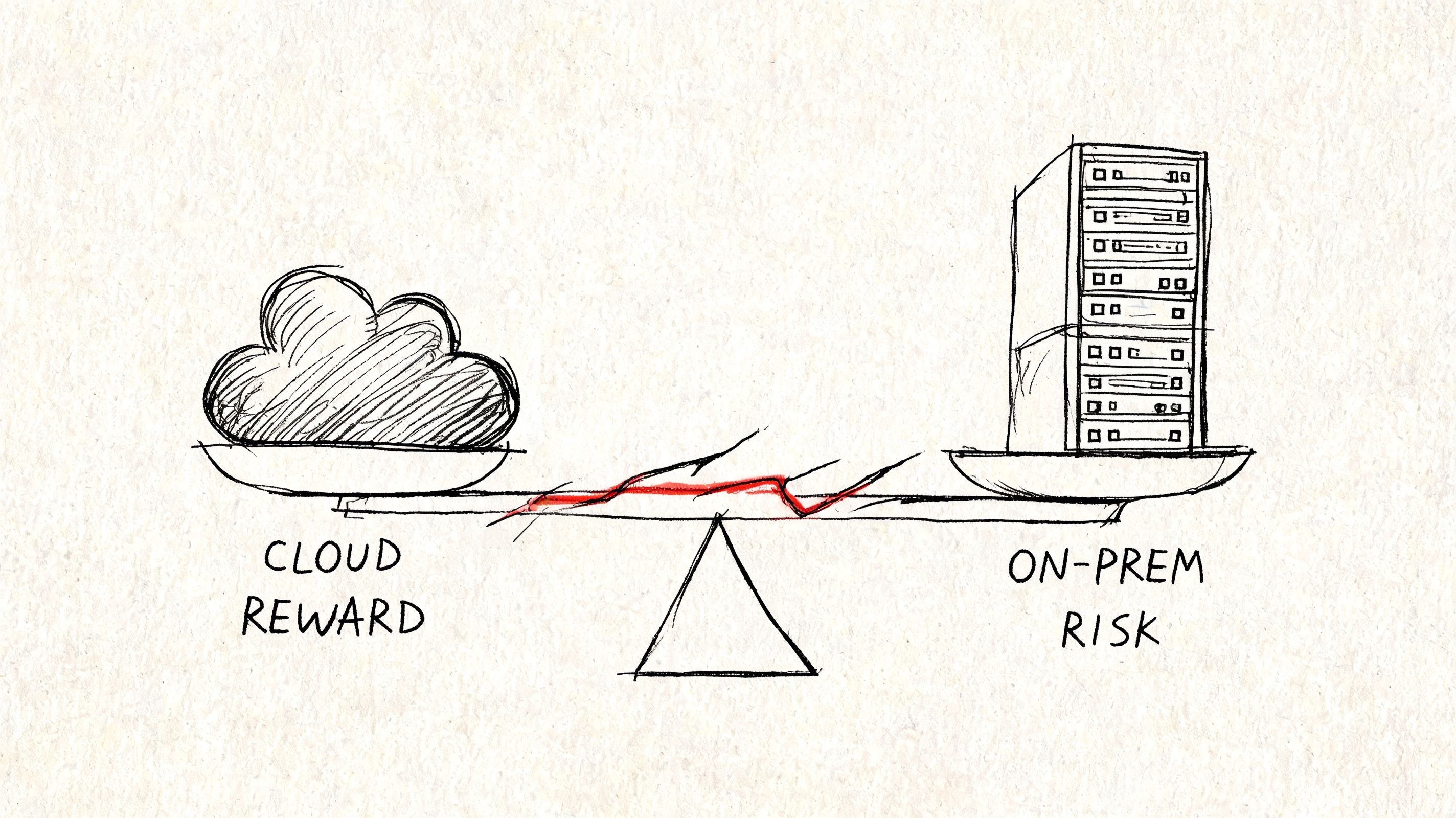
Most IT leadership teams frame this as a product choice. It isn't. It's a risk allocation decision.
Cloud adoption is already normal. According to Pump.co's cloud migration statistics summary, 94% of enterprise organisations use cloud computing, about 80% operate in a hybrid cloud model, and that figure is projected to reach 87% by the end of 2025. That should kill the lazy assumption that hybrid is a temporary embarrassment on the way to some pure-cloud ideal. In many enterprise estates, hybrid is the operating model. Not the waiting room.
We often see clients fail when they treat migration as a race. They fixate on destination and ignore operational design. That's how teams end up with broken mail flow, confused admin authority, and a tenant that technically works but can't be governed.
The wrong debate creates the wrong plan
A full cloud cutover concentrates risk into a narrower window. Hybrid spreads risk across a longer period. Neither option removes risk. It just changes where the blast radius lands.
If you want a useful non-Microsoft parallel, read Faberwork LLC insight on technical debt. The point applies directly here. Deferred architecture decisions don't disappear. They accrue operational cost until someone pays, usually during a change freeze, an audit, or an outage.
Practical rule: if your team can't describe the failure mode in advance, you're not choosing a migration model. You're gambling.
That's why this discussion has to move beyond feature comparison. Your risk isn't “hybrid versus cloud”. Your risk is unmanaged coexistence versus unmanaged cutover. Those are different disasters.
For a broader view of where these Microsoft 365 decisions usually intersect with tenant design, our Microsoft 365 online migration thinking is worth reading before anyone signs off a plan.
Defining the Paths Coexistence versus Cutover
People use these terms loosely. That's part of the problem.
Hybrid migration means you are running a coexistence architecture. You keep on-prem Exchange and Exchange Online connected. You preserve synchronisation, shared addressing logic, and cross-environment behaviour. That can be the right call, but don't pretend it's just a handy stepping stone. It is an operating model with real overhead.
Cloud-native migration means you're trying to move to Exchange Online and remove the old dependency chain as quickly as your estate allows. The attraction is obvious. Fewer moving parts after cutover. Fewer legacy servers hanging around because nobody wants to touch them.
What hybrid really means
Hybrid is not “a slower mailbox move”. It is sustained coexistence. Your team owns two environments, their trust relationship, and every place where they can disagree.
That includes:
- Directory synchronisation staying healthy over time
- Mail flow logic remaining predictable across both sides
- Recipient coexistence for users who haven't moved yet
- Operational ownership for attributes and admin boundaries
What cutover really means
Cloud-native isn't “simple”. It's concentrated. You remove dependencies after the move, but you accept far more pressure during execution. If timing, validation, or rollback discipline is weak, the failure is immediate and public.
A lot of IT leaders blur architecture and administration. They shouldn't. If you need a concise framing of where those responsibilities diverge, Remotely's explanation of software architecture and management roles is useful. Migration choices fail when nobody owns the boundary between design and operational control.
Hybrid protects continuity by keeping complexity alive. Cutover simplifies the future by making the present more dangerous.
That distinction should drive your planning. If your business can't absorb a hard event, hybrid may be mandatory. If your team can't operate coexistence cleanly, hybrid may become a slow-motion failure instead of a controlled transition.
If you're still evaluating the route from legacy Exchange to Microsoft 365, our guide to Exchange on-premises to Exchange Online migration covers the practical architecture choices behind that move.
The Reality of Hybrid Exchange Coexistence
Hybrid gets sold as the safe option because it reduces big-bang disruption. That's true. It's also incomplete.
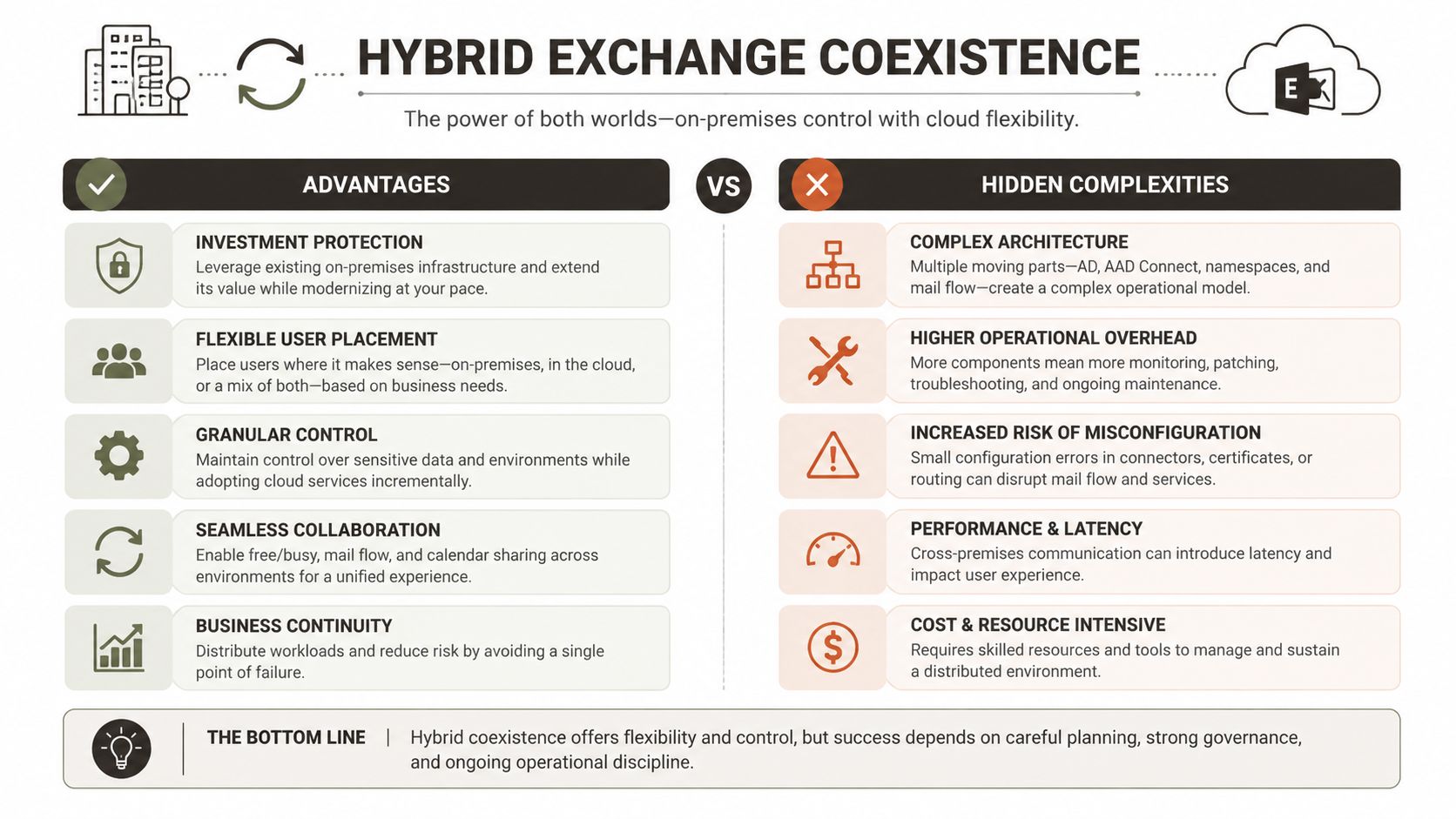
The documentation says hybrid supports phased migration and coexistence. In reality, you're building a distributed system and then asking your operations team to babysit it for months, sometimes longer. According to Perspicuity's hybrid versus cloud analysis, Hybrid Exchange is a coexistence model, preserving directory sync and free/busy sharing. That reduces cutover disruption, but it also extends your attack surface and the number of moving parts you must monitor.
The Hybrid Configuration Wizard is not a strategy
We often see clients fail when they run the Hybrid Configuration Wizard and assume the hard part is done. It isn't. HCW is the starting point. After that, the actual work begins.
The failure list is familiar:
- Misaligned connectors that create routing confusion or intermittent delivery issues
- Autodiscover and DNS behaviour that looks fine in testing and fails under mixed-user reality
- Free/busy federation gaps that executives notice immediately
- Public folder coexistence that nobody scoped properly
- Directory sync drift that slowly creates broken recipient states
These aren't cosmetic snags. They burn support teams, clog change windows, and erode confidence in the wider Microsoft 365 programme.
Governance becomes harder, not easier
Hybrid also creates a control problem that many migration plans barely acknowledge. Who owns mail-enabled objects after some users move and others don't? Which side is authoritative for recipient attributes? How do delegated admins operate without breaking sync expectations?
In Irish regulated sectors, that matters more than migration speed. If your organisation needs phased business-unit moves, controlled data handling, or strict approval boundaries, hybrid may be the only sane path. But then you must operate it as a governed architecture, not a temporary convenience.
The biggest hybrid mistake isn't technical. It's organisational. Teams build coexistence without deciding who owns the truth when on-prem and cloud disagree.
The hidden cost is long-tail admin burden
Hybrid drags on support, monitoring, and change control. The on-prem control plane remains in play. Your identity estate remains coupled. Your troubleshooting surface grows.
That's where DIY projects usually come unstuck. Tools can create the connection. They can't give your team the judgement to know whether a mail flow issue is connector logic, sync lag, attribute mismatch, or a permissions edge case. They definitely can't explain to an auditor why authority over recipients is split and poorly documented.
For organisations moving broader workloads at the same time, our view on on-premise to cloud migration applies here too. Coexistence only works when you design for operational endurance, not just technical possibility.
The Ollo Verdict: choose hybrid when your business cannot tolerate a concentrated cutover event, when regulated handling requires phased movement, or when legacy dependencies are still real. But don't call it the low-risk option. Hybrid doesn't remove risk. It converts one major event into a prolonged campaign of smaller failure opportunities.
The Brutal Truth of a Cloud-Native Cutover
Cloud-only sounds cleaner because, architecturally, it is cleaner after the move. Fewer dependencies. Less on-prem baggage. Less time spent pretending the old Exchange estate still matters.
That appeal is real. The trap is execution.
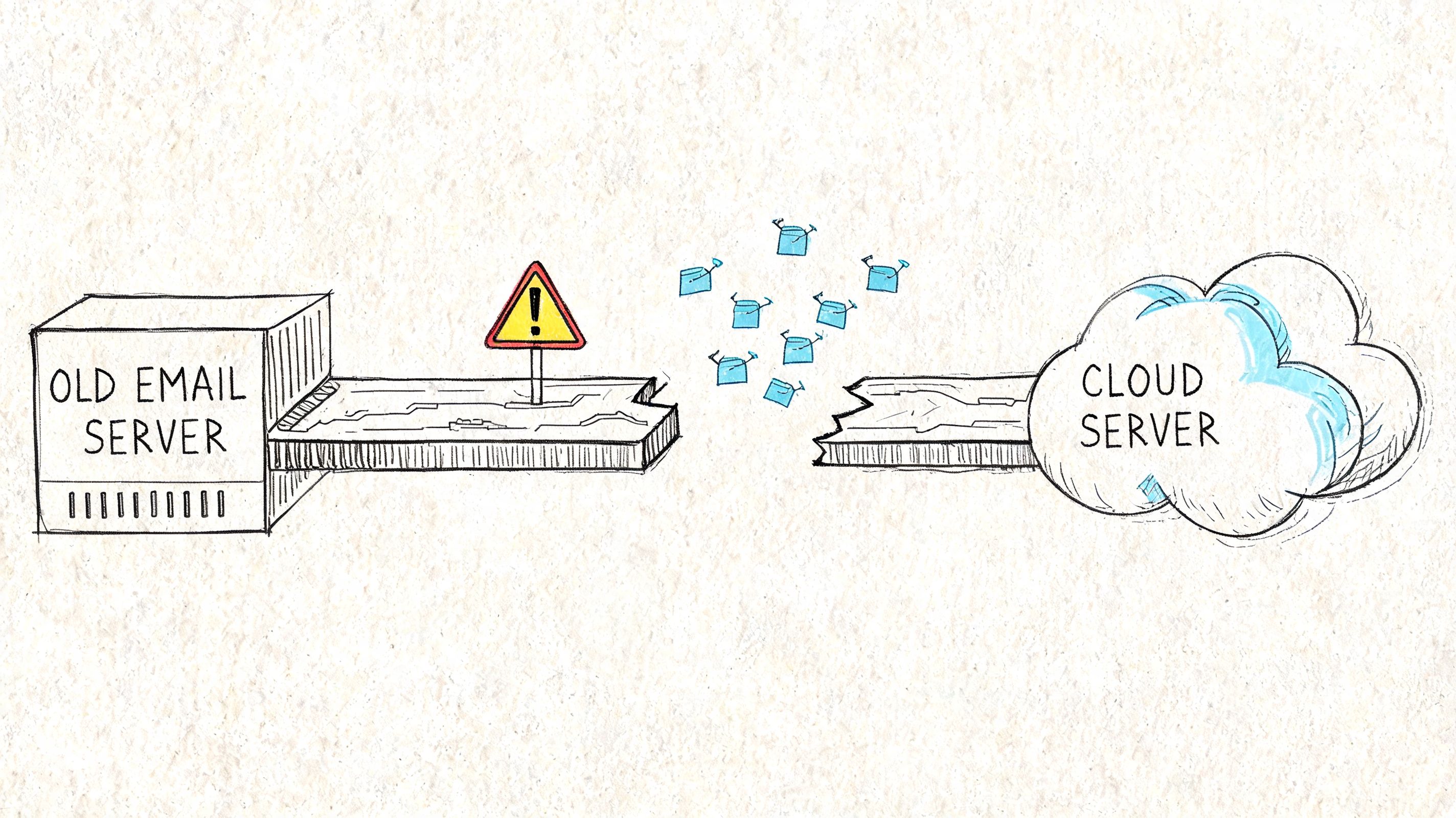
According to Dymin Systems' discussion of hybrid cloud versus full migration, the technical advantage of a full cloud migration is fewer dependencies after cutover. But Microsoft Learn also documents throttling and content constraints that can stall or fail jobs. We often see clients fail when they assume cloud means unlimited throughput. It doesn't.
Cloud doesn't give you infinite migration capacity
Your migration speed is bounded by service limits, source-side conditions, network latency, mailbox composition, and how your tooling behaves under pressure. Not by what the project plan promised the steering committee.
That's where out-of-the-box thinking gets people hurt. Basic tooling is fine for small, forgiving estates. At enterprise scale, it hits the wall fast. You see repeated slowdown, unstable job completion, and a lot of magical thinking from people who thought “Microsoft cloud” meant elastic throughput on demand.
Common cutover pain points include:
- API throttling confirmed in Microsoft Learn documentation
- Mailbox migration constraints that stop or delay large-volume jobs
- Item and path limitations that create ugly exceptions late in the run
- Poor pacing logic from tools that keep retrying instead of adapting
- Network variability that wrecks the neat timeline in the plan
Tools help until they don't
People want a product recommendation at this stage. Fine. Here it is.
SPMT is useful in the right context. ShareGate is a strong product when used properly. Neither tool absolves your team of architecture, pacing, dependency management, or exception handling. And neither one saves a badly sequenced enterprise cutover.
We often see clients fail when they launch too much volume too quickly, ignore pre-validation, and then blame the platform when they run into service protection behaviour. The tools didn't fail. The design failed.
A cloud cutover dies long before users complain. It dies when your team has no controlled answer to throttling, retries, and partial completion.
A short explainer helps here before I get more cynical:
The business risk is concentrated
Hybrid spreads operational pain. Cloud-native cutover compresses it. If your migration stalls mid-event, users feel it fast. Support desks feel it faster. Compliance and legal teams get nervous if records handling becomes uncertain during the move.
That's why “full cloud” only wins when the destination tenant is ready, the migration batches are validated, and the rollback logic is more than a paragraph in a runbook. If your team cannot answer what happens when a major wave fails halfway through an out-of-hours change, you don't have a cutover plan. You have a hope-based deployment.
The Ollo Verdict: choose full cloud when your on-prem dependencies are disposable and your team can engineer around service limits instead of pretending they won't matter. If not, the cleaner end state isn't worth the execution risk.
The Real Battleground Identity and Governance
Most migration plans obsess over mailbox movement because it's visible. The actual risk sits behind it. Identity authority and governance determine whether the environment remains supportable after the migration team leaves.
That's why the most important question for IT directors isn't how fast you can move. It's who controls the object model afterwards. Nova DBA's analysis of Exchange mailboxes in online, hybrid, or local models puts this problem in the right place. Microsoft's hybrid guidance is built around Entra ID Connect and Exchange Hybrid, which keeps on-prem attributes central. Teams often discover too late that “cloud-only” isn't completely cloud-only if they still need authoritative control over critical attributes like proxyAddresses.
The governance gap nobody budgets for
This is where supposedly finished migrations keep bleeding.
If you decommission the last Exchange management layer without a credible operating model for Exchange-aware attributes, your admins end up in unsafe territory. They improvise. They touch the wrong thing. Mail flow breaks. Sync gets messy. Delegation becomes inconsistent. Nobody can explain cleanly which platform owns what.
That's not a technical annoyance. It's a business control failure.
For Irish organisations under heavier scrutiny, governance matters more than aesthetics. NCSC Ireland guidance pushes organisations to treat cloud adoption as a risk-management exercise with clear security responsibilities. The Data Protection Commission expects accountability around processing and vendor arrangements. If auditors ask where mailbox authority sits, your team needs a documented answer.
Post-migration control matters more than migration speed
Ask yourself these questions:
- Who owns recipient changes once some identity data still originates on-prem?
- Who can safely manage aliases and address policy outcomes without causing sync conflicts?
- How do support teams handle delegation when the old admin model no longer matches reality?
- What's the approved process for changing mail-enabled objects after the migration?
If those answers are vague, your project is not complete. It is merely live.
Governance failures don't announce themselves dramatically. They arrive as recurring support tickets, brittle workarounds, and audit anxiety.
This is where architecture becomes operations
A lot of teams treat Entra ID, Exchange Online, and the remaining on-prem identity stack as separate workstreams. That separation is exactly how governance gaps appear. Exchange attribute authority is an identity problem. Identity design is an operational problem. Operational ambiguity becomes a compliance problem.
If your team is reviewing the identity side of this decision, our practical work on Microsoft Entra ID strategy gives the right lens. Don't ask whether mailboxes are in the cloud. Ask whether your control model still works after they arrive there.
The hard truth is simple. A fast migration into a badly governed state is not a successful migration. It's deferred failure.
The Ollo Decision Framework Your Pre-Mortem Checklist
Most failed migrations get a post-mortem. That's too late. Run the pre-mortem now.
For regulated workloads in Ireland, hybrid is often the default operating model in sectors such as finance, healthcare, and government because it allows organisations to keep sensitive resources on-prem while moving in phases, as noted in Statista's hybrid-cloud overview. The trap is pretending a full cloud cutover carries the same risk profile. It doesn't. Hybrid adds identity, policy, and networking complexity that must be controlled, not hoped away.
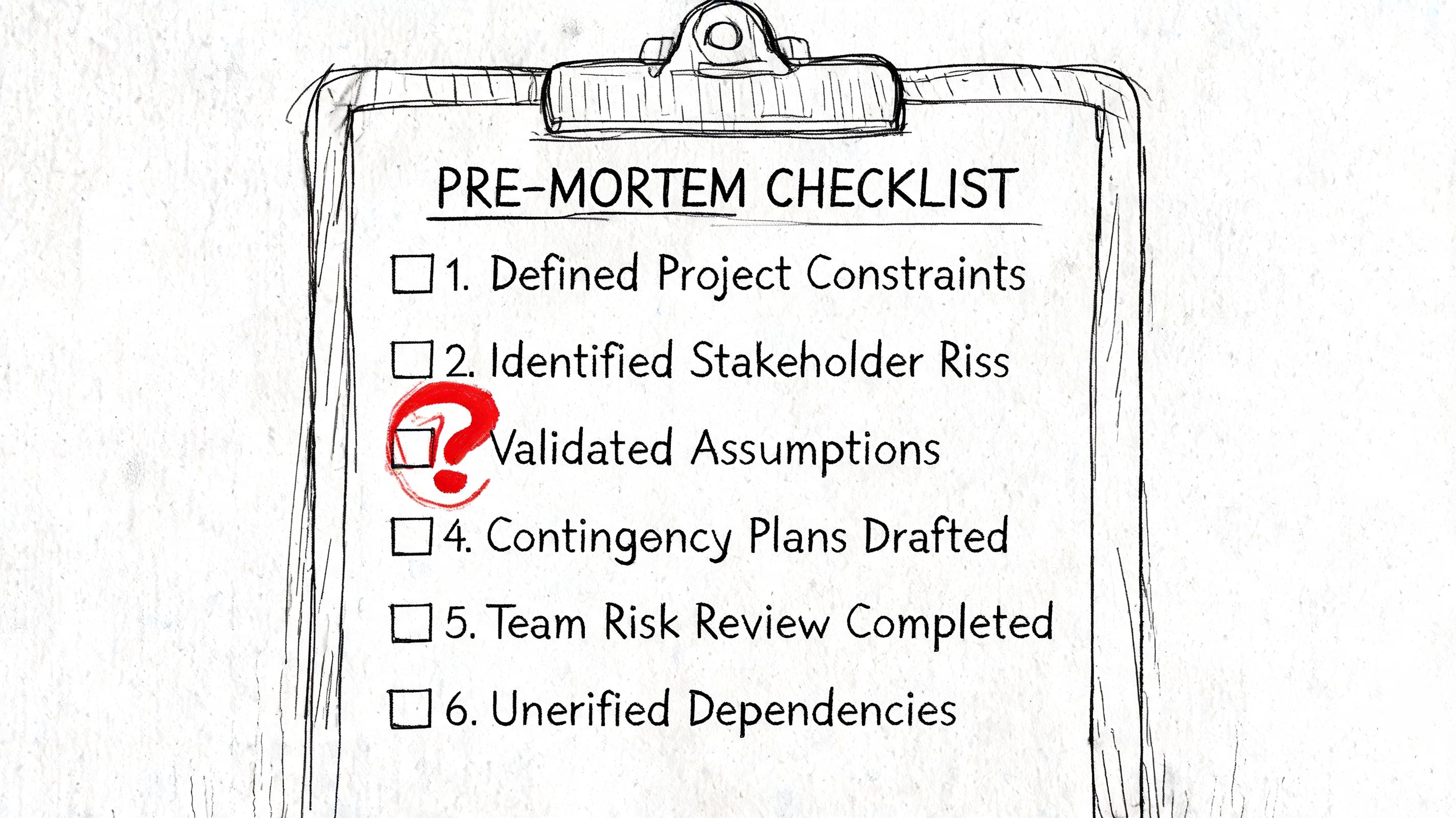
Ask the questions your project board usually avoids
Use this checklist before approving either path:
- Identity and governance: Do you have a documented operating model for Exchange-aware attributes after the last on-prem dependency changes or disappears?
- Throttling and pacing: Does your tooling adapt to Microsoft 365 service limits, or is your team relying on default retry behaviour and wishful thinking?
- Coexistence overhead: If you choose hybrid, have you budgeted for the admin burden, monitoring, and change control that follow?
- Compliance handling: Can you show an auditor where regulated data resides during the move and who is accountable for it?
- Rollback reality: If a weekend cutover fails partway through, does your team have a tested recovery plan or just a slide that says “rollback”?
Interpret the answers brutally
A “no” is a risk.
A “we think so” is also a risk.
A “the tool should handle it” is usually the sentence that appears shortly before a rescue engagement.
Choosing the path
If your estate has hard regulatory boundaries, unresolved legacy integrations, or political limits on change, hybrid may be the correct answer. If your estate is cleaner, your governance is mature, and you can tolerate a concentrated execution event, cloud-only may be the better end state.
But neither choice works without discipline. The migration model is not your safety mechanism. Operational maturity is.
If your team can't defend the design under audit, under outage pressure, and under support load, it isn't ready for production.
If you want an external view before the project turns into a recovery exercise, start with Ollo's migration audit. A pre-mortem costs less than a rescue.
If your organisation is weighing hybrid exchange migration vs cloud and the stakes include regulated data, executive visibility, or zero tolerance for disruption, speak to Ollo. We handle the ugly migrations other providers oversimplify, especially where identity, governance, and enterprise change control decide whether the project survives.

















