



The fastest way to break a Microsoft estate is to treat microsoft entra id like a tidy admin cleanup. It is an identity control plane tied to access, privilege, policy, external collaboration, and recovery. Get the design wrong, and the blast radius reaches far beyond sign-in screens.
What fails in production is rarely the part Microsoft demos. It is the ugly stuff buried in large environments. Conflicting object histories. Sync rules that stop behaving the way your team expects. Inheritance chains that break during restructuring. API throttling that turns a weekend migration into a week of outages. Tenant-to-tenant moves that look scripted on paper and turn into access loss, duplicate identities, and compliance gaps.
Internal teams usually underestimate this because the work looks familiar. It is not. Entra ID migrations combine directory design, security architecture, application dependency mapping, and change control under outage pressure. If your team is still framing this as an Azure AD rename with some policy cleanup, read what IT leaders need to know in 2026 about Microsoft Entra ID.
Start with the architecture shift, not the branding. This guidance on AD to Entra ID shifts gets that part right. The business risk sits in the edge cases, and edge cases are where DIY plans collapse.
Entra ID is Not Just a Rebrand It's a New Battleground
Treating microsoft entra id as a cosmetic rename is how enterprises create outages they then call "unexpected." The product name changed. The risk profile changed more. What used to sit in the background as directory plumbing now sits directly in the path of sign-in, privilege, application access, and recovery.
That is why bad Entra ID work fails so hard. A mistake here does not stay neatly contained inside identity administration. It can cut access to Microsoft 365, break federated application sign-in, orphan service principals, and leave privileged roles assigned incorrectly after a migration wave. Microsoft sells an orderly story. Real estates produce anchor mismatches, duplicate objects, broken group inheritance, and stale trust relationships that do not show up in tidy product diagrams.
For IT leaders trying to understand the operational shift, this guidance on AD to Entra ID shifts is useful because it frames the move as architecture change, not product renaming. If you want a more current leadership view from our side, read what IT leaders need to know in 2026 about Microsoft Entra ID.
The real fight starts at enterprise scale
Large tenants do not break for interesting reasons. They break for boring ones with ugly consequences. GUID conflicts create duplicate identities or failed joins. API throttling slows provisioning and migration jobs until your "planned weekend cutover" leaks into Monday operations. Inheritance breaks during restructuring, so access that looked correct in testing collapses once nested groups, dynamic membership, and admin units interact under load.
These are not edge cases. They are the parts of the project that decide whether users can work on Monday.
Internal infrastructure teams often underestimate this because the tasks look familiar. Sync an object. Move a domain. Reassign a role. Rebuild conditional access. Then production exposes the parts nobody priced properly. Legacy object history collides with new anchors. Provisioning queues back up. Service accounts lose the permissions a critical workload assumed were permanent. The business does not care which PowerShell step failed. It cares that payroll, finance approval, or customer support access stopped.
The expensive misunderstanding
The common executive mistake is funding this as an admin cleanup instead of a risk program. That decision is where costs start climbing. Once Entra ID becomes the authority for workforce access and privileged control, every shortcut turns into an operational and audit problem.
A board member will not ask whether the root cause was throttling, a malformed sourceAnchor, or broken inheritance after tenant restructuring. They will ask why staff were locked out, why controls failed unnoticed, and why a migration plan signed off as "low risk" created a preventable business interruption.
Beyond the Directory An Identity Fabric Explained
Calling Microsoft Entra ID a renamed directory is how enterprises walk into avoidable outages. A directory stores identities. Entra ID decides who gets in, under what conditions, with which privileges, from which device, and whether that decision survives contact with hybrid reality.
That changes the risk profile immediately. You are no longer managing a user list. You are redesigning the control plane for workforce access, application trust, device posture, guest collaboration, and privileged administration. Get the model wrong and the blast radius is not local. It reaches finance systems, customer support tools, admin portals, and every line-of-business app wired into the same authority path.

What the fabric means in practice
Identity fabric means one connected authority model sits behind multiple control points that used to be treated as separate projects.
That model usually includes:
- Applications that depend on Entra ID for sign-in, token issuance, service principal permissions, and role mapping
- Devices that feed access decisions instead of living in a separate endpoint silo
- External identities for partners, contractors, and guests, where weak lifecycle control turns into standing access nobody remembers to remove
- Privileged workflows where bad role design or inherited admin sprawl can hand broad control to the wrong people
Migration teams frequently get into trouble here. They copy users and groups, recreate a few app registrations, and assume the rest is admin tidy-up. It is not. It is a dependency rewrite. If privileged access is in scope, read this guide on architecting a smaller attack surface with privileged identity management in Microsoft 365 before anyone starts duplicating role assignments between environments.
Centralisation widens the blast radius
Entra ID gives you one place to apply policy, observe sign-ins, and control access. That is useful. It also means one bad decision propagates fast.
A flawed sync rule can poison identities across cloud services. A careless app consent review can leave excessive permissions in place for years. A rushed Conditional Access rollout can lock out remote staff, break legacy protocols that a revenue-critical process still depends on, or strand administrators outside their own tenant. Microsoft presents these as features to configure. In production, they behave like coupled failure domains.
The ugly part is inheritance. Access often looks correct in a test tenant because the structure is clean and the data set is small. Then the live estate introduces nested groups, dynamic membership, stale administrative units, exception policies, and app-specific role mappings nobody documented properly. What looked like orderly governance becomes conflicting authority, and conflict in an identity system means outages, over-permissioned access, or both.
Practical rule: Do not replicate the old directory model inside Entra ID and call it transformation. Redesign authority boundaries, authentication paths, role ownership, and exception handling before migration starts.
Features do not replace operating discipline
Conditional Access, identity protection, lifecycle workflows, B2B access, provisioning, and privileged identity controls are not independent checkboxes. They intersect. They fail together too.
An enterprise team that ignores those intersections usually discovers the problem during a merger, a tenant split, or a zero trust redesign. GUID history collides with new objects. Token dependencies surface late. Legacy SharePoint permissions refuse to map cleanly. Group-based access loses intent when inheritance chains break. Then throttling slows the cleanup work precisely when leadership expects the move to be finished.
That is why vendor language about "enable" and "configure" is dangerous. It obscures the underlying work of systems design under operational risk. Treat Entra ID like a product setup exercise and you will buy yourself an access incident. Treat it like identity architecture and you have a chance of keeping the business running.
The Hybrid Identity Pitfalls Your Team Will Encounter
Hybrid identity is where migration programmes start lying to leadership. Status reports stay green while object authority drifts, sync latency grows, and inherited access starts breaking in ways nobody can cleanly explain. By the time the issue is visible to executives, the business is already carrying identity debt.
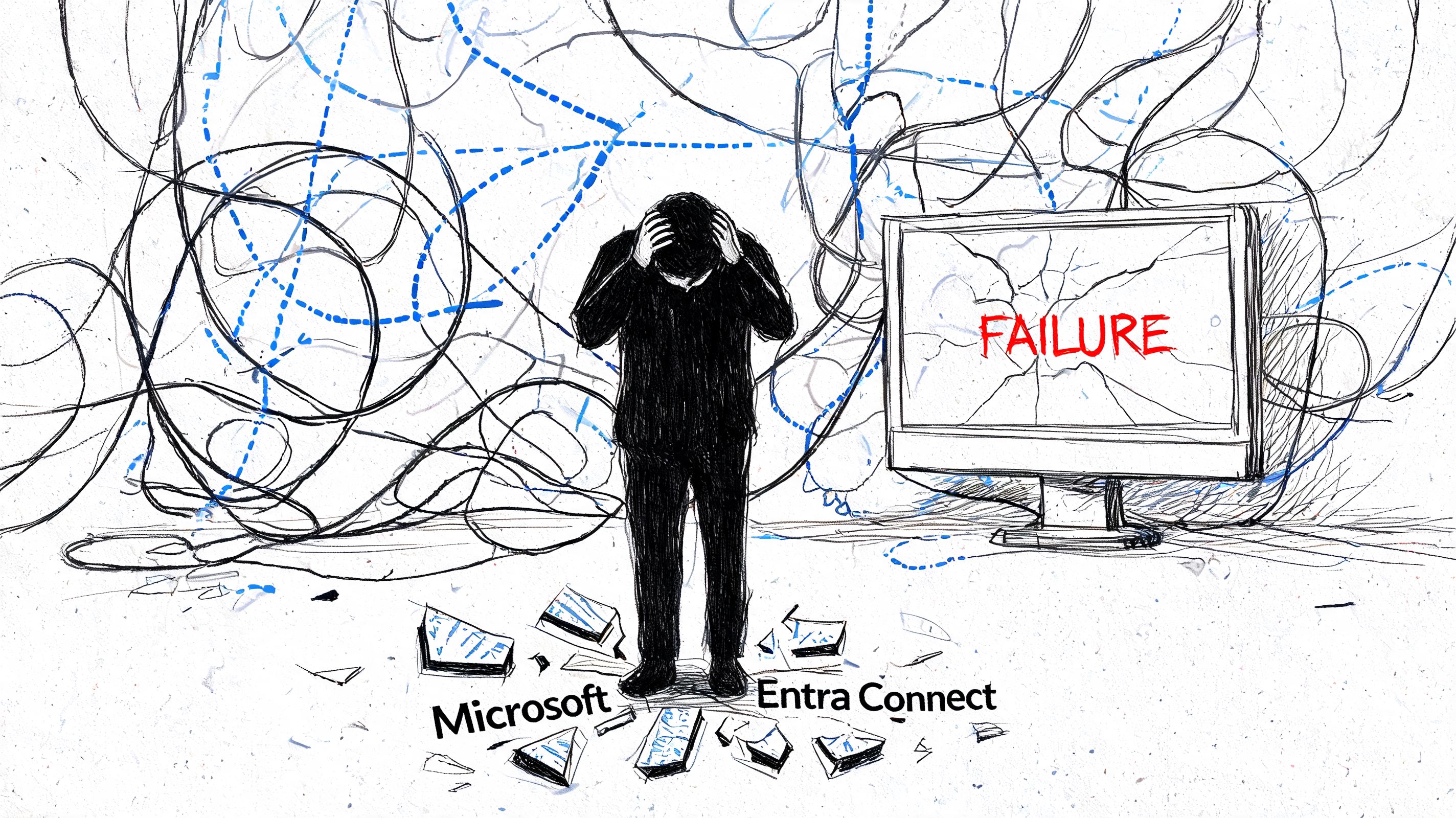
Entra Connect failures are business failures
Microsoft’s installation prerequisites for Entra Connect set out the supported Windows Server versions, memory guidance for larger directories, and the preference for local SQL in higher-demand scenarios. Treat that as the floor, not the design.
A common failure pattern is predictable. An internal team drops Entra Connect onto shared infrastructure, gives it mediocre storage, ignores sync rule complexity, and assumes the default setup will survive a merger, carve-out, or directory cleanup. It will not. You get stalled delta syncs, export errors, and object mismatches that poison Conditional Access, provisioning, and service access at the same time.
What breaks first is rarely dramatic. A privileged account stops inheriting the right group membership. A user object flips into the wrong source-of-authority state. A duplicate or badly matched anchor creates GUID confusion that looks small until access reviews, license assignment, and downstream apps start disagreeing about who the user is.
The technical faults are well known
Expect these failure modes if your hybrid design is weak:
- Anchor and GUID conflicts: Bad joins and mismatched identifiers create duplicate identities, orphaned cloud objects, and authority disputes that are painful to reverse.
- Sync instability: Delta cycles slow down or fail, which leaves on-prem AD and Entra ID telling different stories about the same user.
- Broken inheritance: Group-based access loses intent when nested memberships, legacy ACL assumptions, or app-specific mappings do not survive the move cleanly.
- Throttled remediation: Once cleanup starts, API limits and connector delays slow every corrective action, which extends the period of inconsistent identity state.
- Operational blame-shifting: Infrastructure, messaging, security, and desktop teams all claim the fault sits elsewhere. That confusion costs time you do not have.
That is why parallel security work during hybrid migration is dangerous. If your admins are also changing MFA, fix the operating model before rollout. This guide on setting up multi-factor authentication in Microsoft 365 the right way is a useful baseline, but it does not remove the need for identity architecture.
Broken hybrid design spreads far beyond sign-in
Executives hear “directory sync” and assume a plumbing task. That misunderstanding burns money. Hybrid identity controls authentication paths, application assignments, GAL visibility, provisioning behaviour, and audit evidence. If sync health is unstable, every dependent control becomes less trustworthy.
The ugly part is inheritance failure. Old SharePoint and Microsoft 365 permission models often rely on group nesting and historical exceptions nobody documented properly. During migration, those chains break unnoticed. Users keep enough access to work around the issue for a while, then a business-critical team loses a site, a mailbox permission, or an approval path. If your estate includes collaboration workloads with years of permission drift, review external guidance for enterprise SharePoint upgrades before you pretend identity cleanup can be isolated from content and access design.
Hybrid identity does not fail as a single outage. It fails as a series of conflicting truths across AD, Entra ID, and the applications that trust both.
Shared hosting, weak SQL performance, and rushed connector design all increase the time between cause and detection. That longer window is the real risk. It gives bad object state time to spread into policies, tokens, app access, and audit records. Once that happens, your “migration task” has become a governance incident.
The Tenant to Tenant Migration Nightmare
Tenant-to-tenant migration is where overconfidence goes to die. M&A teams call it consolidation. Architects know it’s a controlled identity separation and reconstruction exercise with very little tolerance for error.
Content moves are the easy bit. Identity authority is the minefield.

Source of authority hijacking is real
Microsoft documentation doesn’t spell out the severe practical issues of GUID conflicts during tenant consolidations. But the problem is familiar to anyone who has had to recover from one. onPremisesImmutableId mismatches can trigger source of authority lockouts, and DIY migration activity can orphan privileged accounts.
That isn’t theory. Microsoft Learn documentation referenced in the Entra release material confirms a Graph API limit of 100K requests/hour/app in the context captured in what’s new for Microsoft Entra. Under migration pressure, that limit matters because throttled calls lead to partial processing, broken role assignments, and identity state you can’t trust.
Why standard tools still break
ShareGate is useful. PnP scripting is useful. Both can help with content and structure. Neither tool rescues a weak identity strategy.
We often see clients fail when they assume moving content and mapping permissions means they’ve handled the tenant migration. They haven’t. They’ve only touched one layer. Identity anchors, app registrations, service principals, privileged roles, guest dependencies, and sync authority all sit underneath. If your runbook doesn’t account for those, the tooling becomes an accelerant.
For broader context on enterprise content moves, this guidance for enterprise SharePoint upgrades is a useful companion read because it highlights the operational complexity around SharePoint estates that often intersects with identity consolidation.
A more direct walkthrough of the migration scenario itself sits in our own guide to tenant-to-tenant migration.
A tenant migration can look healthy in the dashboard while authority conflicts are already poisoning admin access underneath.
What the recovery effort actually costs
When privileged accounts get orphaned, your problem stops being “migration delay” and becomes “who still controls the estate?” That’s a governance issue, not a ticket queue issue.
Use this short briefing before you let anyone script at scale:
The right lesson isn’t “be careful with scripts.” The right lesson is that pre-validation of anchors, role paths, and authority state must happen before bulk execution. If your team discovers conflicts mid-flight, you’re already in a recovery project.
Why Your Zero Trust Redesign Will Probably Fail
Most zero-trust failures start with a false assumption. People think microsoft entra id gives them a policy engine, so they can just define stricter access rules and move on. That isn’t security design. That’s wishful thinking layered on top of legacy mess.
Microsoft’s own documentation describes Conditional Access as a “Zero Trust policy engine” in the Conditional Access overview. Fine. The problem is that policy engines don’t fix broken inheritance, rotten SharePoint structures, or content paths that should have been cleaned up years ago.
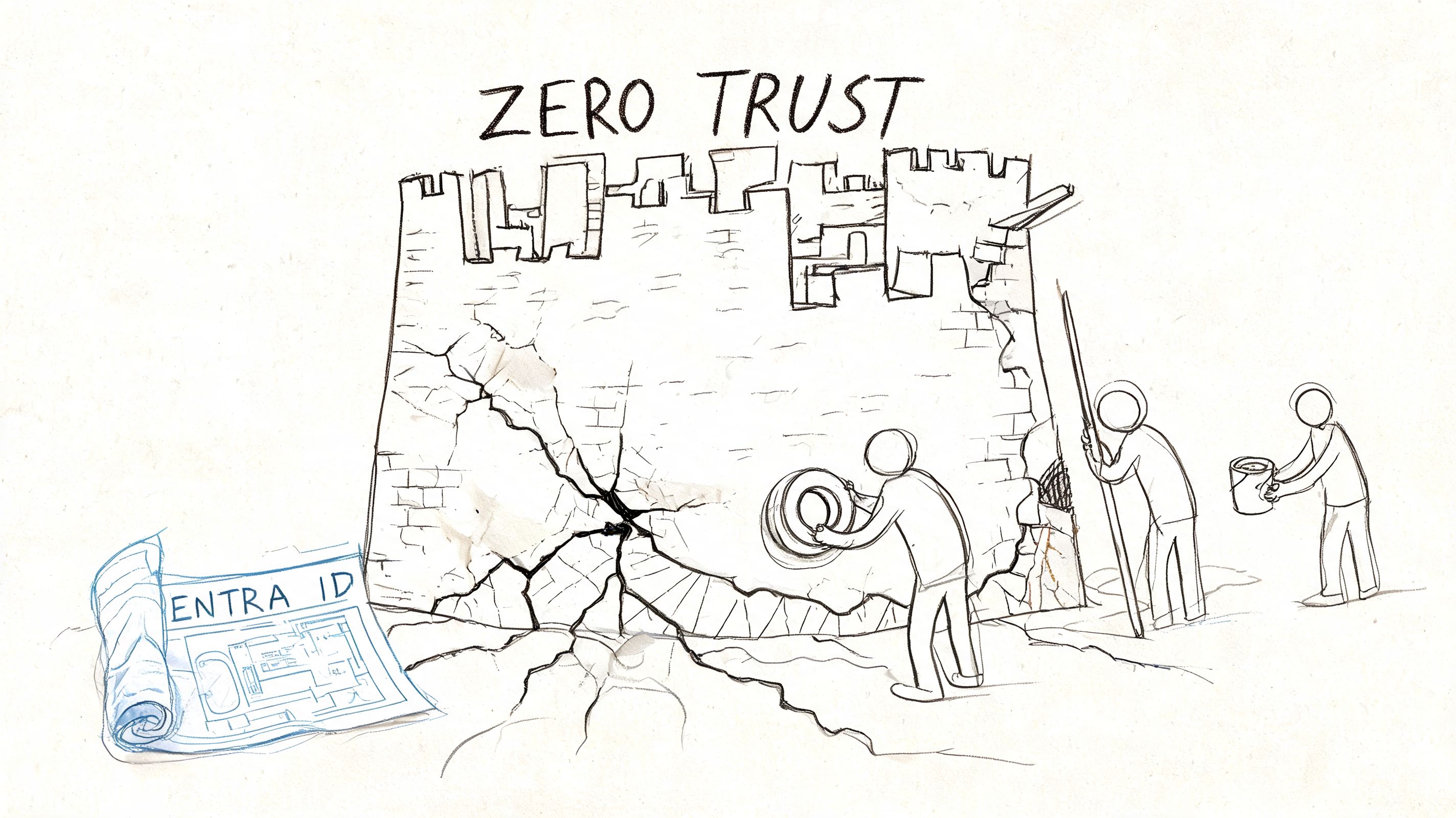
Your legacy estate will sabotage the policy layer
If your organisation has old SharePoint sites with unique permissions everywhere, giant lists, and improvised folder structures, zero-trust rollout becomes a force multiplier for hidden flaws.
The Microsoft Learn documentation cited above matters because it intersects with other very real platform limits:
- Broken inheritance problems: Legacy SharePoint permissions often don’t map cleanly into modern access enforcement.
- The 5,000-item threshold: Microsoft documentation confirms this threshold becomes a practical issue during enforcement work on affected structures, as noted in the Conditional Access context above.
- The 260-character path limit: Microsoft Learn also confirms path length limits over 260 characters can break operations in these scenarios through the same referenced context.
That combination creates the nastiest type of security failure. Your team thinks policies are in place. The estate underneath doesn’t behave the way the policy model assumes.
MFA everywhere is not a strategy
I hear this all the time. “We’ll enable MFA everywhere and that gets us most of the way there.” No. It gets you into the first set of user complaints and the second set of exceptions. Then your admins start carving holes in policy because the old environment won’t tolerate clean enforcement.
If you want a grounded implementation view, read this guide on zero trust in Microsoft 365 for non-security teams. Then look at your legacy SharePoint estate before anyone pushes broad Conditional Access changes.
Security teams need proof, not assumptions
A serious redesign needs evidence from logs, permissions analysis, and adversarial testing. If you’re checking whether old trust paths still expose internal assets, this practical look at secure client networks with internal pentesting is worth using alongside identity review.
Use a simple test matrix before rollout:
| Risk area | What teams assume | What actually breaks |
|---|---|---|
| Conditional Access | Policies cover all users and data | Exclusions, broken inheritance, or app edge cases leave gaps |
| MFA rollout | Strong auth equals strong control | Legacy workflows force unsafe bypasses |
| SharePoint permissions | Existing access maps cleanly | Inheritance anomalies and threshold issues distort enforcement |
| Auditability | Admin centre views tell the full story | Misaligned content structures produce incomplete confidence |
If your zero-trust design doesn’t start with a permissions and content audit, it isn’t zero trust. It’s policy theatre.
The business risk is bigger than access friction
A bad zero-trust rollout doesn’t just annoy users. It leaves your compliance team defending a control model that doesn’t fully map to the estate. In healthcare, finance, and energy, that’s exactly the kind of gap that turns routine assurance work into escalation.
The Ollo Verdict DIY vs Architect-Led Intervention
Entra ID migrations fail because companies treat architecture as administration. That mistake gets expensive fast.
A tenant rename, licence reshuffle, or sync redesign looks manageable in a project plan. In production, actual risks show up in identity anchors, source-of-authority conflicts, API throttling, role mapping gaps, and broken permission inheritance that nobody documented properly. Microsoft sells tooling. It does not absorb your outage, your audit finding, or your executive fallout.
Side by side reality
| Approach | What it usually relies on | What it misses | Business outcome |
|---|---|---|---|
| DIY internal project | Admin centre defaults, generic runbooks, basic ShareGate use, ad hoc scripting | GUID and immutable ID conflicts, throttling behaviour under load, provisioning ceilings, privileged access mapping, SharePoint inheritance anomalies | Delays, orphaned objects, failed cutovers, access disputes, weak audit evidence |
| Architect-led intervention | Pre-validation, log analysis, dependency mapping, migration sequencing, custom PowerShell and PnP handling | Fewer blind spots because failure conditions are tested before cutover | Lower operational risk, cleaner rollback options, stronger governance evidence |
The licensing and reporting caveats matter here, as noted earlier. If your team cannot see enough of the sign-in and usage picture, it will make bad assumptions during validation. That is how DIY teams declare success while stale sync rules, throttled jobs, and mismatched object identities are still sitting in the estate waiting to break Monday morning access.
The ugly part is not the first error. It is the chain reaction. A single identity mismatch can orphan access, break group-based assignment, and trigger manual fixes across Exchange, SharePoint, Teams, and line-of-business apps. Broken inheritance makes the clean-up worse because permission problems stop looking like migration issues and start looking like random user complaints. That is how weak planning turns into a business credibility problem.
The Ollo verdict
Use out-of-the-box tooling for small, isolated tasks with clear rollback. Use architecture for everything else.
ShareGate can move content. It does not resolve identity authority, immutable ID collisions, or privileged role translation. Standard Entra features can enforce policy. They cannot decide sequencing, validate hybrid edge cases, or protect you from a badly timed cutover. Enterprise consolidations, regulated migrations, hybrid remediation, and zero trust redesigns need an architect-led plan with pre-migration audits, Entra log review, custom remediation, staged validation, and a rollback path that has been thoroughly tested.
Ollo’s role in that process is straightforward. Audit first. Map dependencies. Fix the directory before the move. Then execute in stages with evidence, not optimism.
Skip that discipline and you do not just risk migration failure. You risk downtime, broken access for the wrong people, audit exceptions you cannot defend, and a long clean-up that costs more than proper architecture would have cost in the first place.
Frequently Asked Questions From the Trenches
Can’t I just use ShareGate for a tenant migration
For content, sometimes yes. For identity, no. ShareGate helps move SharePoint content and structure. It doesn’t solve onPremisesImmutableId conflicts, source-of-authority problems, or privileged role mapping issues. If your migration risk sits in identity, ShareGate is only one piece of the job.
Is Entra Connect really that fragile
Yes, when teams treat it casually. The Microsoft Learn prerequisites are clear about server requirements and preferred SQL posture. Real environments make it worse because consolidations add load, bad data, and timing pressure. Fragile design becomes visible very quickly.
What’s the real difference between P1 and P2
Keep it practical. If your project depends on stronger Conditional Access posture and better risk handling, licence scope matters. The usage and monitoring side also becomes weaker without the right licensing. Don’t let procurement reduce an identity programme to a line-item exercise.
Can’t we enable zero trust in phases and clean up later
You can phase rollout. You can’t postpone structural truth. If legacy SharePoint permissions, long paths, and broken inheritance are still there, phased rollout just delays the point where policy collides with reality.
When should we bring in an external architect
Before bulk execution. Not after throttling starts, not after admin accounts get orphaned, and not after users fail sign-in in production. Recovery work always costs more than prevention.
If your team is planning a microsoft entra id migration, hybrid redesign, or tenant consolidation and you want a technical review before the damage starts, talk to Ollo. Bring the ugly parts. Broken inheritance, GUID conflicts, throttling concerns, Conditional Access sprawl, old SharePoint estates. Those are the parts that decide whether your project survives contact with production.

















