



You're being tasked to migrate to SharePoint Online. The vendor presentations make it sound simple: move files from A to B. But you've managed enough enterprise projects to know that the official documentation rarely tells the full story. The real challenge isn't moving files. It's executing a high-stakes data transition without the catastrophic failures that have derailed countless others.
This is not a "how-to" guide. This is a "how-to-avoid-disaster" guide, forged from rescuing projects that went off the rails.
Confronting the Reality of SharePoint Migrations
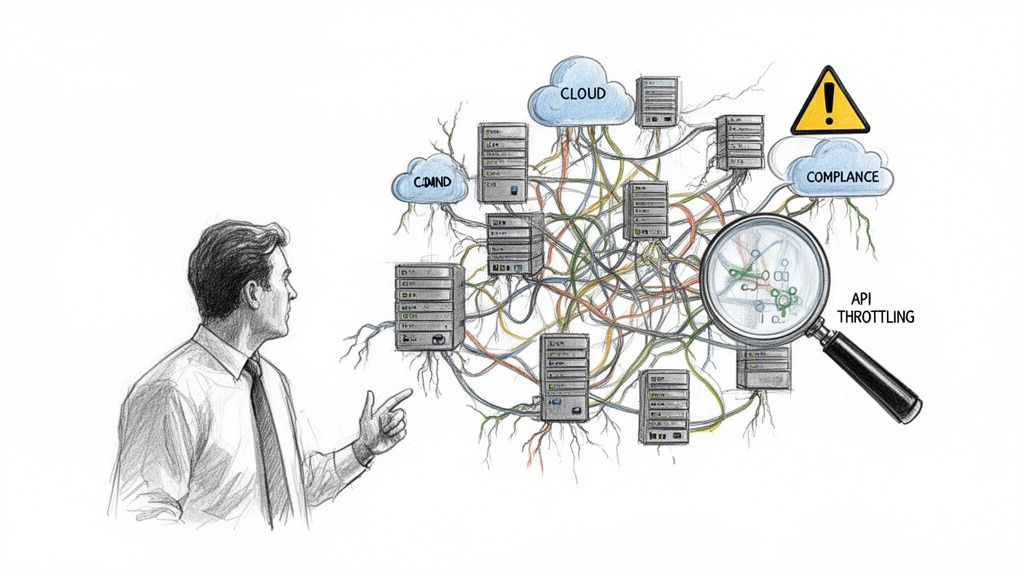
Before your team budgets a single euro, let's be blunt. The official Microsoft documentation paints a picture of a straightforward journey. For any enterprise with years of technical debt, the reality is a minefield of compliance breaches, crippling API throttling, and broken permissions waiting to detonate.
We are frequently called in to salvage failed projects. Success isn't determined on the cutover weekend; it's forged in the brutal honesty of the initial discovery phase. We often see clients fail when they treat this foundational step as a simple file inventory. It’s not. It’s a structural integrity test of your entire information architecture.
The Hidden Costs of a 'Lift and Shift'
A "lift and shift" is the most common path to failure. It sidesteps the foundational questions that make or break the project, guaranteeing blown budgets and infuriating downtime.
First, your team must grasp the fundamental difference between tools. A misunderstanding of SharePoint vs OneDrive use cases will lead you to place data in ungovernable, illogical locations from day one.
Before you proceed, confront these non-negotiable questions:
- Is your Entra ID (formerly Azure AD) model genuinely ready for Zero Trust, or are you about to import a decade of legacy security flaws directly into the cloud?
- Have you budgeted for the man-hours required to manually remediate thousands of broken inheritance chains after the migration fails to replicate them correctly?
- What is your tactical plan for every list that will inevitably crash into the 5,000-item list view threshold—a hard limit that doesn't just slow performance, it breaks functionality completely?
The Ollo Verdict: Underestimating pre-migration discovery is the single biggest mistake you can make. It's not just an inventory; it's an architectural audit. Getting this wrong doesn't just delay the project; it guarantees it will be dead on arrival.
Building Your Pre-Migration Risk Register
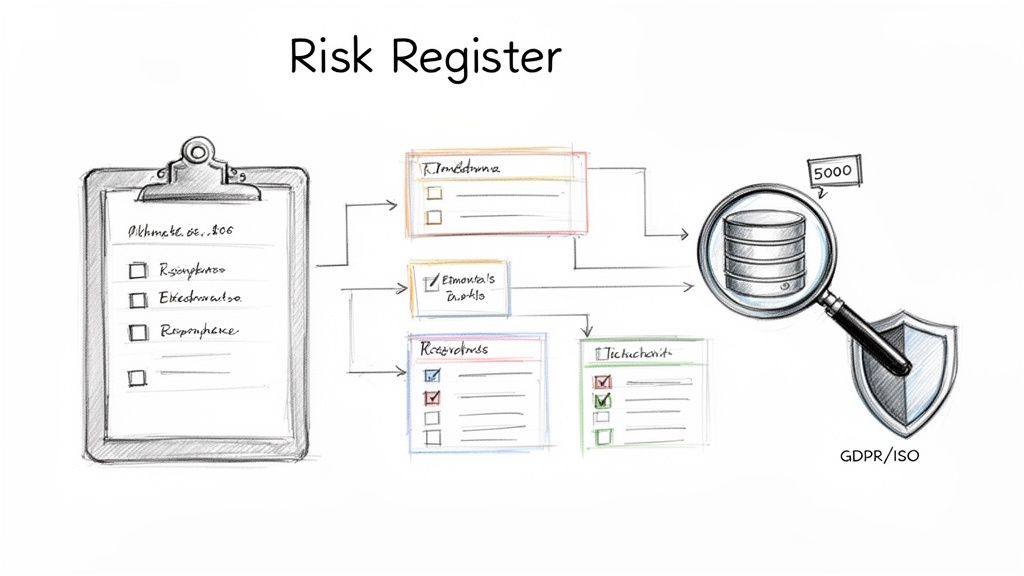
This is precisely where most internal teams lose control. Running a simple file inventory is a box-ticking exercise that sets you up for failure. Real discovery means building a comprehensive Risk Register—a catalogue of every technical time bomb in your source environment before it detonates in the cloud.
Your goal is to unearth the mundane but mission-critical details that automated tools will always miss. We've seen too many projects derailed by these predictable oversights.
Uncovering What Will Actually Break
You must aggressively hunt for the problems that will cripple your project. This is not a theoretical exercise. Your team needs to map every dependency, identify every list that will shatter the 5,000-item view threshold, and catalogue every custom web part that will break on contact with the modern SharePoint framework.
This process requires pressure-testing your environment. It means simulating API calls to discover your actual throttling point. This is how you find the network and I/O bottlenecks that will cripple your migration velocity when you’re moving terabytes of data.
The documentation says you'll encounter throttling. In reality, without a strategy to manage it with intelligent back-off logic in your scripts, your migration won't just slow down—it will stop dead. We’ve seen this turn a weekend cutover into a week-long outage.
Beyond Lifting and Shifting Data
One of the most expensive mistakes is ignoring content redesign. Moving terabytes of redundant, obsolete, and trivial (ROT) data doesn't modernize your business; it just moves your problems to a more expensive location. This is your one chance to align data architecture with modern governance mandates.
Your Risk Register must explicitly address:
- Custom Solutions: Pinpoint every SharePoint Designer workflow and InfoPath form. These will not migrate. They require a plan for rebuilding in the Power Platform.
- Permissions Chaos: Document every instance of broken permissions inheritance. Moving this mess creates a gaping security vulnerability from day one.
- Long File Paths & Invalid Characters: These files will simply fail to migrate. Your register must quantify the scope of this problem, which often requires a significant manual remediation effort.
- Throttling Thresholds: Quantify the data velocity your source environment can handle before triggering Microsoft’s service protection limits. This isn't a guess; it's a number you must know.
Failure to build this register isn't a shortcut; it's a gamble. For a structured approach, review our guide on comprehensive SharePoint migration planning.
Choosing Your Tools: A Reality Check
Choosing the wrong migration tool is a fatal error. Your choice will either provide the surgical control needed for a complex operation or hand you a sledgehammer when you need a scalpel. This isn't just about speed; it's about resilience and granular control when things inevitably go wrong.
The free SharePoint Migration Tool (SPMT) from Microsoft has its place. That place is for tiny, non-complex moves—think under 50GB, simple permissions, and zero compliance headaches. We often see clients fail when they deploy SPMT in a regulated enterprise environment to save on licensing, only to spend ten times that amount on emergency remediation.
Where Off-the-Shelf Tools Break Down
The documentation says SPMT is a viable option. In reality, it is notoriously bad at handling API throttling. When it hits Microsoft's service protection limits, it doesn’t intelligently back off and retry. It just fails jobs, leaving your data in a partially migrated mess with flimsy, unhelpful error logs.
This forces your team into a manual, soul-crushing cycle of digging through logs, identifying failed files, and re-queuing jobs, all while the project timeline burns. This isn't a theoretical risk; we've seen it bring migrations to a dead stop for days. Furthermore, SPMT has no sophisticated permissions mapping. It simply can’t handle untangling years of broken inheritance or remapping identities in a tenant-to-tenant migration.
The Ollo Verdict: SPMT is a fire-and-forget tool with no guidance system. For any migration involving sensitive data, complex permissions, or more than a terabyte of content, you need enterprise-grade tooling like ShareGate, augmented with custom PowerShell scripts. The license cost is a rounding error compared to the cost of failure.
Migration Tool Reality Check: SPMT vs. Enterprise-Grade Tooling
When the pressure is on, the difference between a free tool and a professional one becomes painfully clear. Here’s a look at common failure points we've seen in the field.
SPMT reports that a problem occurred; an enterprise tool helps you prevent it and gives you the forensics to fix it quickly when it does.
The Enterprise-Grade Difference: Control and Forensics
Professional tooling isn’t just about moving files faster; it’s about control, reporting, and forensics. When a file fails, you need to know exactly why. Was it a long path limit? An invalid character? A GUID conflict during a tenant merger? ShareGate gives you this granular feedback; SPMT leaves you guessing.
Modern tools can also operate with least-privilege permissions like Sites.Selected, granting access only to the sites being migrated rather than the entire tenant. For any organization with a mature security posture, this isn't optional—it's non-negotiable. Investigating Confluence alternatives often highlights why a well-structured SharePoint environment, migrated with precision tools, is the superior enterprise choice.
Your tooling must empower you to:
- Pre-scan and report on blockers like long file paths before migration starts.
- Preserve critical metadata, including full version history, which is non-negotiable for legal records.
- Remap users and permissions intelligently during complex tenant consolidations.
- Provide detailed, actionable error reports that let your team fix issues efficiently.
Without these capabilities, your team is flying blind. They are actively risking data integrity, security, and legal compliance.
Executing a Military-Grade Migration Plan
A real SharePoint Online migration is a planned, military-style operation. Your execution plan is a battle plan, not a project timeline. It demands precise success criteria, a robust validation strategy, and a clear chain of command for when things break at 2 AM on a Saturday.
We often see clients stumble when they treat testing as a single checkbox item. You need waves of pilots—first, a technical dry-run with your core team, then another with business champions. The goal of these pilots isn't to succeed; it's to find the breaking points in a controlled environment before a full cutover exposes them to the entire organization.
Waging War on Throttling and Failure
Your biggest enemy isn't your source data; it's Microsoft's service protection limits. API throttling is a brutal, unforgiving reality. A naive script will be halted without mercy.
Your execution plan must account for this. This means building intelligent, exponential back-off logic directly into your PowerShell scripts. The script must be smart enough to detect a 429 "Too Many Requests" or 503 "Server Busy" response, pause, and then retry with increasing delays. You must work with these limits, not smash against them. This is the fundamental difference between basic and enterprise migration approaches.
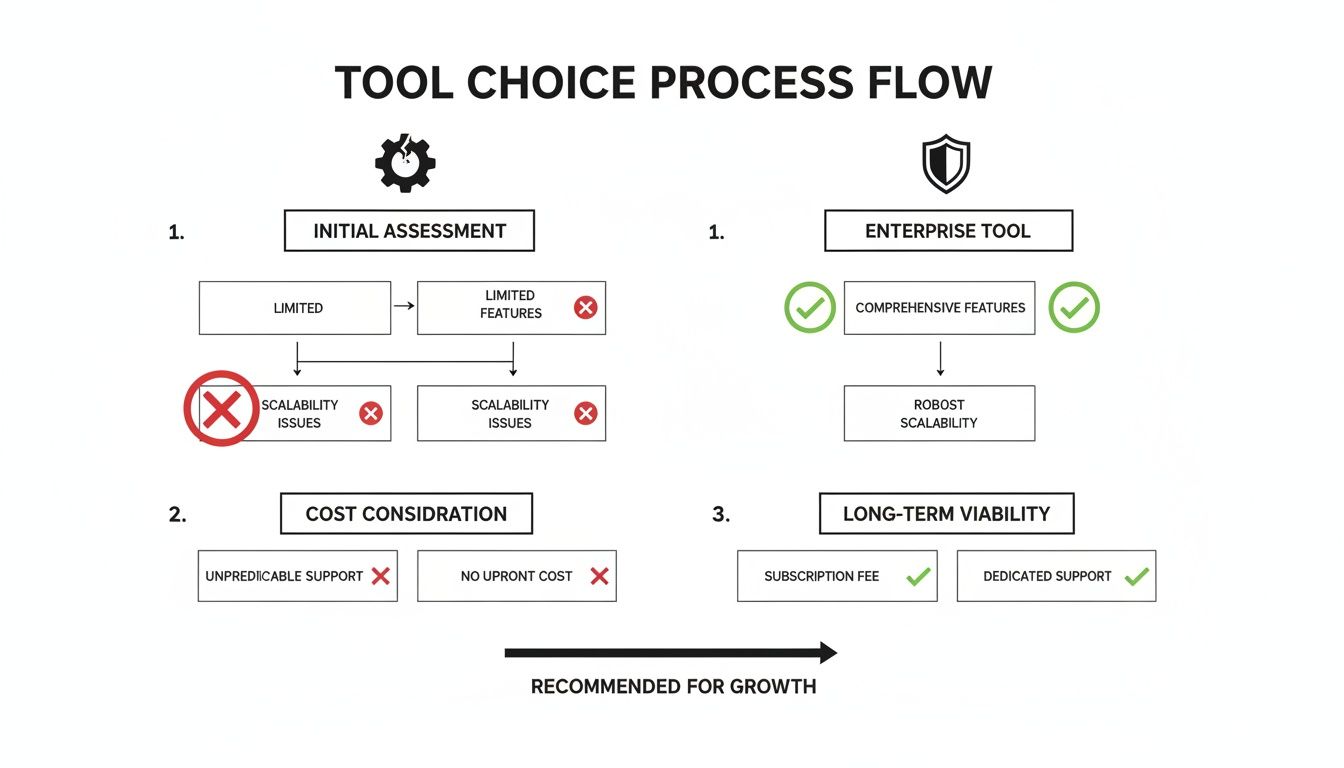
The visualization makes it clear: free tools are brittle, while enterprise solutions are built with failure and recovery in mind.
The Harsh Reality of DIY Migrations
The temptation to run this internally is strong, but the risks are astronomical. In our audits of firms attempting DIY migrations, a staggering number fail outright. We see teams ignore critical cross-geo GUID mismatches during tenant consolidations—a direct violation of Microsoft's own guidance—shattering legal compliance. API throttling then compounds the mess because their scripts lack the necessary back-off logic.
The Ollo Verdict: Your rollback plan is not an afterthought; it is a core deliverable. If you cannot return to the source system within a predefined time window, your plan is flawed. This means having scripts ready to revert DNS changes, re-enable legacy systems, and communicate the rollback—all tested and validated during your pilot phases.
Your Cutover Weekend Battle Plan
The cutover must be meticulously choreographed. Your plan needs a minute-by-minute schedule and a communication strategy to prevent a helpdesk meltdown on Monday morning.
Your cutover playbook must include:
- Precise Success Criteria: Define "done." Is it 99.9% of files migrated with hash-checked data integrity? Be specific.
- Data Validation Scripts: You need PowerShell scripts that do more than count files. They must perform hash checks on a statistical sample to guarantee zero data corruption.
- Technical Pilot: Your IT team migrates its own files first to find infrastructure bottlenecks.
- Business Champion Pilot: Power users test migrated content for broken workflows or permission issues.
- Cutover Communications: A schedule of updates for stakeholders and end-users to manage expectations.
- Validate Permissions at Scale: Use PowerShell scripts to crawl critical libraries and compare cloud permissions against the source. We often find entire organizational units with incorrect access because of a single mapping error.
- Remediate Broken Links: Every link embedded in an Office document pointing to the old server is now broken. This requires a systematic, scripted approach to find and replace them.
- Rebuild and Validate Search Indexes: You must force a full re-index of all migrated content and then validate that critical documents are discoverable. Do not assume search will "just work." It won't.
- Re-establish Compliance and DLP Policies: Your Microsoft Purview policies are not retroactive. You must immediately apply Data Loss Prevention (DLP), retention, and sensitivity labels to the migrated content. This closes the compliance gap that opened the second your data landed in the cloud.
Anything less is not a plan; it’s a gamble with your business's data.
Navigating the Post-Migration Minefield
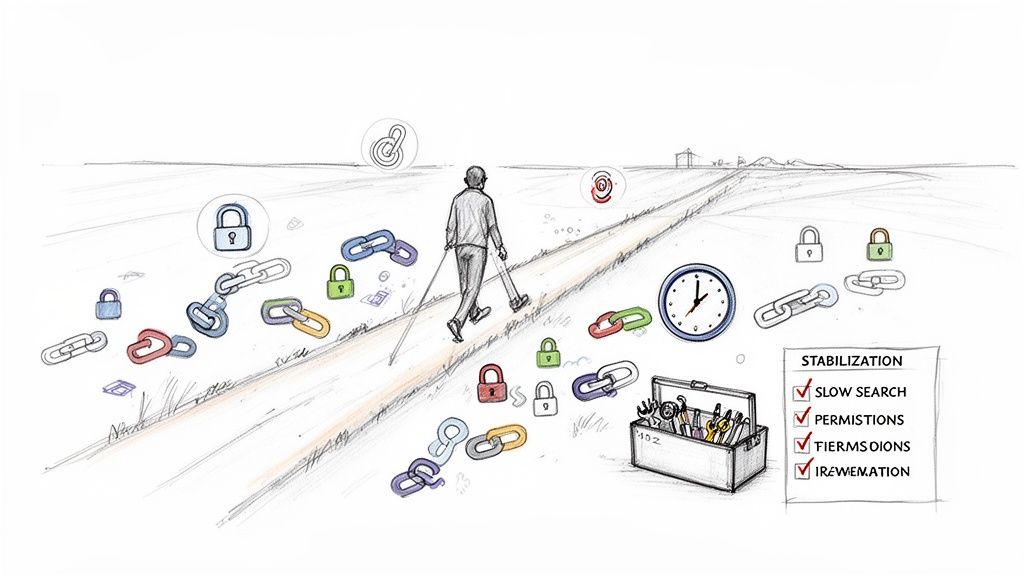
The cutover is complete. The project is finished, right? Not even close.
We often see clients fail here. The post-migration phase is where 70% of budget overruns occur on self-managed projects. The team celebrates a successful data transfer, but the real pain is just beginning. This is where hidden costs surface, turning a perceived win into a protracted, expensive clean-up operation.
The Search Indexing Catastrophe
The most underestimated post-migration disaster is search indexing. Microsoft's documentation might suggest a manageable 4-6 hour read-only window. The documentation says this, but in reality, for complex SharePoint environments, the knock-on effect for search and eDiscovery can drag on for 2-5 days or more. You can see the official workload-specific disaster recovery timelines on Microsoft Learn.
This isn't a minor glitch. It's a compliance breach that renders eDiscovery useless during a critical period. We've had to rescue projects where days of zero search results on newly migrated sites created a catastrophic business failure. The budget for the post-migration fix spiraled into tens of thousands of euros, representing that 70% overrun on what was supposed to be a "finished" project.
Your Critical Post-Migration Checklist
Stabilizing your new environment requires a forensic approach. Simply declaring victory after the final sync is negligent. Your team must immediately execute a validation and remediation plan.
Here is the non-negotiable checklist:
The Ollo Verdict: Failure to run this checklist means your new SharePoint Online tenant is an active security risk and a compliance liability. Missing these steps breaks legal compliance and destroys user trust from day one.
This phase transforms a raw data dump into a stable, secure foundation. Neglecting it ensures your costly cloud platform remains little more than an expensive file share. To prevent these outcomes, you must understand how to maintain robust SharePoint migration compliance and security.
Questions Your Team Should Be Asking
Your team is focused on timelines and budgets. Your job is to ask the tougher questions that prevent a project from becoming a career-limiting disaster.
My Team Is Skilled in PowerShell, Isn't That Enough?
PowerShell proficiency is essential, but it’s only one piece of the puzzle. We often see clients mistake scripting ability for architectural experience. The risk isn't syntax; it's the foresight to anticipate platform-specific failures.
Can your team's scripts dynamically handle API throttling with exponential backoff logic? Do they include routines to fix broken permission inheritance in real-time? Have they been pressure-tested against the unique headaches of tenant-to-tenant moves, like immutable ID and GUID conflicts? An experienced partner brings battle-tested frameworks that prevent these known failure points from derailing your project.
How Do We Handle Sensitive Data for GDPR Compliance?
This is the question that should keep you up at night. A naïve 'lift and shift' is a direct threat to GDPR compliance. The process cannot begin without a rigorous data classification phase. During the migration, your tooling must preserve audit trails and file metadata immutably.
Post-migration, it's a race against time to apply Microsoft Purview policies, including retention labels and Data Loss Prevention (DLP) rules. You can't wait to apply security; it must be an integrated part of the migration strategy. We've written extensively about maintaining security during a SharePoint migration, and it’s a critical read for any leader.
The Ollo Verdict: Missing this step doesn't just fail the migration; it breaks legal compliance. The cost of a GDPR fine dwarfs the cost of doing this right from the start.
What Is the Single Biggest Technical Mistake You See?
Without a doubt, it is underestimating the complexity of identity and permissions. Internal teams consistently assume on-premises Active Directory permissions will map cleanly to Microsoft Entra ID and SharePoint.
They never do.
This fundamental oversight leads to over-privileged accounts, broken access for critical business units, and a complete breakdown of security governance from day one. You end up with a Zero Trust architecture in name only. This isn't about moving files; it's about redesigning your access control model for the cloud. Fixing this post-migration is exponentially more expensive and disruptive than architecting it correctly from the start.
A SharePoint migration is a high-stakes undertaking where small mistakes create massive problems. At Ollo, we don't just migrate your data; we protect your business from the technical landmines that derail these projects. If you need a partner who measures success by risk reduction, not just speed, let's talk.

















