



Most advice about ms crm software starts with the same lazy line. If you're already in Microsoft 365, Dynamics 365 is the obvious next step. That advice gets projects approved. It also gets migrations wrecked.
The Microsoft ecosystem is real. So are the traps inside it. When your CRM touches SharePoint, Outlook, Entra ID, Power Platform, custom entities, reporting layers, and years of inherited junk from on-prem, you are not buying a product. You are taking custody of a fault line. If your team approaches that as a tidy platform upgrade, you're already behind.
I’m not interested in repeating vendor talking points. I’m interested in the failure modes that damage your budget, your audit trail, and your reputation with the board.
The 'One Microsoft' Myth and the Cost of Failure
The sales narrative says your Microsoft estate naturally extends into Dynamics 365. Fine. In a lab, that sounds sensible. In a regulated enterprise with legacy baggage, tenant complexity, and document sprawl, that story falls apart fast.
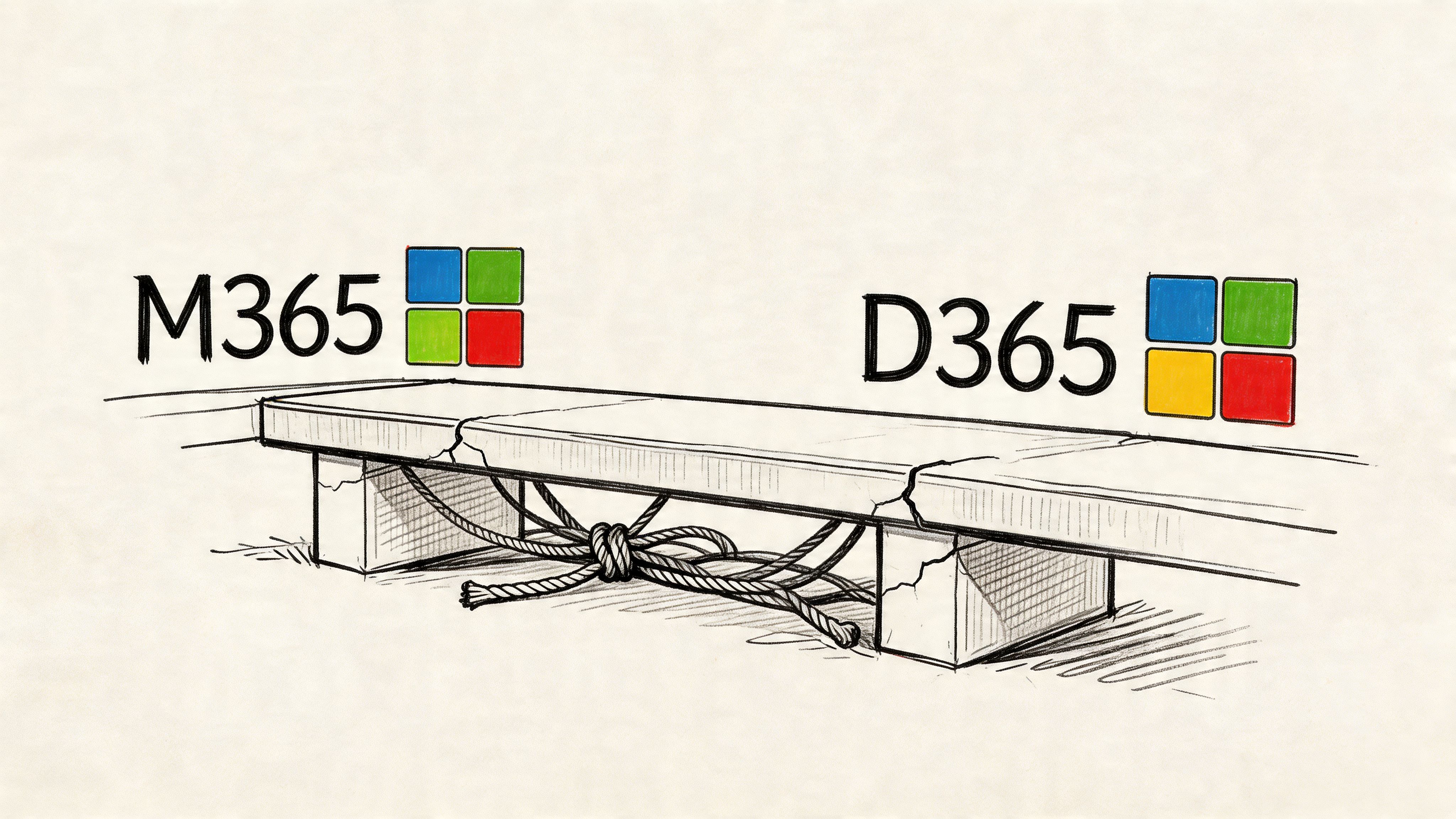
The cloud CRM market is large and still growing, but scale in the market does not remove implementation risk. The CRM market reached $65.59 billion in 2023, and one source also notes that 91% of CRM data becomes incomplete or stale annually, which is exactly the sort of operational decay that turns a migration into a compliance and reporting mess if you don’t clean the estate first, as outlined in this CRM statistics analysis.
That’s the part most project plans dodge. They treat migration as transport, not surgery. Your team exports data, maps fields, reconnects integrations, then assumes the job is done. It isn’t. If stale records, broken permissions, duplicate identities, and inherited document path problems already exist, a lift-and-shift preserves them in a more expensive place.
What usually goes wrong first
We often see clients fail when they let infrastructure politics drive the decision. The CRM team says Dynamics belongs with Microsoft. The Microsoft 365 team says tenant consolidation will simplify everything. Security says zero-trust can be layered in later. None of those statements is completely false. Together, they create a disaster.
Common early mistakes look like this:
- They approve the platform before auditing the estate: That leaves hidden dependencies untouched.
- They assume Microsoft-native means low-risk: Native integration still breaks when identity, permissions, and document architecture are badly designed.
- They delay governance work: Missing this step doesn’t just create admin overhead. It creates audit exposure.
- They use the wrong migration mindset: CRM migration is not file migration with extra fields.
If your wider Microsoft estate is already under strain, read this alongside your Microsoft 365 consolidation assumptions in this Microsoft 365 online migration perspective.
Practical rule: If your plan uses the phrase “lift and shift” for a regulated CRM estate, your plan is wrong.
The documentation and demos focus on capability. Your board will care about consequence. If the migration fails, you won’t be explaining features. You’ll be explaining why service logs are incomplete, why customer records don’t reconcile, and why the reporting layer now contradicts the source system.
Your CRM Is Not an Island It Is a Tectonic Plate
People talk about Dynamics 365 as if it were a single application. It isn’t. It’s a stack of dependencies with enough integration points to create years of technical debt if you move it carelessly.
Microsoft’s CRM line started in January 2003 and evolved through multiple versions before becoming Dynamics 365. That history matters because old design decisions still haunt current estates. We often see regulated organisations fail DIY upgrades from legacy versions because they ignore GUID conflicts and broken inheritance, a problem called out in Microsoft-related migration discussions such as this history of Microsoft CRM evolution.
The stack your team is actually moving
If you want a simple feature summary, Microsoft Dynamics 365 explained is a useful primer. For migration planning, though, that’s only the surface. The actual components usually include:
- Dataverse: Your system of record, but also a source of schema complexity, relationship dependencies, plugin behaviour, and custom entity risk.
- Power Platform: Useful, dangerous, and often under-governed. Low-code doesn’t remove architecture. It hides it until go-live.
- Entra ID: Identity and access decisions made here can break app access, Outlook tracking, conditional access flows, and external collaboration assumptions.
- SharePoint: The moment documents are involved, your CRM stops being a clean application story and becomes a content governance story too.
- Reporting layers: Power BI, exports, embedded dashboards, and downstream reporting all depend on consistent IDs, reliable sync, and clean source data.
That means your CRM doesn’t sit beside the rest of your cloud estate. It pushes against it. Shift one part badly and another part cracks.
Where integration points become failure points
A badly governed Power Platform estate usually looks fine in demonstrations. In migration, it turns feral. Old flows call retired endpoints. Canvas apps rely on assumptions no one documented. Security roles in Dataverse don’t match how the business now works. SharePoint permissions no longer line up with business unit separation.
Then identity makes it worse. Conditional access and zero-trust controls that should have been designed before migration get bolted on after the move. Outlook add-ins misbehave. Service accounts hit restrictions. Automated jobs lose access undetected.
A short architectural sanity check helps:
| Component | What teams assume | What actually breaks |
|---|---|---|
| Dataverse | Data will move if the schema maps | Relationships, plugins, and duplicate identities create bad records |
| SharePoint | Documents are just attachments elsewhere | Metadata, inheritance, and path design become migration blockers |
| Entra ID | Access can be cleaned up later | Later means after users lose access or overexposure has already happened |
| Power Platform | Low-code apps are lightweight | Undocumented dependencies become production outages |
If your organisation still debates whether documents belong in lists, libraries, or app tables, this architectural comparison on Dataverse vs SharePoint lists will save you from some expensive mistakes.
A CRM migration fails long before cutover. It fails when nobody maps the real dependency chain.
That’s why “just move ms crm software into the cloud” is such a dangerous sentence. You are not moving one system. You are realigning identity, data, documents, workflows, and reporting in one operation.
The Technical Traps That Derail Enterprise Migrations
The project usually moves beyond its theoretical phase. The documentation says the platform scales. In reality, enterprise migrations hit hard limits, ugly edge cases, and process design mistakes that nobody budgeted to fix.
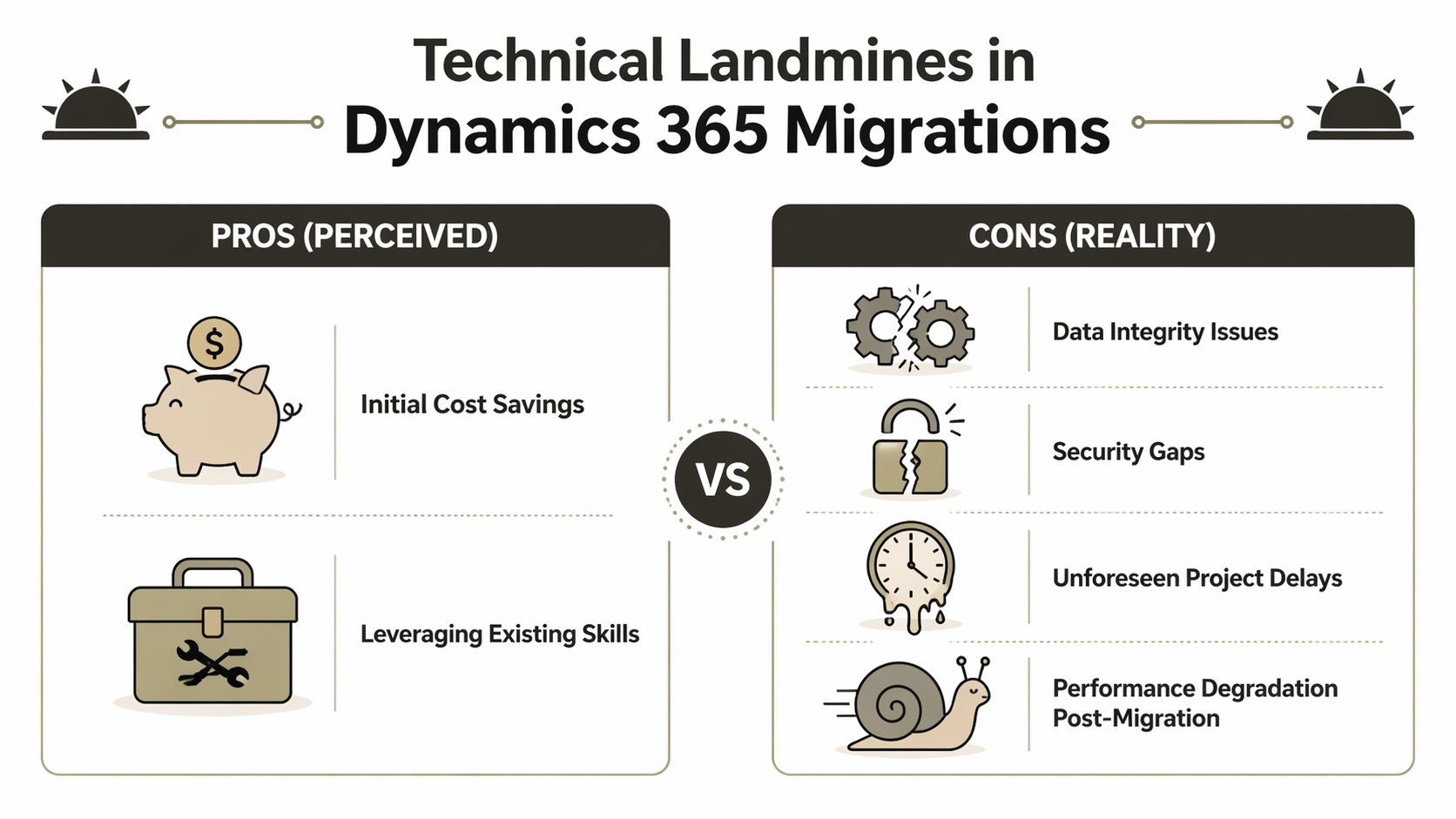
In IE environments, Microsoft Learn documents API throttling limits of 6000 calls per 5-minute window per user. We often see DIY migrations using unoptimised PowerShell scripts smash into those caps, trigger 429 errors, and produce 20-30% data loss from incomplete transfers when GUID conflicts appear during retries. That risk is grounded in official Microsoft documentation and related deployment guidance discussed through this Dynamics 365 server requirements reference.
Trap one: API throttling doesn’t warn you politely
Your engineers run a migration over a weekend. They batch requests aggressively because the window is tight. Everything looks fine at first. Then service protection limits hit. Calls fail. Retries stack up. Logs become noisy and misleading.
The damage isn’t just the visible error. It’s the false assumption that a retry means consistency. It doesn’t. Once partial writes and identity mismatches enter the flow, your target system may contain records that look complete but no longer reconcile cleanly.
Most teams treat 429 errors as a performance issue. In CRM migration, they are a data integrity issue.
This gets uglier when automated reporting or sales activity syncs keep running while migration scripts also compete for the same service limits. Your “migration weekend” becomes an argument about whether to freeze the business or corrupt the dataset.
Trap two: SharePoint limits punish sloppy document design
Dynamics 365 estates with SharePoint integration rarely fail because SharePoint is bad. They fail because nobody respected SharePoint’s boundaries when they first designed the CRM document model.
The documentation promises broad support. Reality introduces 5k item limits, metadata issues, inheritance problems, and folder structures that looked harmless until migration day. If customer, case, and opportunity records all point to sprawling document libraries with years of poor naming conventions, your cutover will expose every shortcut.
Typical failure patterns include:
- Bulk libraries with weak indexing: Users can’t reliably retrieve the right content after migration.
- Deep folder hierarchies: Pathing and document set design combine into a brittle mess.
- Permission inheritance abuse: One broken library structure creates knock-on security defects across related records.
- Assumed parity between tenants: Source and target permission models rarely match cleanly.
If your migration partner shrugs at the phrase “5k list view threshold,” they should not touch your CRM.
Trap three: GUID conflicts don’t stay technical
GUID conflict sounds like a backend nuisance. It isn’t. It destroys trust in the system because the visible damage shows up in front-end business processes.
One contact points to the wrong account history. A service activity no longer ties back to the right case. A sales report pulls data that almost matches the old estate, but not quite. Your users stop believing the platform because they can feel the inconsistency before your technical team finishes denying it.
That’s why identity reconciliation must happen before movement, not during remediation. Once merged data lands with the wrong parent-child logic, every downstream system inherits the damage.
Trap four: AI only amplifies bad migration decisions
A lot of teams now justify rushed CRM modernisation because they want Copilot and predictive features. Fine. But AI sits on top of your data discipline. It does not replace it.
If you need a broader reality check on why modern programmes stall when the data and process layer is weak, this piece on AI implementation challenges is worth your time. The pattern is familiar. People buy the intelligence story while ignoring the operational prerequisites.
Here’s the blunt version:
- Bad source data poisons recommendations
- Partial migrations create false signals
- Broken security models expose more data than users should see
- Executives trust AI outputs before the estate is stable
That sequence ends badly.
Trap five: migration planning without tenant context is fantasy
A CRM move inside one tenant is hard enough. Tenant-to-tenant work is worse because identity, security, document services, and collaboration assumptions all change at once.
The teams that survive this work build around throttling, sequencing, remediation, and rollback logic. The teams that don’t survive write a project plan as if Microsoft-native services will naturally cooperate.
If you’re preparing for a larger consolidation, review the operational realities in this tenant migration guide for Microsoft 365. It reflects the same underlying truth. Cross-tenant work punishes optimism.
Governance and Zero-Trust in Regulated Industries
A so-called 360-degree customer view sounds useful until your auditor asks who can see what, why they can see it, and where that access was approved.
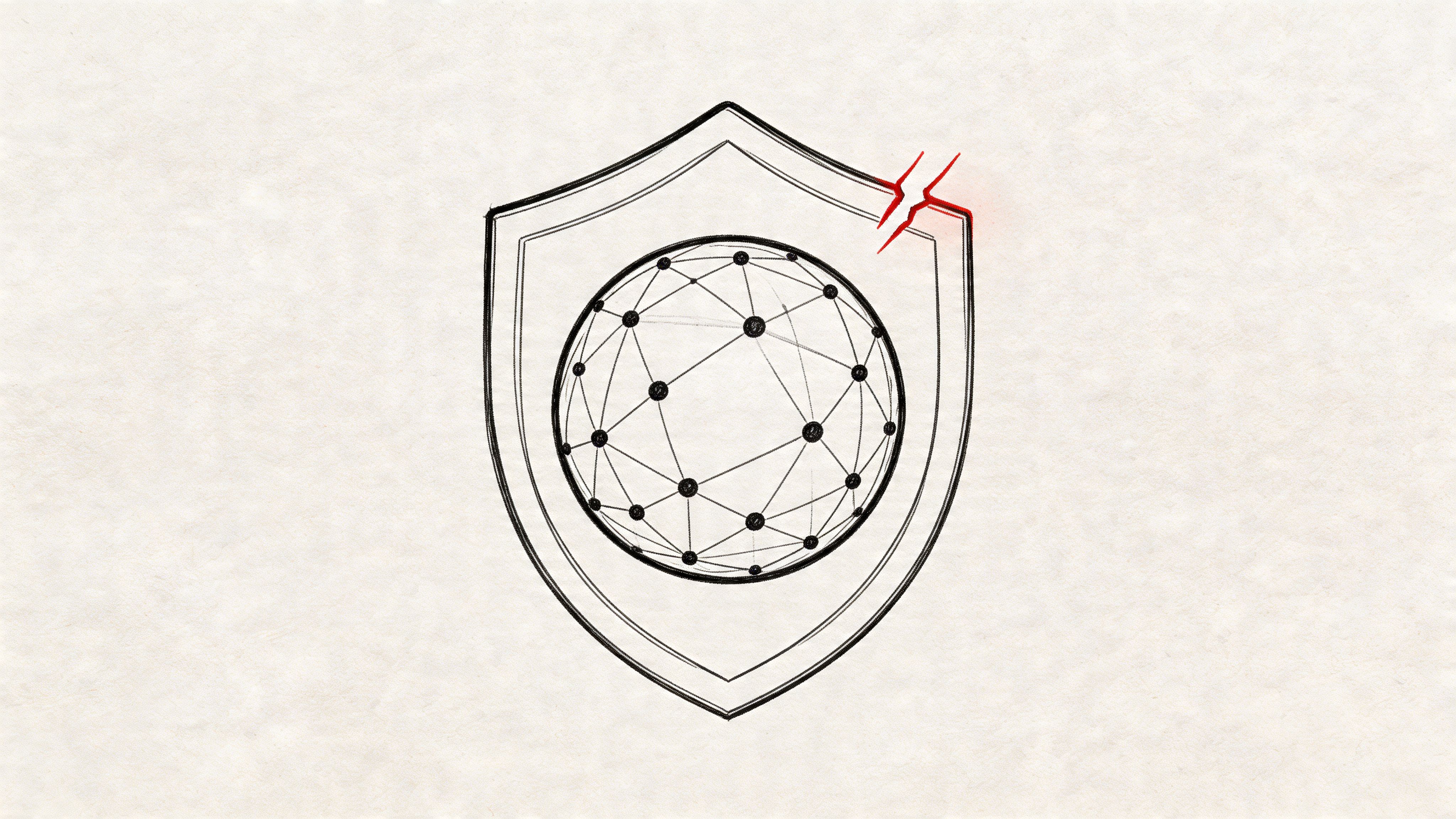
Vendors present data centralisation as an obvious good. In regulated sectors, that’s incomplete at best. One analysis puts it plainly. A “360-degree customer view” conflicts directly with least-privilege security and data minimisation requirements when access controls are poorly designed. That warning is captured in this discussion of the hidden governance gap in Dynamics 365 visibility claims.
If you work in finance, healthcare, or energy, broad visibility is not maturity. Broad visibility is evidence. If the wrong people can access fields, notes, attachments, or service interactions, you’ve centralised your risk.
The default model is not your friend
Most new CRM environments start too open. Teams rush role assignment because users need access on day one. Then they discover the structure doesn’t align with the business. Business units don’t map cleanly to legal entities. Field-level security gets skipped because it slows delivery. Hierarchical access behaves differently from what managers expected.
The result is predictable:
- Sales sees more than sales should see
- Service can access records outside its remit
- Shared dashboards reveal data across boundaries
- Audit logs exist, but they prove poor design rather than strong control
Centralised data without controlled exposure is not transformation. It is a future incident report.
A practical pre-flight reference like this 8-Point CRM Migration Checklist helps teams ask the right questions early, but checklists alone don’t build a security model. They only reveal whether one is missing.
Zero-trust has to exist before cutover
A lot of enterprises still treat zero-trust as a hardening exercise for later phases. That is backwards. Identity, access segmentation, conditional access, and privileged role design should shape the migration plan itself.
If you centralise data first and redesign access later, users form bad access habits, integrations depend on over-broad permissions, and your remediation effort becomes political as well as technical.
Many non-security teams need a clearer operating model, especially when Entra ID decisions affect app access and collaboration boundaries. A grounded starting point is this guide to zero-trust in Microsoft 365 for non-security teams.
A useful explainer on the wider security mindset sits below.
What regulated teams should demand
Ask your migration partner direct questions. If they answer in slogans, stop the conversation.
- Field exposure: Which fields require field-level security, and who approved the mapping?
- Business separation: How will business units, teams, and hierarchy behave after consolidation?
- Identity design: Which Entra ID controls will be in place before user cutover?
- Auditability: How will you prove access was constrained by design, not cleaned up afterwards?
That’s the difference between a CRM that supports regulated operations and one that creates legal evidence against your own governance claims.
Evaluating Your Toolkit The Breaking Point of DIY
Your internal team will reach for familiar tools. That instinct is understandable. It is also where expensive mistakes begin.

The core problem isn’t that standard tools are bad. The problem is that teams confuse “works in some migrations” with “safe in our migration.” Poorly planned integrations create data silos and reporting errors, and organisations that underestimate integration TCO often end up paying for rescue work later, as discussed in this assessment of Dynamics 365 pros, cons, and hidden integration cost.
SPMT
SPMT exists for a reason. It’s free. It’s useful for straightforward SharePoint content movement. It can help in low-complexity scenarios where the estate is small, the metadata burden is limited, and CRM dependencies are not in play.
That is not the same as saying it belongs anywhere near an enterprise Dynamics consolidation.
Ollo Verdict: Use SPMT for small, simple file moves. Don’t use it as the backbone of a regulated CRM migration.
ShareGate
ShareGate is a serious tool. It handles standard SharePoint migration work far better than free utilities, especially when you need visibility, repeatability, and better control over content movement.
But ShareGate has a breaking point too. Complex tenant-to-tenant CRM estates introduce exceptions that tools alone don’t solve. Custom metadata. Permission oddities. document architecture defects. Inheritance damage. Identity mapping issues. Tooling helps expose and process these problems. Tooling does not magically resolve them.
Ollo Verdict: Use ShareGate as part of the toolkit. Don’t pretend it is the entire migration strategy.
PowerShell PnP and custom remediation
Serious work begins. Not because custom scripting is glamorous. It isn’t. It’s brittle if handled badly, and essential if handled properly.
Custom PowerShell PnP work matters when you need to normalise path structures, sequence retries around throttling, preserve or rebuild metadata logic, and handle edge cases the platform tools don’t understand in business terms.
A sensible enterprise toolkit usually looks like this:
| Tool | Useful for | Breaking point |
|---|---|---|
| SPMT | Basic SharePoint content movement | Weak fit for complex CRM-linked enterprise estates |
| ShareGate | Controlled SharePoint migration and reporting | Not enough on its own for custom CRM dependency handling |
| PowerShell PnP | Exception handling and remediation | Dangerous in unskilled hands, necessary in complex scenarios |
One option in that category is Ollo’s migration service, which combines ShareGate usage with custom PowerShell remediation for Microsoft 365 and SharePoint-heavy programmes. That matters when your risk sits in the exceptions, not the happy path.
If your engineers say “the tool supports migration,” ask the harder question. Does it support your mess?
The DIY argument usually hides the real cost
DIY teams focus on licence cost and internal capacity. They should focus on failure recovery. If your first attempt creates bad records, broken permissions, or reporting inconsistencies, you won’t just spend more time. You’ll reopen governance decisions, trigger user distrust, and possibly re-run migration work under tighter scrutiny.
That isn’t efficiency. It’s a delayed invoice.
The Ollo Engagement Model A Protocol for Survival
By the time an enterprise calls for help, the technical issue usually isn’t the first issue anymore. The first issue is trust. Leadership no longer trusts the timeline. Users no longer trust the data. Security no longer trusts the design.
That’s why a high-risk ms crm software migration needs a protocol, not a generic delivery plan. The process has to target failure modes before they surface in production. Microsoft documentation may promise clean integration paths, but real IE environments still hit path limits, broken inheritance, and Outlook-related integration issues that don’t reveal themselves until the wrong data goes missing at the wrong time.
One documented pain point is the 260-character path length limit in CRM for Outlook-related scenarios, which can trigger Broken Inheritance behaviour in on-premises and hybrid patterns. That’s why pre-migration path normalisation and scripted remediation matter, as discussed in this Dynamics CRM requirements reference discussing Outlook and environment constraints.
Phase one uncovers the damage before movement
A proper pre-migration audit does not produce a pretty inventory deck. It identifies what will break.
That means checking for GUID collisions, path length violations, permission inheritance anomalies, custom entity dependencies, unmanaged customisations, and SharePoint document structures that won’t survive the target design.
Key audit outputs should include:
- Identity findings: Duplicate or conflicting objects that will corrupt relationships
- Document findings: Paths, libraries, and permissions that need redesign before migration
- Integration findings: Outlook, reporting, and automation dependencies that cannot be readily reconnected
- Security findings: Access models that violate least-privilege principles before data even moves
If your current partner calls discovery a workshop and not a forensic exercise, they’re underscoping the danger.
Phase two fixes what tools alone won’t fix
Off-the-shelf tools can move a lot of content. They cannot decide how to resolve architectural contradictions. That’s where remediation scripting earns its keep.
Scripts should enforce naming normalisation, throttle-aware sequencing, metadata correction, and exception handling around the ugly parts of the estate. This is also where teams decide what not to migrate. That choice matters just as much as what moves.
The safest migration plan usually deletes more assumptions than data.
Phase three moves in controlled waves
Big-bang cutovers look decisive. They also maximise the blast radius when something goes wrong.
A throttling-aware phased migration controls API demand, isolates failures, preserves rollback options, and gives your operations teams room to validate business-critical records before the next wave. This is especially important where CRM, document management, and reporting all depend on one another.
A sensible phased model usually follows this order:
- Pilot a representative slice, not the easiest slice
- Validate identity and document relationships before scale
- Sequence high-risk entities and integrated content carefully
- Freeze or coordinate dependent automations during critical windows
- Reconcile results with business owners, not just technical logs
Phase four hardens the target after landing
A migration is not complete when records appear in the target. It is complete when governance survives contact with real users.
That means tightening access, validating audit behaviour, reviewing field-level visibility, confirming business unit segmentation, and checking that document permissions still reflect legal and operational boundaries. Most DIY teams either skip this or do it too late.
The point isn’t perfection. The point is controlled exposure and provable governance from the first day the platform goes live.
If you need a team that handles this as a risk-reduction exercise rather than a generic rollout, speak with Ollo. Bring your ugly tenant map, your legacy CRM history, and your compliance concerns. That’s the actual starting point.

















