



Let's be blunt. The standard approach to SharePoint compliance is a box-ticking exercise that inevitably fails under the pressure of a real-world migration or audit. Your team might deploy Microsoft Purview, buy a third-party tool, and assume the job is done. This is the first mistake. We've been called in to rescue projects where terabytes of sensitive data were left exposed post-migration because the out-of-the-box settings on their shiny new tool couldn't handle broken permission inheritance or SharePoint's notorious 5,000-item list view threshold. The documentation promises simplicity; reality delivers chaos.
This isn't a simple tools comparison. This is a field guide, forged from rescuing failed projects, designed to show you which SharePoint compliance tools actually work at enterprise scale and which ones will let you down when it matters most. Getting this wrong isn't a technical error; it's a career-limiting event that puts your organisation's data at risk of non-compliance and breaches.
We will dissect the native Microsoft Purview suite alongside leading third-party solutions like ShareGate, AvePoint, and Quest. Before exploring the specific tools, it's beneficial to have a foundational understanding of the capabilities and typical deployment scenarios of the Microsoft SharePoint platform itself. For each tool in this listicle, we will provide an "Ollo Verdict" based on real-world implementation, highlighting specific breaking points for enterprise scenarios. You'll get direct links and screenshots to help you evaluate which solutions can genuinely enforce governance across your complex environment, rather than just adding another line item to your software budget. This is about choosing a tool that prevents disaster, not just one that looks good in a demo.
1. Microsoft Purview (Microsoft 35 compliance)
As Microsoft’s native compliance suite, Microsoft Purview is the default starting point for any SharePoint compliance strategy. Its key advantage is that enforcement happens closest to the data plane, providing deeply integrated control over information protection, data loss prevention (DLP), and records management directly within your Microsoft 365 tenant. For organisations already invested in the ecosystem, particularly with E3 or E5 licensing, Purview offers a unified control centre for SharePoint, Teams, Exchange, and even endpoints.
However, do not mistake "native" for "simple." The documentation suggests a clear path, but reality is a maze of licensing prerequisites. Advanced features like auto-labelling based on trainable classifiers or extending audit log retention beyond the standard limit often require an E5 licence or a specific Purview add-on. We've seen teams invest heavily in a Purview rollout only to discover a critical feature, like advanced eDiscovery, is locked behind a licence tier they hadn't budgeted for. Verifying SKU eligibility against your specific compliance requirements before you begin is non-negotiable. It’s a crucial step in building a sustainable framework, and we detail more on this in our guide to achieving SharePoint GDPR compliance on ollo.ie.
The Ollo Verdict
Purview is the foundational layer for any serious SharePoint compliance effort. Its native integration is unmatched, but its complexity is its greatest risk. Treat it as a powerful platform, not a plug-and-play solution. Your team must have a deep understanding of Microsoft licensing to avoid unexpected costs and capability gaps that can derail your entire governance project.
Website: Microsoft Purview Pricing
2. Microsoft AppSource (marketplace)
If Microsoft Purview is the native foundation, AppSource is the official, vetted catalogue for extending it. This is your primary starting point for discovering third-party SharePoint compliance tools that fill specific gaps, from advanced permissions governance to specialised data capture for regulated industries. Critically, AppSource provides a first line of defence in your vendor risk assessment through its badging system, which indicates if a solution is merely ‘Publisher Attested’ or has passed the more rigorous ‘Microsoft 365 Certified’ audit.
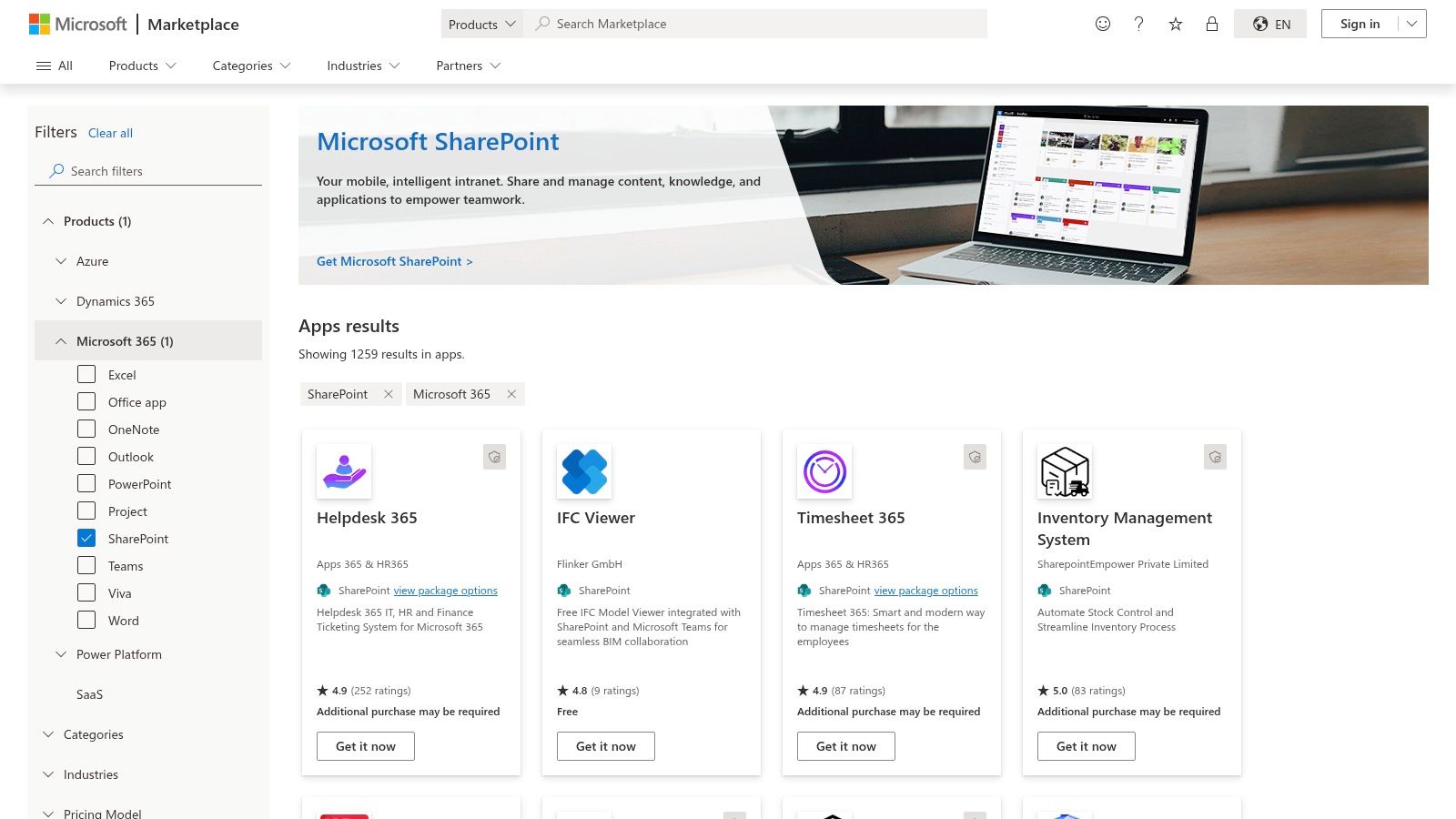
Do not treat this as an open app store. The quality varies wildly, and many listings are generic business apps masquerading as deep compliance solutions. We’ve seen teams deploy an app from the marketplace only to find its permission requests are far too broad, creating a new security risk while trying to solve an old one. Furthermore, deploying these tools isn’t a simple click-and-install process; they often require tenant-level admin consent and significant configuration, which can have knock-on effects on your existing SharePoint architecture. Always scrutinise the publisher’s security posture and conduct a proof-of-concept before granting tenant-wide access.
The Ollo Verdict
AppSource is an essential resource for finding specialised SharePoint compliance tools, but it demands a cynical and security-first approach. Use the Microsoft 365 Certified badge as your initial filter to weed out vendors with weak security postures. Never trust the marketing copy; instead, evaluate each tool's real-world impact on your tenant's permissions and configuration before committing to a full deployment.
Website: Microsoft AppSource for SharePoint
3. ShareGate Protect (ShareGate)
ShareGate is the go-to tool for migrations, but its value proposition extends deep into post-migration governance. We see many teams successfully use it to move data, declare victory, and then watch as permissions sprawl and oversharing create massive security gaps. ShareGate Protect is designed to fix exactly that, acting as a practical remediation engine to clean up the governance mess that organic SharePoint growth inevitably creates. It provides immediate visibility into high-risk areas like public sharing, broken permission inheritance, and orphaned user accounts.
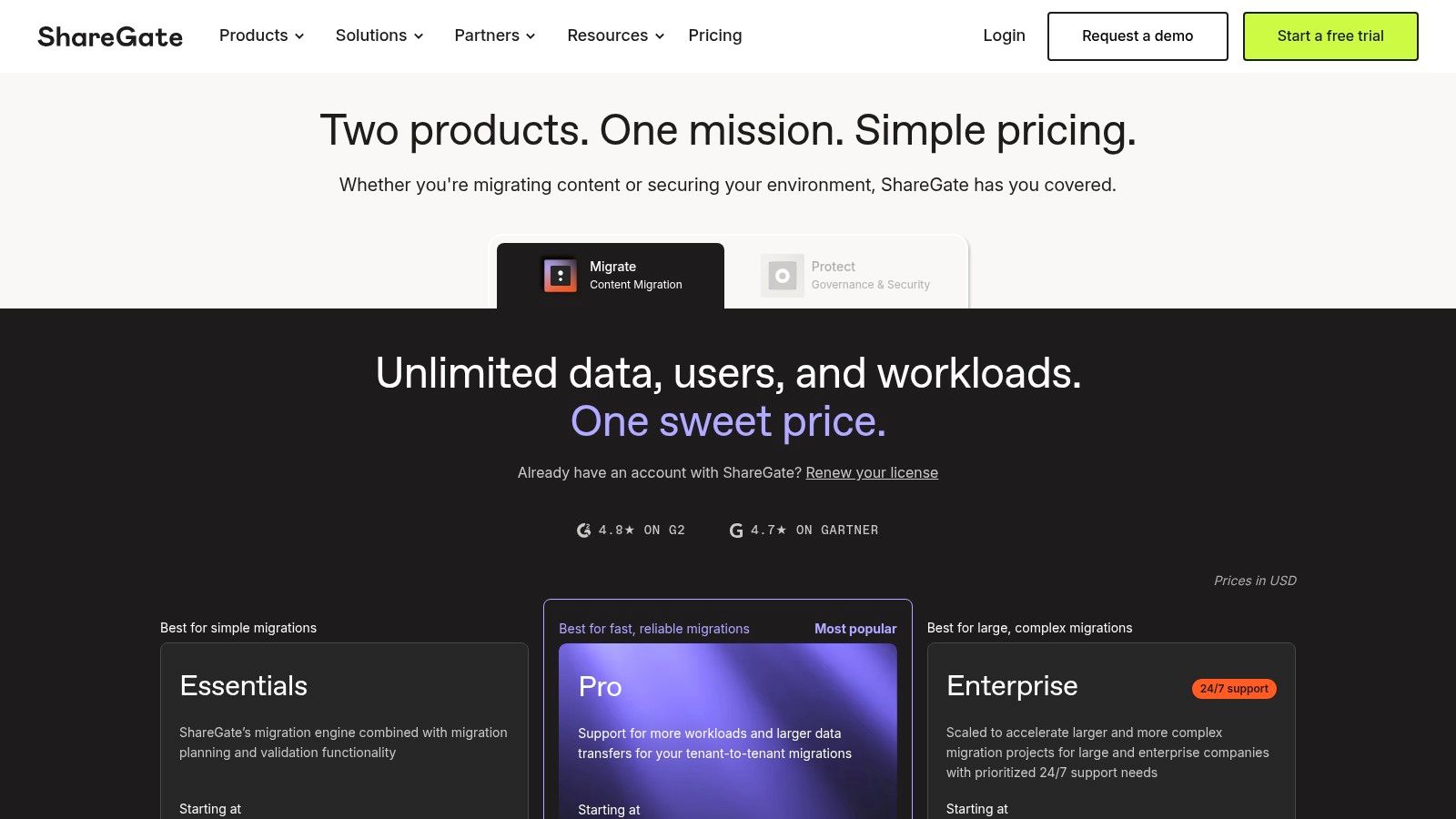
Its strength lies not just in reporting, but in bulk remediation. Identifying thousands of anonymously shared links is one thing; fixing them without custom PowerShell scripts is another. This is where ShareGate excels, offering a user-friendly interface for admins to enforce policies at scale. However, do not confuse it with a full-fledged records management platform. It is not designed for complex retention schedules or eDiscovery cases. Think of it as the practical, hands-on tool for enforcing governance policies that are defined elsewhere, often within Microsoft Purview. Its pricing is not public, requiring a sales engagement, so budget accordingly.
The Ollo Verdict
ShareGate Protect is an indispensable tool for operational governance and risk remediation, especially after a large-scale migration. It bridges the gap between Purview’s powerful-but-complex policy engine and the on-the-ground reality of managing permissions. Treat it as your SharePoint compliance clean-up crew. It won’t build your entire compliance framework, but it is one of the most effective SharePoint compliance tools for maintaining it and preventing the inevitable decay of security posture over time.
Website: ShareGate Pricing
4. AvePoint Cloud Governance / Cloud Management
Where native tools like Purview manage the data inside SharePoint sites, AvePoint’s platform governs the lifecycle of the containers themselves. Its core strength lies in taming the sprawl of Teams, Groups, and SharePoint sites by enforcing policy at the point of creation. Instead of letting users create unmanaged sites, AvePoint provides a managed self-service portal, ensuring every new workspace is provisioned with the correct naming conventions, ownership, and compliance policies from day one. This proactive approach prevents governance debt from accumulating.
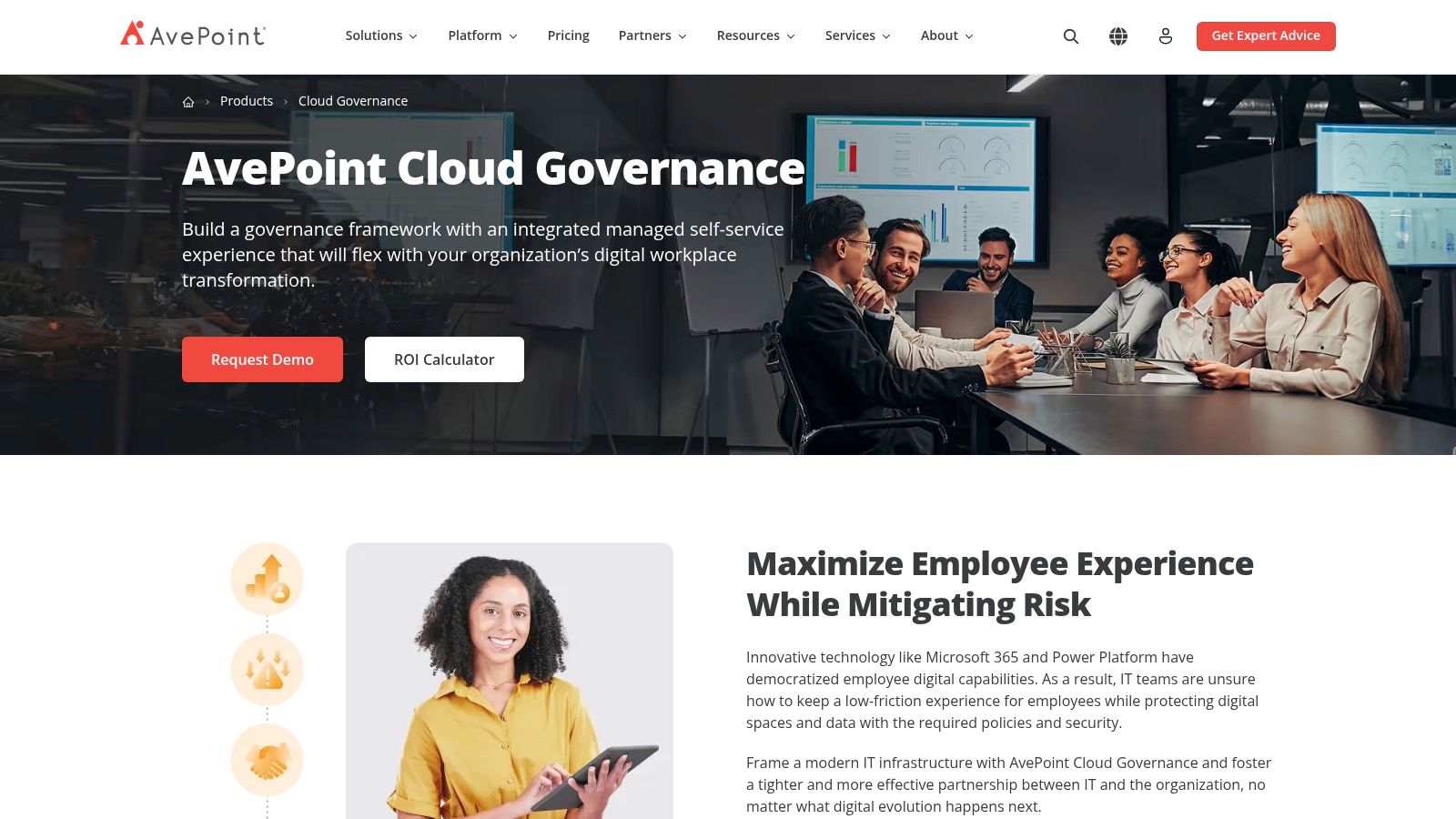
However, its power is also its biggest implementation hurdle. The platform's effectiveness depends entirely on having clean metadata and clearly identified business owners before you deploy. We've seen projects stall when organisations realise they cannot answer fundamental questions like "Who owns this department's data?" or "What is the retention period for project finance sites?". The tool can automate recertification and access reviews, but if the underlying ownership information is flawed, you are just automating chaos. Its rigour forces a level of data hygiene that many organisations aren't prepared for, a challenge we often address during a SharePoint Online migration on ollo.ie. Pricing is quote-based and requires a thorough planning phase to align with your budget.
The Ollo Verdict
AvePoint is one of the most mature SharePoint compliance tools for organisations that need to prove who has access to what, and why. Its structured workflows for provisioning and attestation are excellent for regulated industries, but do not underestimate the initial onboarding effort. If your information architecture is a mess, AvePoint will expose it, not fix it. Get your house in order first.
Website: AvePoint Cloud Governance
5. Quest ControlPoint
For organisations grappling with a hybrid SharePoint environment, Quest ControlPoint (formerly part of the Metalogix suite) offers a centralised governance console that bridges the gap between on-premises farms and SharePoint Online. Its core strength is providing a unified view of permissions, auditing, and policy enforcement across these disparate environments, a scenario where native Microsoft 365 tools often fall short. It excels at deep, historical auditing, allowing teams to investigate user and admin actions with a level of granularity that often surpasses standard Microsoft 365 audit logs, a critical function for regulatory investigations.
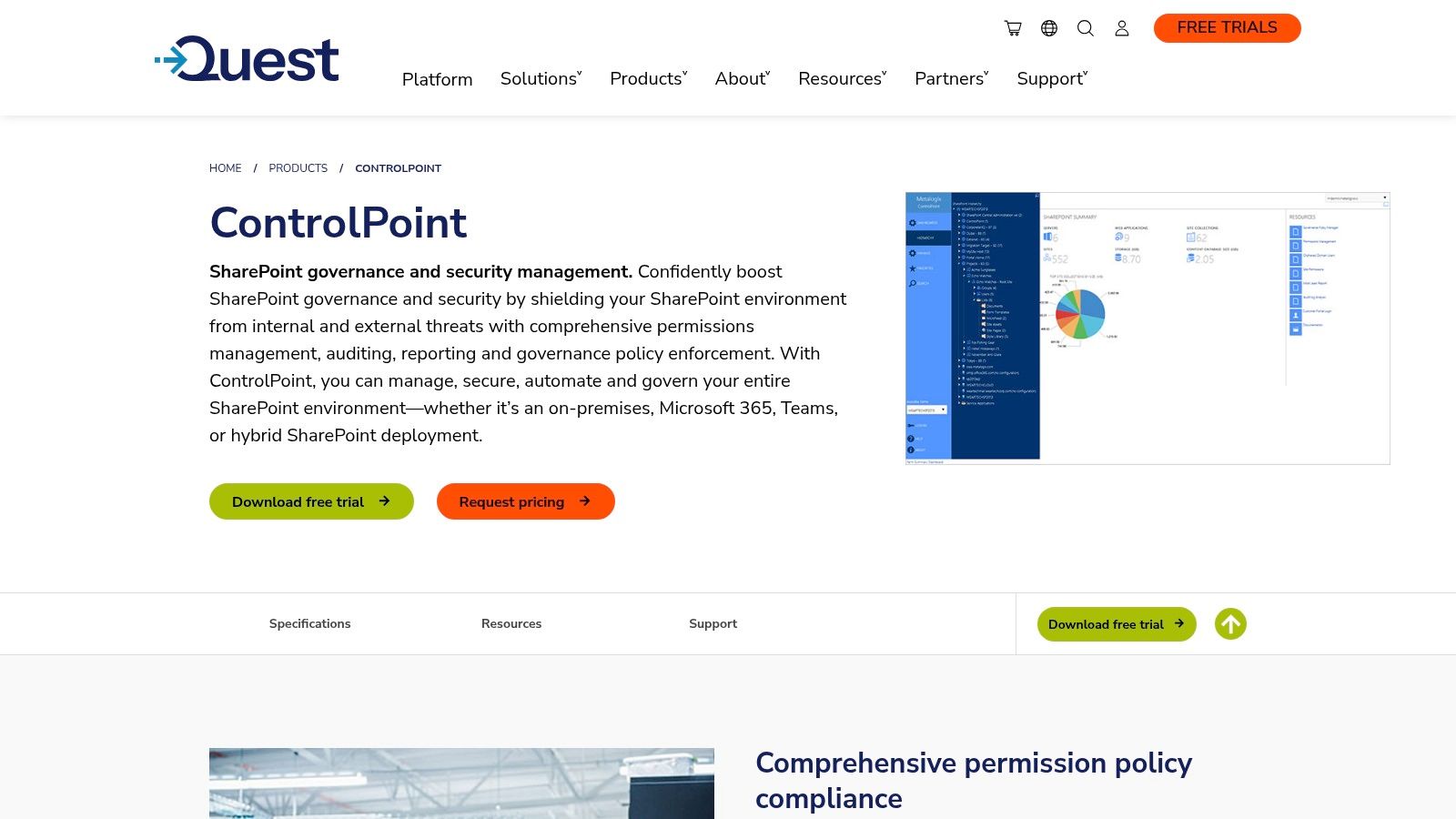
However, this is not a modern, pure-SaaS solution. The documentation might highlight cloud capabilities, but the reality is that its on-premises components demand dedicated Windows Server and SQL infrastructure for full functionality. We've seen teams underestimate this footprint, assuming it's a simple add-in, only to face a significant infrastructure project. Furthermore, its add-on for sensitive content detection feels less integrated than native Purview Information Protection. Accessing pricing or even a trial requires direct sales engagement, which can slow down evaluation cycles significantly compared to other SharePoint compliance tools.
The Ollo Verdict
ControlPoint has a clear, albeit shrinking, use case: complex hybrid SharePoint estates where granular, unified auditing across on-prem and cloud is non-negotiable. If your compliance mandate requires deep forensic analysis of legacy on-premises activity alongside your modern tenant, it remains a relevant tool. For cloud-only organisations, its infrastructure overhead and dated architecture make it a hard sell against the increasingly powerful, if complex, native Microsoft Purview suite.
Website: Quest ControlPoint
6. Netwrix Auditor for SharePoint
While Microsoft Purview provides the policy engine, Netwrix Auditor delivers the forensic-level visibility required for proving that policy is being followed. Its core strength lies in detailed change and read-access auditing for both SharePoint Online and on-premises environments. For organisations facing stringent SOX or ISO audits, having a clear, immutable record of who accessed what, when they accessed it, and what they did is not just a nice-to-have; it's a mandatory control. Netwrix excels at translating raw audit logs into human-readable reports and dashboards that satisfy auditors.
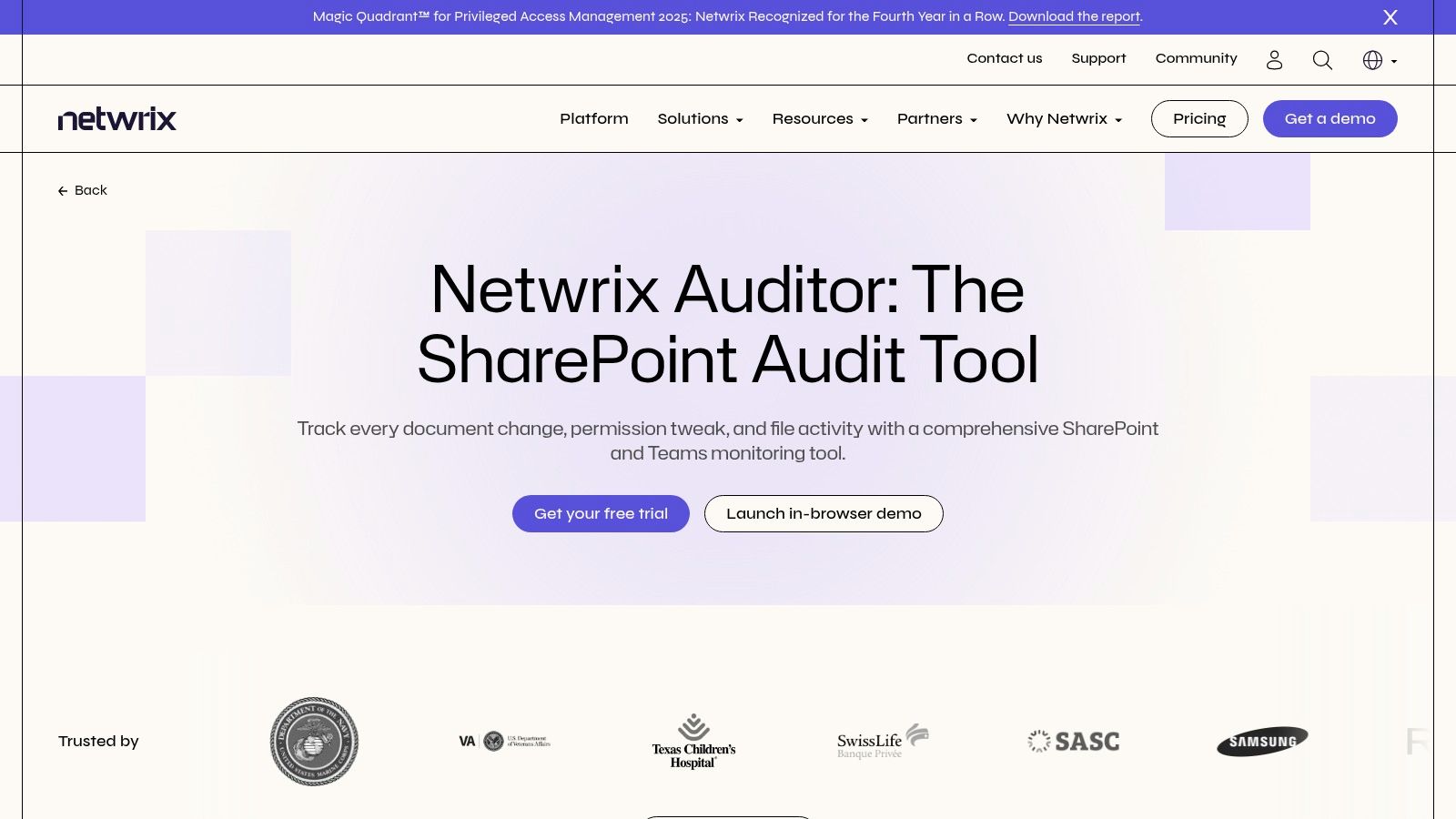
However, do not mistake auditing for governance. We've seen teams deploy Netwrix expecting it to enforce permissions or manage content lifecycle, which it does not do. It is a powerful SharePoint compliance tool for detection and reporting, not prevention or enforcement. It tells you a user with excessive permissions accessed a sensitive file; it doesn't stop them from doing so in the first place. Therefore, it should always be paired with a robust governance tool like Purview or a third-party provisioning engine to create a complete compliance framework. The free community edition is useful for a proof-of-concept, but enterprise-scale reporting and alerting are locked behind paid tiers.
The Ollo Verdict
Netwrix Auditor is an essential supplementary tool for any serious compliance strategy, filling the deep auditing gaps left by native tooling. It provides the "who did what" evidence that auditors demand. However, treat it as a specialised instrument. It is not a comprehensive governance platform, and relying on it as such will leave critical enforcement gaps in your security posture.
Website: Netwrix Auditor for SharePoint
7. SysKit Point
SysKit Point positions itself as a governance and auditing platform designed to operationalise Microsoft 365 compliance controls for IT teams. It moves beyond simple reporting by providing actionable dashboards for inventory, vulnerability scanning, and permission management, aiming to give administrators a single pane of glass over who has access to what. Its core value is in translating complex Purview policies into manageable, day-to-day governance tasks like access reviews and lifecycle automation, effectively bridging the gap between policy creation and enforcement.
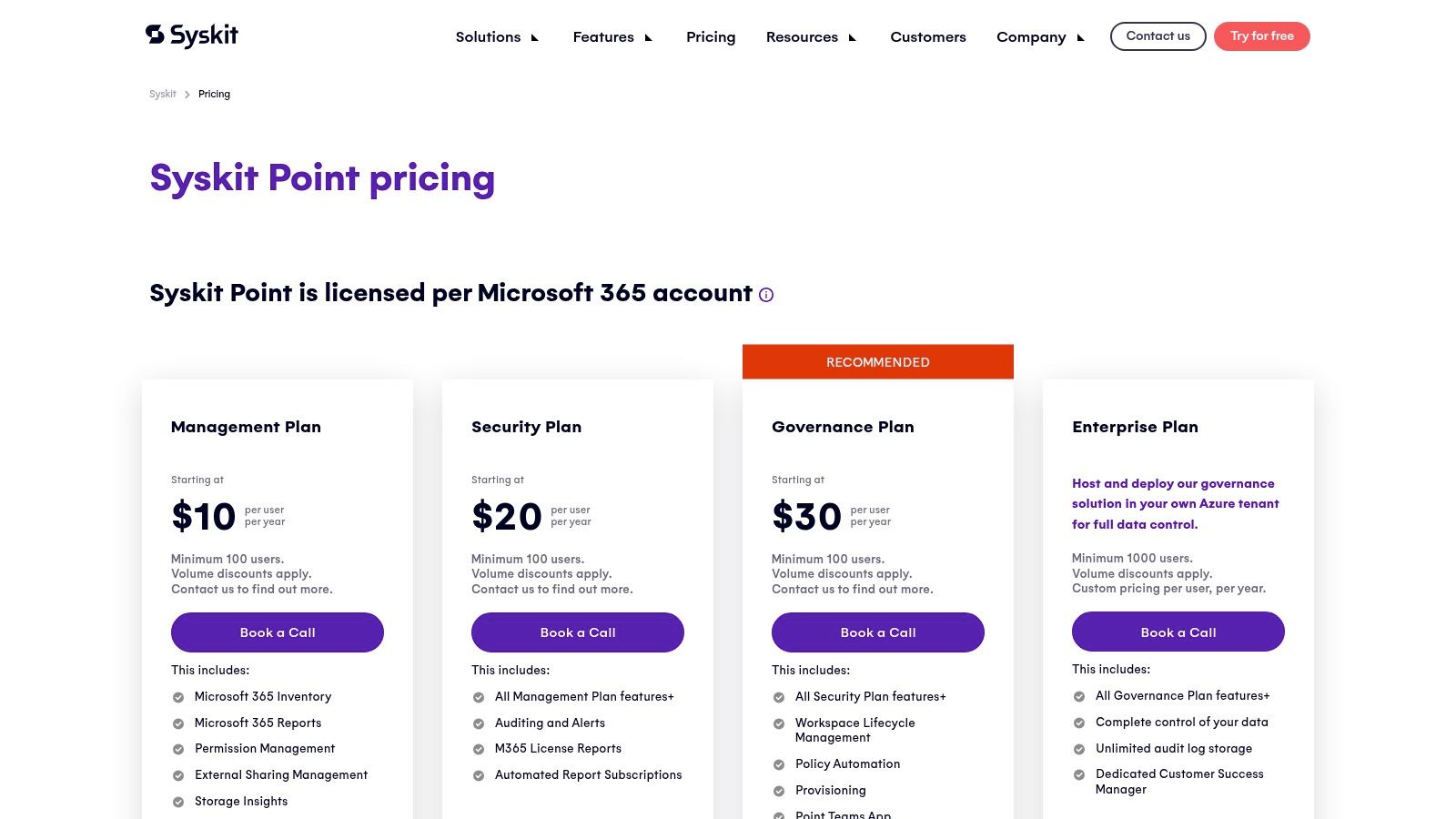
Where many third-party SharePoint compliance tools falter is on data residency and hosting flexibility, but SysKit offers a compelling advantage here. They provide optional dedicated regional hosting, which is a critical checkbox for organisations navigating stringent data sovereignty regulations like GDPR. For those with even stricter requirements, the Enterprise plan supports in-tenant hosting, ensuring your governance data never leaves your environment. However, be prepared for enterprise-level pricing; the 100-user minimum on standard tiers means this isn't a tool for small teams, and costs scale directly with your user count.
The Ollo Verdict
SysKit Point is a strong contender when your primary challenge is not a lack of policies but a lack of operational visibility and control. If your team is struggling to manage external sharing, conduct regular access reviews, or automate lifecycle policies without getting lost in the Purview portal, this platform provides the necessary structure. It’s an investment, but for organisations needing simplified enforcement and strict data residency, it directly addresses common compliance management pain points.
Website: SysKit Point Pricing
8. Rencore Governance
Where Microsoft Purview enforces policies at the data level, Rencore Governance operates at the management plane, providing a high-level, rule-driven overview of your entire Microsoft 365 estate. It excels at identifying governance drift, such as unauthorised public teams, orphaned sites, or SharePoint sites with external sharing enabled against policy. Its strength lies not in real-time data inspection, but in continuous, automated monitoring of the configuration and state of SharePoint, Teams, Power Platform, and even Copilot. This makes it an ideal tool for large organisations or MSPs managing multiple tenants, allowing them to define a single governance baseline and apply it everywhere.
The platform isn't a silver bullet; it requires a well-defined governance strategy to be effective. We have seen teams deploy Rencore expecting it to fix their problems, only to be overwhelmed by alerts. The tool reveals the issues, but your team must build the automation playbooks within Rencore to remediate them. This requires upfront planning to map your policies to Rencore’s checks and automated responses. Failing to do this upfront planning is a classic mistake, and we explain more about the hidden costs of poor data governance and how to fix them on ollo.ie. The pricing is also quote-based, so budgeting requires direct engagement.
The Ollo Verdict
Rencore Governance is not a replacement for Purview but a powerful complement to it. Use Purview for data-centric controls like DLP and labelling, and use Rencore to ensure the containers (the SharePoint sites, Teams, etc.) are configured correctly and stay that way. It’s one of the best SharePoint compliance tools for organisations that need to automate large-scale governance monitoring and enforce structural compliance, especially across complex or multi-tenant environments.
Website: Rencore Pricing
9. Varonis for Microsoft 365
Varonis steps in where native tools like Purview often hit their operational limits. It moves beyond simple reporting to provide automated remediation, tackling the chronic issue of over-permissioned sites and overshared links. Its core strength is providing deep, file-level visibility into who is accessing sensitive data, classifying it based on content, and then automatically revoking excessive access rights without manual intervention. For organisations dealing with highly regulated data sets like PII, PHI, or PCI, this automated enforcement is a critical defence against insider risk and data leakage.
However, this is an enterprise-grade platform with a corresponding price tag and deployment complexity. The documentation might show a smooth integration, but in reality, a successful rollout almost always requires a guided deployment or a partner engagement to properly tune the classification rules and remediation workflows. We've seen teams underestimate this, expecting a plug-and-play tool, only to realise the true value is unlocked through expert configuration. It’s a powerful addition to your SharePoint compliance tools, but it demands a strategic investment, not just a purchase order. Considering such tools is part of a mature security posture, which we cover in our guide to SharePoint migration security on ollo.ie.
The Ollo Verdict
Varonis is for the organisation that has moved past basic compliance and is actively hunting for and remediating risk. Its ability to automatically fix permissions and integrate with Purview and Sentinel makes it a powerful force multiplier. Treat it as a specialised, high-impact security project, not just another software add-in. Budget for the platform and the expertise needed to deploy it correctly to avoid a costly, underutilised investment.
Website: Varonis for Microsoft 365
10. Collabware CLM
For organisations with a significant on-premises SharePoint footprint or those navigating a prolonged hybrid migration, Collabware CLM is a well-established player. Its strength lies in classic, DoD 5015.2-certified records management capabilities, offering granular, hierarchical classification and complex event-based retention triggers that go beyond what native SharePoint on-prem offers. We've seen it act as a critical bridging solution where legacy on-prem systems hold high-value records that cannot be moved to the cloud quickly due to regulatory or technical constraints.
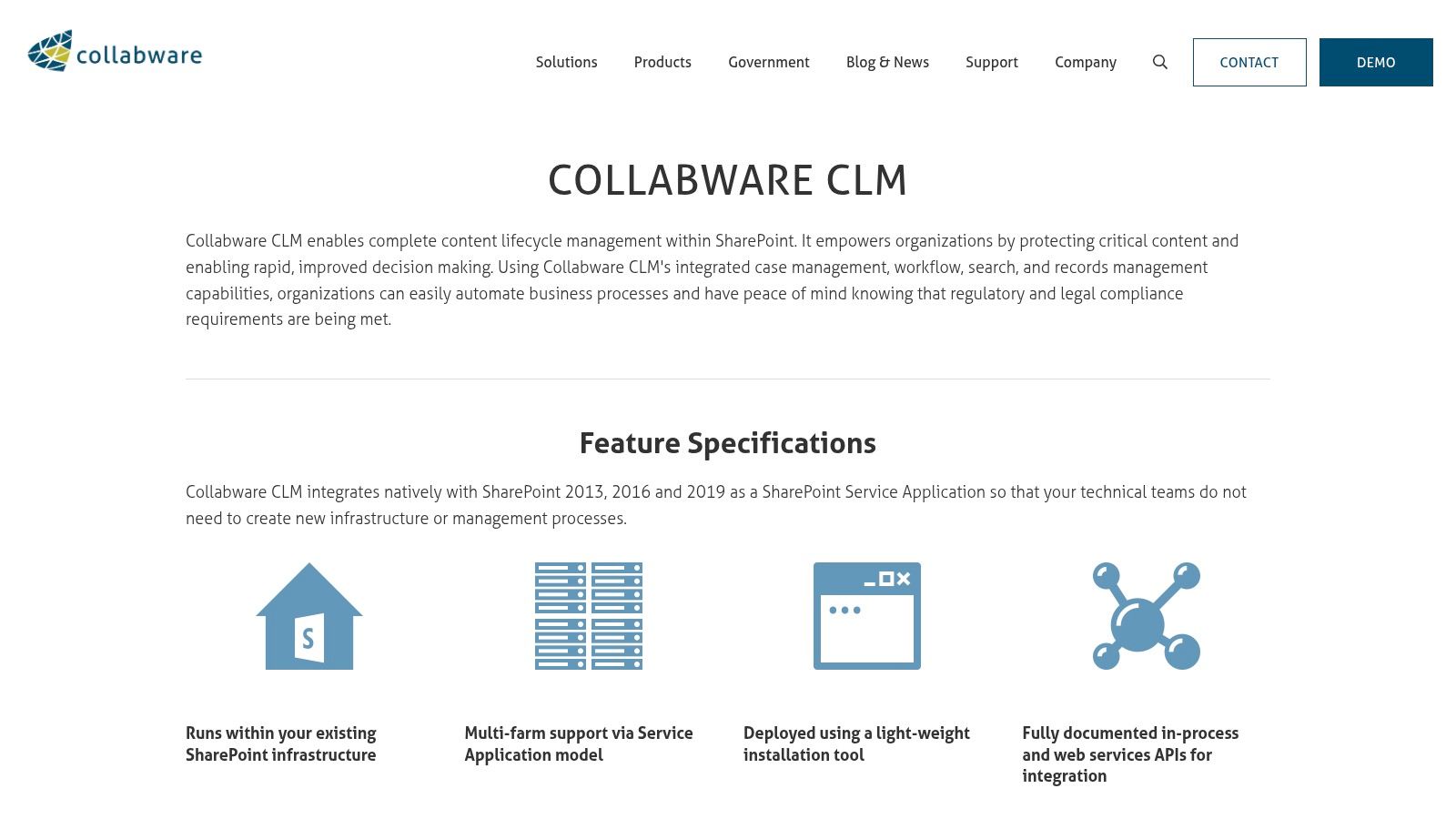
However, its on-prem legacy is also its biggest watch-out for a cloud-first strategy. While the platform offers cloud integration, its core architecture was built for a different era of SharePoint. Teams planning an eventual full migration to SharePoint Online must rigorously question its cloud roadmap and feature parity. Relying on it as a long-term solution without this diligence risks investing in a framework that becomes a technical debt anchor, complicating the final move to a purely native Microsoft 365 compliance model under Purview. Getting a demo is essential, but pricing is not transparent and requires direct vendor contact.
The Ollo Verdict
Collabware CLM is a powerful, specific tool for a specific problem: managing complex records in SharePoint on-premises or during a hybrid phase. It is not a modern, cloud-native compliance tool. Consider it if your migration timeline is measured in years, not months, and you need to enforce strict records management on legacy data. For any organisation aiming for a streamlined SharePoint Online future, investing here may divert resources from building proficiency in the native Purview toolset.
Website: Collabware CLM
11. RecordPoint (Records365)
RecordPoint positions itself as a cloud-native records and data trust platform, acting as a dedicated SaaS layer on top of Microsoft 365. Its key proposition is abstracting the complexity of records management away from SharePoint itself, offering a centralised engine to manage classification and disposition across SharePoint Online, on-premises sources, and even other repositories. For organisations with a global footprint, its multi-geo support is a critical feature, ensuring data residency requirements in regions like the EU and UK are met without complex tenant configurations.
The platform’s strength is in its federated approach, separating the records management function from the underlying content storage. This model is particularly effective for complex, hybrid environments where declaring records in-place within SharePoint is insufficient. However, this separation comes with its own integration challenges. The initial connector setup requires Azure AD Global Admin consent, a permission set IT teams are rightly hesitant to grant. Furthermore, its true SaaS pricing model, while predictable, is entirely quote-based, forcing a vendor engagement cycle before you can even assess budgetary fit. This is a far cry from the transparent, SKU-based world of Microsoft Purview.
The Ollo Verdict
RecordPoint is a powerful, enterprise-grade solution for organisations whose records management needs exceed the native capabilities of Microsoft Purview, especially in multi-geo or hybrid scenarios. Its predictable SaaS pricing is a welcome feature for large-scale deployments. However, treat it as a significant platform investment, not a simple add-on. The requirement for Global Admin rights during setup is a security hurdle that must be carefully managed, and the quote-based pricing model means you must engage their sales team early to avoid surprises. It is one of the more robust SharePoint compliance tools for regulated industries, like those discussed in our guide to HIPAA SharePoint migrations.
Website: RecordPoint Pricing
12. Gimmal Records
For organisations with a complex, hybrid SharePoint estate, Gimmal Records offers a dedicated enterprise records management platform that bridges the gap between on-premises and cloud. Its primary strength is its SharePoint Online connector, which is designed to leverage and extend SharePoint’s own In-Place Records Management capabilities. This approach is ideal for businesses standardising their records policies across both SharePoint Server and SharePoint Online, providing a consistent governance layer where Microsoft's native tools fall short in hybrid scenarios.
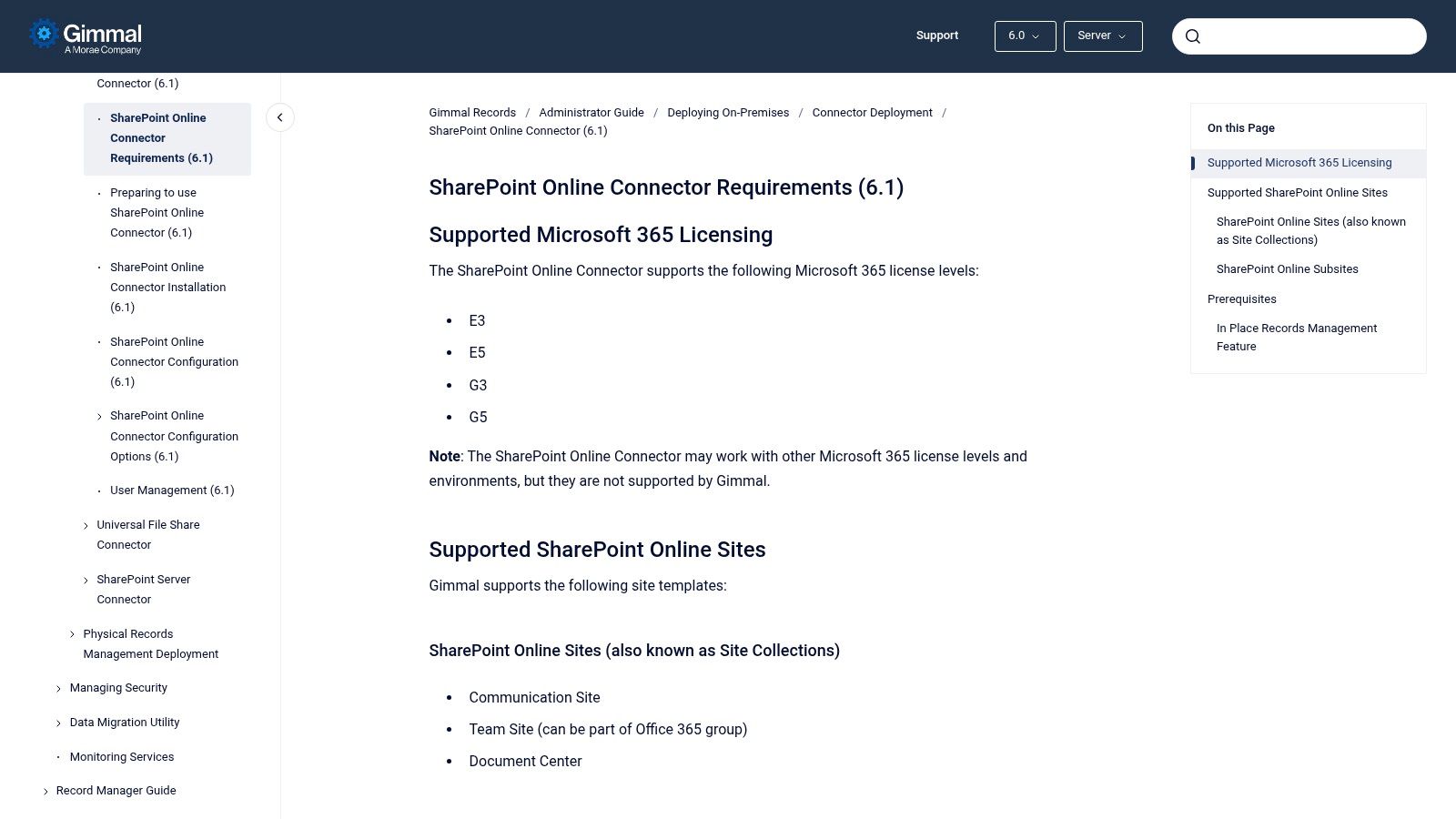
However, do not assume this is a simple bolt-on. The documentation makes it clear: the connector's success depends entirely on correctly configuring SharePoint's native in-place records features first. We have seen projects stall because the foundational SharePoint setup wasn't aligned with Gimmal’s requirements, leading to deployment failures. The platform is powerful, but it relies on your SharePoint environment being properly structured to receive its policies. Engaging with the vendor or a certified partner is not just recommended; it is essential to navigate the licensing and technical prerequisites for your specific E3 or E5 tenant.
The Ollo Verdict
Gimmal Records is a serious contender for enterprises that cannot go fully cloud-native and require unified control over a hybrid SharePoint environment. Its strength is its ability to work with SharePoint's inherent constructs, but this is also its main implementation risk. If your team cannot correctly configure SharePoint's own records management features, this tool will only amplify those foundational issues. Treat it as a specialised SharePoint compliance tool for complex, mature environments, not a shortcut.
Website: Gimmal Records SharePoint Connector Requirements
Top 12 SharePoint Compliance Tools Comparison
The Ollo Verdict: Tools Don't Solve Problems, Strategy Does
We have walked through an extensive list of native Microsoft Purview controls and powerful third-party SharePoint compliance tools. From ShareGate's operational governance to AvePoint's enterprise-scale automation and the forensic depth of Varonis, it’s clear there is no shortage of software available. But let this be the most important takeaway: your key decision is not which tool to buy. The critical decision is how you will build the strategic framework in which these tools operate.
We’ve seen it repeatedly in the field. A client purchases an advanced tool like Rencore Governance, runs a scan, and is presented with a terrifying dashboard of thousands of policy violations, broken permissions, and external sharing risks. The tool did its job perfectly; it identified the problems. But without an expert-led strategy for remediation, prioritisation, and operational change, that dashboard becomes little more than a monument to technical debt. The tool becomes expensive shelfware.
A Tool is an Accelerator, Not a Strategy
The fundamental error is believing that technology can retroactively fix a chaotic information architecture or an undefined governance model. It cannot. A tool is an accelerator of your existing strategy, for better or for worse. If your strategy is clear, a tool will help you enforce it at scale. If your strategy is non-existent, a tool will simply highlight the chaos faster.
Consider these common failure points we encounter:
- Buying the licence, not the outcome: An organisation invests in Microsoft 365 E5 for its advanced Purview features but never dedicates the specialist resources to configure retention labels that align with legal discovery requirements. The capability is there, but the strategic implementation is missing, rendering the compliance value null.
- Fixing symptoms, not causes: A tool like Netwrix Auditor flags inappropriate access to a sensitive finance site. The IT team manually revokes that user's access. The tool worked, but the underlying problem-a broken access request process or poor permissions governance-remains untouched, guaranteeing the issue will recur elsewhere.
- Tool-first, process-second: A company deploys DLP policies to block the sharing of financial data. However, they never consulted the finance department, who now find their legitimate, business-critical workflows are broken. The tool is disabled to restore operations, and compliance is abandoned for convenience.
The Real Risk-Reduction Factor
For your complex SharePoint estate, especially within regulated sectors like finance or healthcare, the cost of failure is not just a failed project; it's measured in GDPR fines, data breach notifications, and reputational damage. A DIY approach, where your team is learning the nuances of these powerful tools on a live, high-stakes environment, is a dangerous gamble.
The true risk-reduction is not found in the software you choose, but in the experience of the team deploying it. It's about knowing which problems to solve first. It's understanding that before you can apply a single retention label, you must have a defensible data classification scheme approved by your legal and compliance stakeholders. It's realising that you cannot govern what you cannot see, making a thorough content discovery and permissions audit the mandatory first step.
Your challenge is not a lack of SharePoint compliance tools. Your challenge is orchestrating them within a coherent, defensible, and business-aligned governance strategy. You don't just need another tool; you need a partner who has navigated these minefields before and can provide a safe pair of hands.
At Ollo, we don't just recommend tools; we build and execute the compliance strategies that make them effective. If you are responsible for a high-stakes SharePoint environment and need to move beyond theory to implementation, talk to the architects who have seen what works-and what fails-in the real world. Contact Ollo to discuss a pragmatic compliance roadmap for your organisation.

















