



The most dangerous advice in Microsoft 365 migration is also the most common: trust the platform, trust the tooling, trust the wizard.
You shouldn’t.
If you run IT in a regulated organisation, your migration risk doesn’t sit in the destination tenant. It sits in the move itself. Data loss prevention isn’t just a security control for steady-state operations. During a migration, it becomes a survival discipline. Files move, permissions recalculate, links break, policies misfire, and the logs often look cleaner than the reality.
I’ve seen too many projects sold internally as “standard tenant consolidation” that turned into forensic exercises. Missing files. Open folders. Sensitive documents inherited by the wrong groups. Migration reports marked “complete” while key libraries never transferred properly because the workload hit throttling or list limits. The documentation says the tools work. In reality, they work inside boundaries that enterprise estates exceed every day.
Your Microsoft 365 Migration Will Fail on Data Loss
Microsoft 365 migrations do not usually fail with a dramatic crash. They fail with quiet loss that your team discovers too late to reverse.
That is the pattern regulated organisations keep underestimating. During a tenant-to-tenant move, data goes through the most fragile state it will ever see: bulk copy jobs under throttling, permissions rebuilt at speed, list thresholds obscuring visibility, and path rules blocking items the project board assumes already moved.
The standard playbook is too shallow for that reality. Export, import, validate, close the project. That works on tidy estates. It breaks on real ones, where SharePoint has years of nested folders, broken inheritance, renamed users, long paths, oversized libraries, and active staff still changing content during cutover.
Why the standard plan breaks
DIY migration teams usually trust summary reports from tools that were never designed to protect you from edge-case volume. SPMT is a common example. Microsoft documents API throttling and the 5,000-item list view threshold. In a regulated migration, those are operational hazards that create partial transfers, silent omissions, and false confidence.
The failure mode is not always obvious.
A throttled batch can finish with gaps. A site can migrate with structure intact but miss folders buried deep in a library that crossed threshold behaviour. A permission set can look correct at the top level while one broken inheritance chain reopens sensitive content to the wrong group. Your report still says "complete". Your audit six months later says otherwise.
That is why casual validation is worthless. If your team checks a handful of folders and signs off, you are not controlling data loss. You are guessing.
A serious migration programme treats backup and recoverability as the first line of DLP, not an afterthought. If that groundwork is missing, fix it before you move anything. This guide on SharePoint backup before migration covers the recovery posture many teams skip until they need it.
Use this as your baseline:
- Throttling wrecks project assumptions. Jobs slow down, retry, or complete unevenly across libraries and sites.
- Large lists hide missing items. Once threshold behaviour kicks in, teams lose clean visibility into what transferred and what did not.
- Path lengths and filename rules block content. Files can fail for technical reasons users never see in day-to-day work.
- Permissions drift during remapping. Sensitive content ends up exposed because inheritance, groups, or identities changed mid-move.
- Standard tools amplify risk. They report activity well enough for a status meeting, not well enough for defensible records assurance.
If you want the operating model behind this mindset, the modern loss prevention strategy is a useful reference point. The key lesson is simple: protection during migration is an engineering discipline, not a policy label inside Purview.
Your cloud target may be sound. The move can still destroy records, lose evidence, or expose protected data.
That is the risk. Not Microsoft 365 itself. The migration path your team underestimated.
Rethinking Data Loss Prevention for Migration Scenarios
Most data loss prevention programmes were designed for a stable environment. Users create, edit, share, and store content. Security teams classify it, monitor it, and block the obvious mistakes.
Migration changes the shape of the problem.
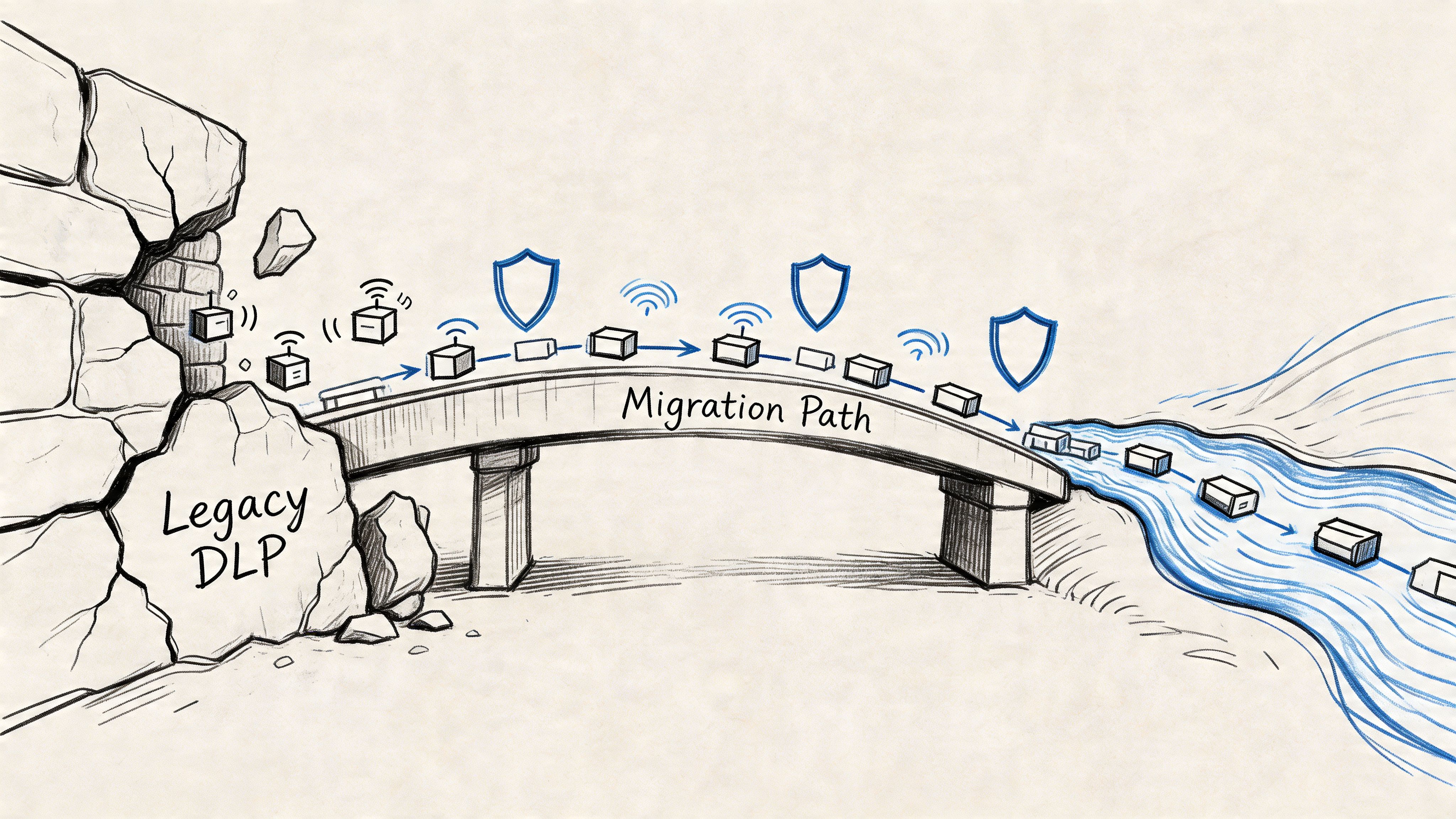
The moment you move large volumes of regulated content between tenants, your data is no longer just at rest or in transit. It is in motion under stress. That’s where standard DLP thinking gets dangerously thin.
Static controls don’t survive dynamic moves
A mature DLP setup in a live tenant can still fail during migration because the move changes identifiers, permission inheritance, paths, and sometimes the way content gets surfaced to policy engines. Your compliance obligations don’t pause while that happens. GDPR doesn’t care that your file became exposed because a library structure changed and your project team missed it during cutover weekend.
That’s why migration-specific DLP has to start with flow discipline, not dashboard comfort.
A useful outside perspective is this modern loss prevention strategy, which treats data protection as an operational practice rather than a one-time tooling decision. That’s the right direction. During migration, you need to go further and apply that thinking to content mapping, permission inheritance, exception handling, and post-move verification.
What changes when data is in motion
In a migration, the risk profile shifts fast:
| Migration state | What looks safe on paper | What often fails in reality |
|---|---|---|
| Pre-move | Labels and policies exist | Content is poorly classified or stored in the wrong location |
| In-flight | Tool reports show progress | Throttling, list limits, and skipped items distort success signals |
| Post-move | Files appear in destination | Permissions, links, versions, and policy coverage may not match source |
That’s why I treat migration DLP as a chain of control, not a policy set.
The DLP mindset your team actually needs
Your security and migration teams need to work from the same operating assumptions:
- Sensitive data isn’t just content. It includes its permission model, audit trail, location, metadata, and retention context.
- A completed copy isn’t a protected copy. If inheritance breaks or identity mapping is wrong, you’ve moved the file and lost control of the data.
- Monitoring mode matters before enforcement. During migration, you need visibility into what the controls are seeing before you trust them to block anything.
- Exceptions need owners. Every skipped file, renamed path, or remapped permission must have an accountable decision behind it.
Your DLP posture during migration is only as strong as your ability to prove what moved, what changed, and who gained access.
If your current Microsoft 365 setup treats DLP as a policy pack applied after deployment, you’re already late. This breakdown of what DLP in Microsoft 365 often gets wrong is worth reviewing before you migrate anything regulated.
The right question to ask
Don’t ask, “Do we have DLP?”
Ask this instead: “Can we prove that every protected file retained the right controls while it moved between tenants?”
If your team can’t answer that clearly, your data loss prevention strategy isn’t ready for migration. It’s just dressed for BAU.
The Microsoft Purview Controls You Think Protect You
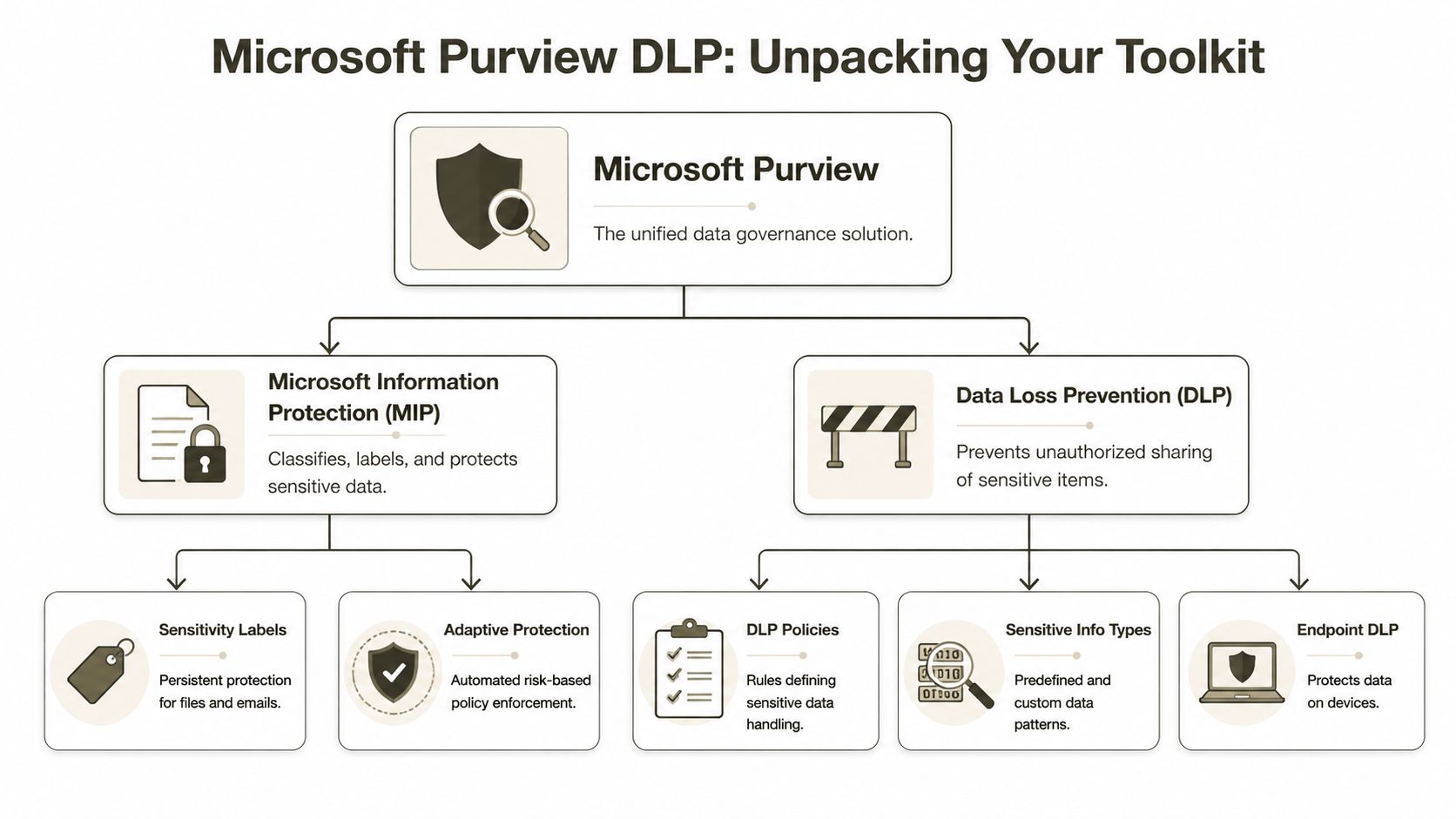
Microsoft gives you a serious toolkit. I’m not dismissing it. Purview, Microsoft Information Protection, sensitivity labels, DLP policies, Endpoint DLP, retention, and Conditional Access all matter. In a settled tenant, they can form a strong baseline.
The problem starts when IT leaders confuse “available” with “sufficient”.
What Purview is supposed to do
On paper, Microsoft’s stack covers the major layers of data loss prevention.
- Sensitivity labels classify and protect files and emails. They’re meant to persist with the content and support encryption, marking, and access controls.
- Purview DLP policies inspect content and apply actions based on sensitive information types, conditions, and user activity.
- Endpoint DLP extends those controls to devices so users can’t casually move sensitive data through local actions.
- Retention and records controls preserve information according to policy and legal requirements.
- Conditional Access and Entra ID controls shape who gets in, from where, and under what conditions.
That stack is useful. It’s also easy to overestimate.
Where each control helps
A practical view looks like this:
| Control | Useful for | What your team often assumes |
|---|---|---|
| Sensitivity labels | Persistent classification and protection | Labelled content will stay consistently protected through structural change |
| DLP policies | Detection and blocking for defined patterns and activities | If the rule exists, the data is covered everywhere |
| Endpoint DLP | Device-level controls | Cloud controls alone are enough |
| Retention | Record preservation | Preserved means accessible and correctly permissioned |
| Conditional Access | Session and identity control | Identity design will survive tenant redesign without side effects |
That last column causes most of the trouble.
The official story versus the operational story
The official story says that if you configure the controls correctly, the platform will enforce your rules. That’s broadly true in normal operations. It’s why Microsoft’s native controls deserve respect.
If you need a mainstream overview of the non-migration fundamentals, this guide to preventing data loss is a sensible reference. It covers the baseline thinking many teams already understand.
But your migration project doesn’t live in the baseline.
The controls that matter most before cutover
If I had to narrow the native controls to the ones that matter most before any high-risk move, I’d focus on these three first.
Classification that reflects reality
Your labels need to match actual data placement, not your policy intent. If regulated material sits in old team sites, personal OneDrive folders, or forgotten archives without consistent classification, Purview can’t protect what your organisation hasn’t mapped properly.
Identity and access logic
Conditional Access and Entra ID design must align with the target tenant before content lands there. Otherwise, your controls become decorative. Files arrive. Identities don’t map cleanly. Access gets widened to keep users operational. Security loses.
Retention and compliance continuity
Retention isn’t just about keeping files. It’s about keeping the right record state attached to the right content in the right place. During migration, legal and compliance teams need clear answers on what remains immutable, what gets reclassified, and what requires validation before release to users.
Architect’s warning: Native protection works best when the underlying structure is clean. Migration is when you discover your structure wasn’t clean at all.
If your team wants a deeper view of the native governance side before you test migration tooling, review these SharePoint compliance tools. The tooling matters. The preconditions matter more.
The Ollo verdict on native controls
Use Microsoft Purview as your baseline control plane. You’d be reckless not to.
But don’t pretend native controls alone make a regulated tenant-to-tenant migration safe. They were built to govern an environment. They were not built to rescue a badly mapped estate, reconcile broken inheritance, or explain why a library looked protected on Friday and open on Monday.
That gap is where most data loss prevention plans fail.
Where Your Migration and DLP Strategy Collapses
Here, the tidy architecture diagram meets production reality.
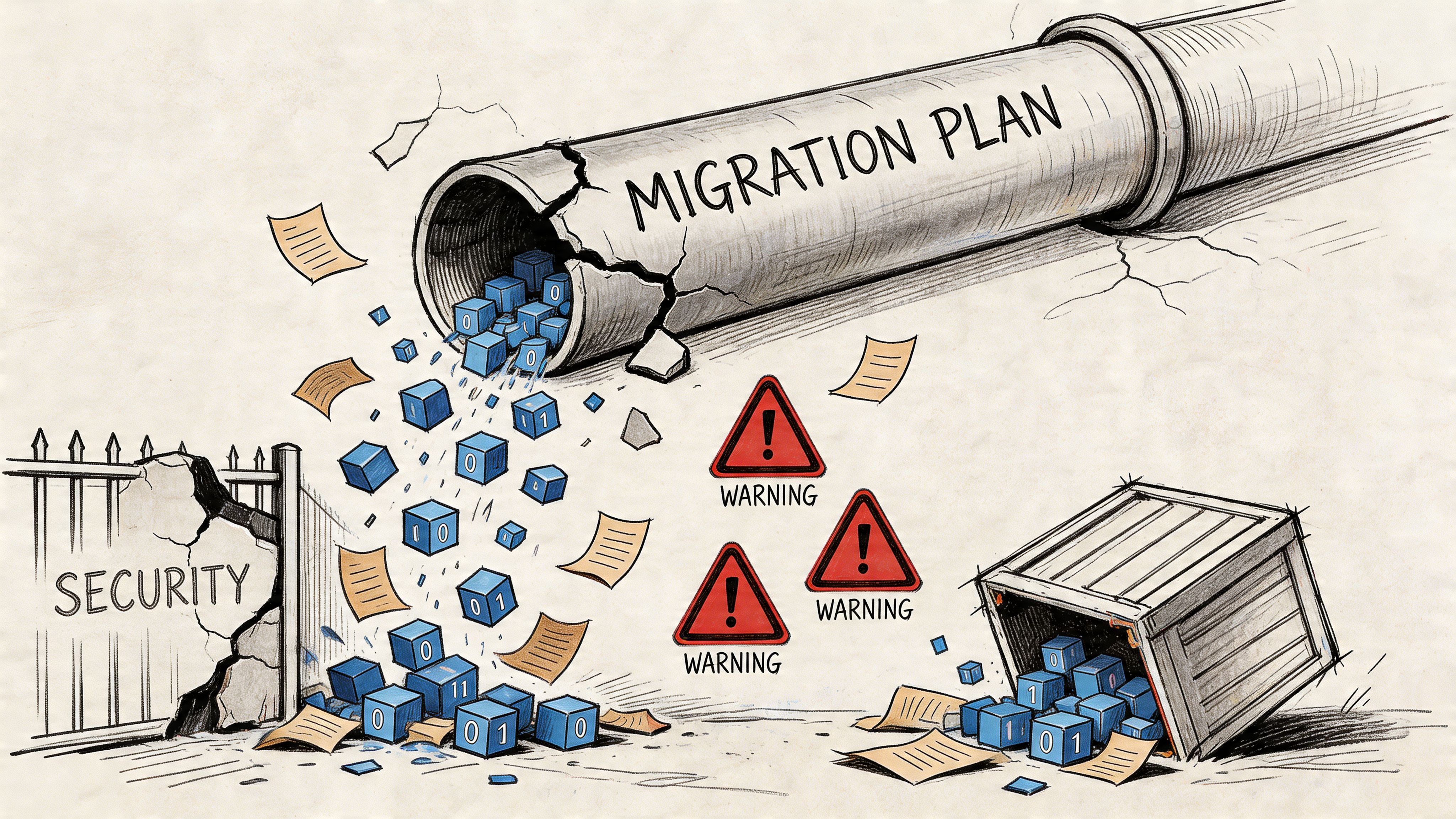
Gartner’s 2025 Market Guide warns that without advanced DLP, insider risks surge by one-third by 2027, and during M365 modernisations as many as 33% of folders can remain open-access due to broken permissions. The same discussion highlights how path length limits of 400 characters and large list throttling can cause automated security tooling to fail unnoticed, as noted in this Gartner 2025 DLP market guide summary.
That should worry you more than ransomware headlines. A silent access expansion inside your own tenant is harder to spot and easier to excuse away as “migration noise”.
SPMT is useful, until it isn’t
I’m not interested in pretending every Microsoft tool is bad. SPMT has a place. For light moves, low complexity, and estates with clean libraries, it can be perfectly serviceable.
That’s not the environment most enterprise IT Directors have.
The documentation says SPMT can migrate content at scale. In reality, enterprise moves hit the same hard edges over and over:
- API throttling slows or interrupts sustained bulk activity.
- 5,000-item list thresholds interfere with operations and visibility.
- Long paths produce awkward exceptions that users only discover later.
- Version-heavy libraries inflate job complexity and validation effort.
The trap is not that the tool always fails. The trap is that it fails selectively. That’s worse.
Broken inheritance is the quiet breach
The nastiest migration issues rarely look dramatic. They show up as access changes nobody intended.
A site with customised SharePoint permissions gets copied into a new structure. Some inheritance breaks. Some is reset. Some groups no longer resolve cleanly because the source and destination identity model don’t line up. Your DLP labels may still exist on paper, but the surrounding access model has changed underneath them.
Now your sensitive folder is visible more broadly than before.
No alarm necessarily fires. No red banner appears in the admin centre. Users just gain access they should never have had.
If your migration plan treats permissions as a post-move clean-up task, you’re not running a secure migration. You’re running controlled exposure.
GUID conflicts and structural drift
This is one of the most under-discussed failure modes in SharePoint migrations.
SharePoint content isn’t just files in folders. It carries object relationships, references, metadata, versions, and identifiers. When those identifiers collide or fail to map as expected, you can end up with content that appears present but doesn’t behave the same way. Links break. Workflows point nowhere useful. Policy associations become inconsistent. Security assumptions drift.
That’s where standard documentation becomes unhelpful. It explains feature behaviour. It doesn’t prepare your team for estate-level collision between old structure and new governance.
A lot of missing-file investigations start here. The content wasn’t always deleted. Sometimes it was orphaned, skipped, remapped badly, or hidden behind a broken structure. If that sounds familiar, this breakdown of SharePoint migration missing files gets into the operational patterns that teams usually discover too late.
Purview during migration doesn’t behave the way teams expect
Many IT teams assume Purview DLP will watch the move and catch issues. That assumption is generous.
Purview is strong when the content source, identity context, and policy target are stable. Migration destabilises all three. During a large move, scanning coverage can lag, pattern matching can miss what hasn’t indexed correctly, and enforcement expectations can outrun what the service can reliably process under pressure.
That’s especially dangerous in regulated sectors. Your compliance posture may depend on proving that protected data remained protected throughout the transition. “The policy existed” won’t save you if the content wasn’t scanned properly or if access widened during the handover.
Here’s a useful visual explainer before going further:
The documentation gap that burns projects
Microsoft Learn confirms the limits. Throttling exists. Thresholds exist. Path constraints exist. None of that is hidden.
What’s missing is operational honesty about what those constraints do to a real migration plan in finance, healthcare, or energy.
The documentation says, in effect, “this is the platform behaviour.” Fine.
Reality is this:
- Your team underestimates how dirty the source estate is.
- Your chosen tool amplifies rather than absorbs the platform limits.
- Your validation window is too small for proper reconciliation.
- Your security team trusts policy presence instead of access outcome.
That combination creates loss and exposure without producing the sort of obvious failure that gets a project paused.
The Ollo verdict
Use SPMT for small, low-risk moves. Think sub-tenant clean-up, modest volume, simple permissions, and no regulatory heat.
For anything beyond that, especially if your environment contains legacy SharePoint customisation, complex permissions, regulated content, or oversized libraries, you need ShareGate plus custom scripting and pre-flight validation. Otherwise you’re asking a basic migration tool to solve an estate design problem, an identity problem, and a governance problem at the same time.
It won’t.
The Battle-Hardened Playbook for Secure Migration
A secure migration doesn’t start with copying content. It starts with refusing to trust the source estate.
That’s the posture that prevents data loss.
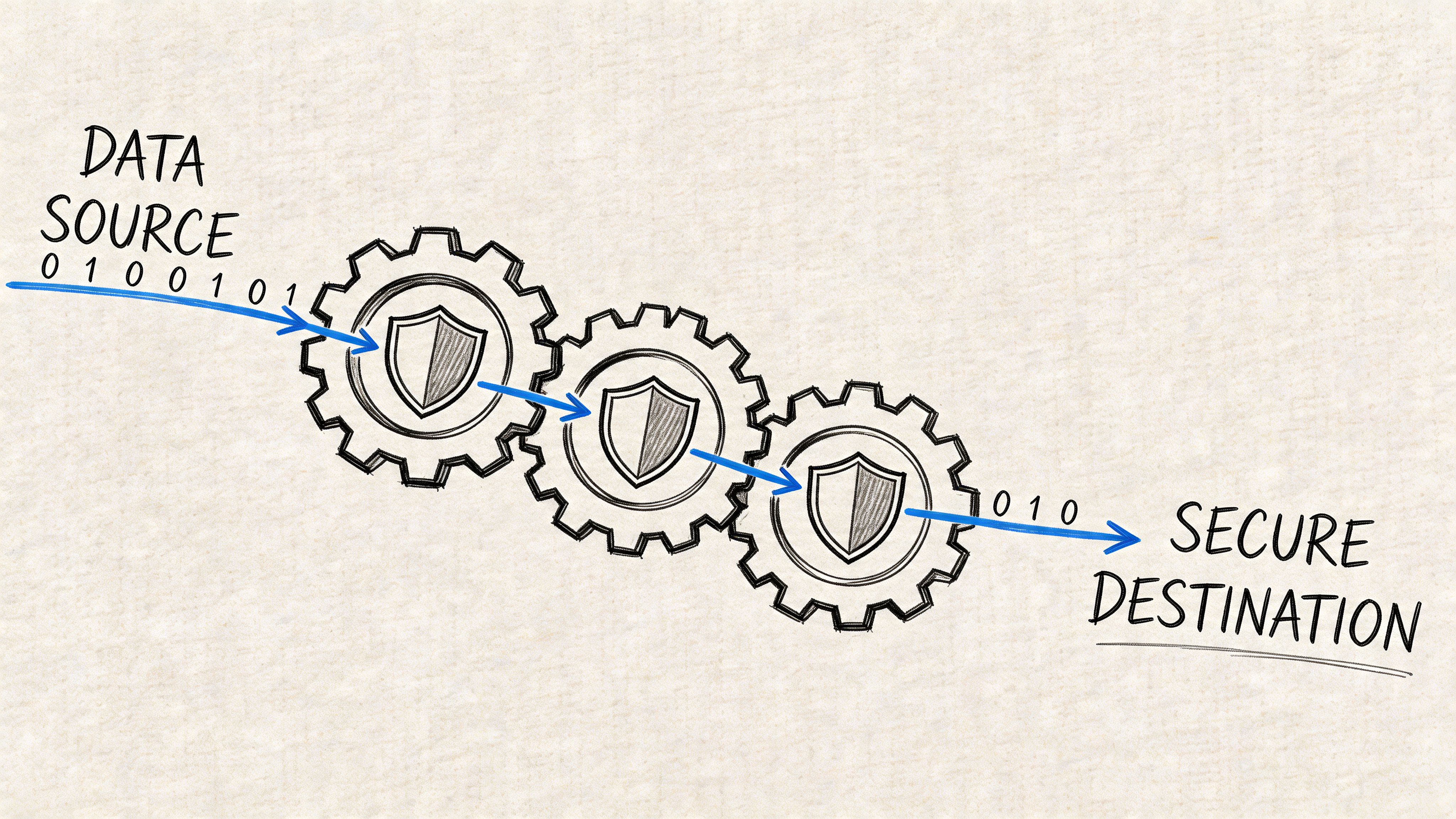
We often see clients in Ireland’s finance sector attempt DIY Microsoft Purview DLP configurations where policies fail to scan sensitive data due to API throttling capped at 500 requests per minute per tenant, and DIY failure rates are approaching 40%, according to Microsoft Learn context referenced here on Purview DLP. That’s why pre-validation matters more than policy optimism.
Phase one, strip away false confidence
Before a single production move, run a harsh pre-flight process.
- Inventory the estate properly: Don’t settle for site counts. Map libraries, oversized lists, version-heavy repositories, broken inheritance, external sharing exposure, and stale ownership.
- Classify sensitive content where it resides: Policy definitions are irrelevant if your regulated data sits in abandoned team sites and unmanaged personal stores.
- Map identity before content: Zero-trust design in Entra ID must come first. If you move data into a target tenant with weak group logic, your permissions problem gets bigger after each batch.
- Script exception discovery: Long paths, malformed names, unsupported structures, and odd metadata combinations must be found before migration night, not during it.
Phase two, move in controlled waves
At this point, most internal teams get impatient and start trusting generic tooling too much.
My preference is always a controlled migration pattern using ShareGate for its visibility and handling, backed by PowerShell PnP scripts for the ugly edge cases that GUIs won’t solve cleanly. You need both. A polished interface helps operators. Custom scripting handles enterprise mess.
A practical workflow looks like this:
| Stage | What disciplined teams do | What DIY teams usually do |
|---|---|---|
| Pilot | Test real high-risk sites with true permission complexity | Test a clean sample and declare the tool proven |
| Batch design | Group moves by risk, structure, and business impact | Group moves by org chart convenience |
| Security checks | Validate access outcomes after each wave | Assume labels and policies carried everything |
| Exception handling | Pause, remediate, re-run with scripts | Force completion and log issues for later |
Field note: If your pilot didn’t include a horrible site with broken inheritance, deep nesting, and regulatory records, you didn’t run a pilot. You ran a demo.
Phase three, validate what actually matters
Post-migration validation is where secure projects separate from optimistic ones.
You need three layers of proof.
Content reconciliation
Count files, yes. But don’t stop there. Compare versions, metadata behaviour, failed objects, renamed objects, and skipped objects. “Near enough” is not a compliance strategy.
Permission verification
Test effective access on sensitive repositories. Not just membership. Effective access. A folder can look fine in an admin report and still be exposed through inherited permissions or badly mapped groups.
Policy confirmation
Reconfirm that Purview and related controls see what they should see in the destination. Don’t assume labels, DLP, and retention all behave identically after structural change. Check.
For teams reviewing wider control options around the move itself, this roundup of data breach prevention tools is useful as a companion read. Just don’t confuse broad security tooling with migration assurance. They solve different problems.
The operating rules I won’t compromise on
These are mandatory in regulated migrations:
- No blind cutovers. Every wave needs a rollback position and a validation gate.
- No “fix permissions later” promises. That’s how exposure becomes normalised.
- No dependence on one tool. Enterprise migrations need layered methods.
- No release to users before security checks complete.
- No assumption that Microsoft defaults equal enterprise governance.
If your team is tightening controls around the move, this guide on SharePoint migration security aligns with the same principle. Secure the structure, not just the transfer.
The Ollo verdict
Use Purview for governance. Use ShareGate for controlled execution. Use custom PowerShell PnP scripting for exceptions, remediation, and proof.
Use SPMT only when the estate is small enough that failure won’t create legal, operational, or audit damage.
That’s not snobbery. That’s risk management.
The Uninsurable Risk of a DIY Migration
DIY looks cheap in the steering committee deck because the spreadsheet ignores the failure modes that matter. It prices licenses and internal hours. It does not price throttled jobs that miss cutover windows, SharePoint list view limits that hide records during validation, path-length failures that strand content outside policy scope, or permission repairs done under pressure after users start shouting.
That is how regulated migrations fail. Not with one dramatic outage. With a string of small technical misses that standard tools treat as acceptable exceptions and your auditors treat as control failure.
Why DIY is the wrong kind of savings
A self-run migration pushes risk into places your business case usually refuses to cost:
- Compliance exposure: Files skipped by limit, naming, version, or metadata constraints can fall outside retention, labeling, legal hold review, or supervisory controls without anyone noticing on day one.
- Operational disruption: Users stop trusting the destination when folders are incomplete, search behaves differently, and access inheritance changes after restructuring.
- Forensic clean-up: Your team ends up proving whether content was never moved, moved incorrectly, or became inaccessible after remediation. That work consumes security, legal, records, and infrastructure time.
- Executive fallout: The project may sit under IT, but the consequences hit risk, compliance, legal, and business leadership fast.
The ugly part is timing. These problems often surface after go-live, when the source is changing, rollback is weak, and the project team is already being pushed onto the next phase.
What business cases leave out
Migration loss is usually cumulative.
A batch gets throttled. A subset fails on file path or invalid characters. Validation passes anyway because the reporting is too shallow. Access is widened temporarily so the business can function. Purview policies appear healthy at the tenant level while the underlying content structure has changed enough to alter what users can reach, edit, or export. Then an investigation starts, and nobody can produce a clean chain of custody for the moved content.
That is the primary reason DIY becomes an uninsurable risk. Cyber insurance and contractual protections do not rescue a project that cannot prove what moved, what failed, what changed, and who had access during the gap. If the migration method creates undocumented exceptions at scale, you own the exposure.
A low-cost migration only stays low-cost if it preserves records, permissions, policy enforcement, and auditability under production conditions. In regulated Microsoft 365 estates, that bar is high and the native toolset does not clear it on its own.
The only defensible view
A lightweight approach only belongs in a simple estate with clean permissions, short file paths, low sensitivity, limited customisation, and a tested rollback position.
That is not the profile of most enterprise Microsoft 365 migrations.
Most regulated organisations are carrying years of SharePoint sprawl, broken inheritance, duplicate workspaces, stale owners, oversized libraries, and content that already sits too close to Microsoft’s practical limits. In that situation, data loss prevention during migration is not a policy exercise. It is an engineering discipline built around pre-discovery, exception routing, validation at object level, and specialist remediation before users touch the destination.
If your team is relying on free tooling and hope, you are not saving money. You are accepting a class of risk that gets expensive only after it is too late to contain.
If your team is staring at a high-stakes Microsoft 365 migration and you don’t want to discover the true risks halfway through cutover, talk to Ollo. We handle the ugly migrations others inherit, including tenant-to-tenant consolidations, SharePoint rescue work, and zero-trust redesigns for regulated organisations.

















