



The most dangerous advice in a multi tenant environment migration is also the most popular: move the files, recreate the permissions, and fix whatever breaks after cutover. That approach treats Microsoft 365 as a set of folders rather than a connected system of identities, licences, security scopes, metadata, APIs, and service limits. Your team won't discover the actual risk during planning. It will discover it when users lose access, validation reports time out, or regulated records become inaccessible.
Ireland's infrastructure makes this problem more serious. A government publication records 1,543 MW of installed data-centre IT capacity across 72 operational buildings at 36 sites, with 88% of installed capacity classified as hyperscale and 99% located in the Greater Dublin Area as of 2025 (Irish multi-cloud strategy statistics). The same publication projects capacity will reach 1,843 MW by 2030, a rise of 300 MW. Shared tenancy isn't a niche design choice here. It's the operating context behind a large proportion of Irish cloud workloads.
The Multi-Tenant Reality Check
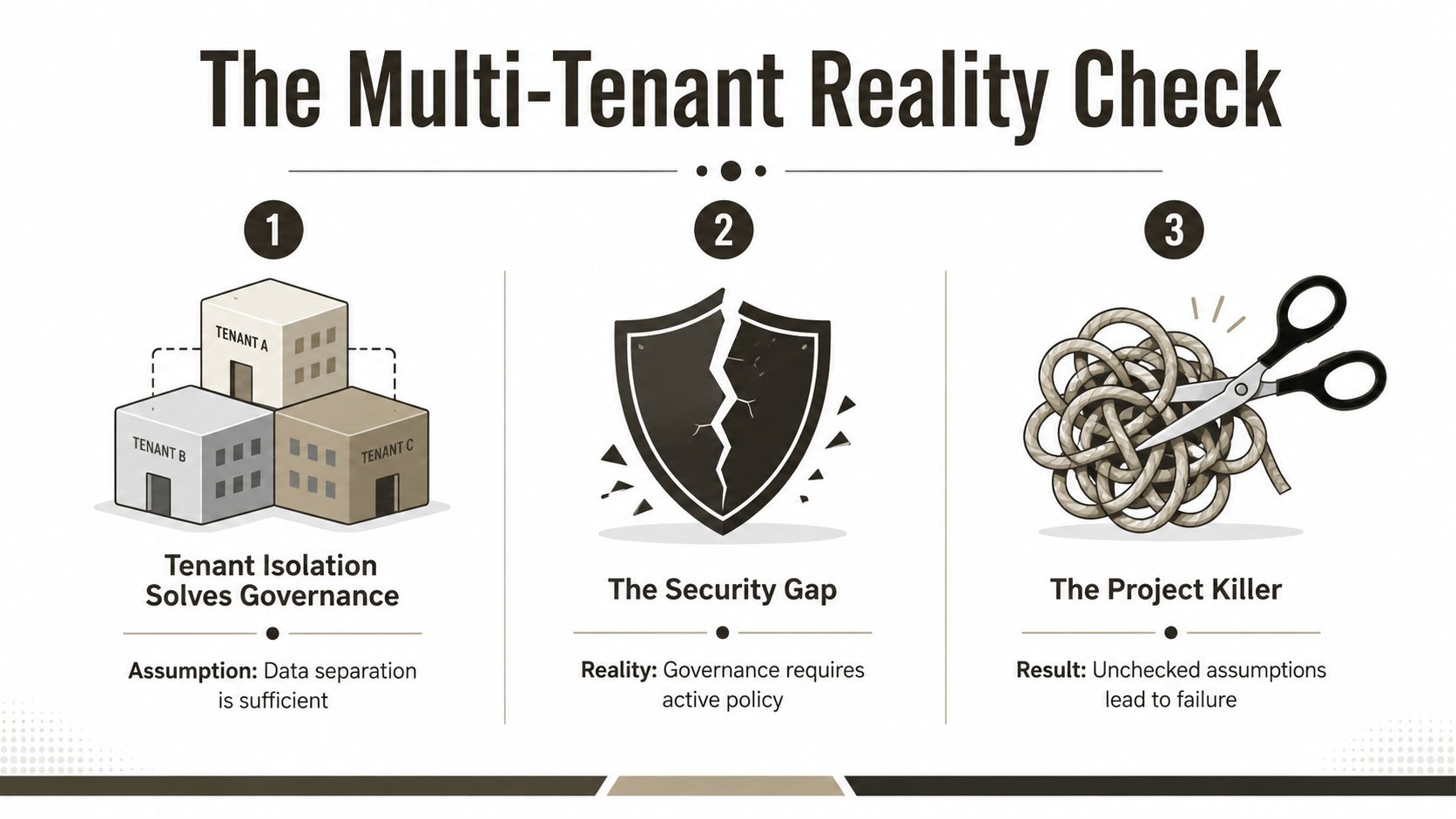
A multi tenant environment does not simplify governance. It adds a boundary that identity, licensing, security, retention, and collaboration processes must enforce continuously. Microsoft defines a multitenant organisation in Entra ID as an organisation with more than one tenant instance. Data, identities, subscriptions, licences, and storage still remain scoped to individual tenants (Microsoft Learn guidance on multitenant organisations).
That distinction becomes operationally significant during consolidation or separation. A user licensed in one tenant cannot access another without guest access and, in some situations, another licence. Users may present one corporate identity while Microsoft 365 applies tenant-specific objects, groups, policies, and service entitlements. A migration that overlooks those boundaries can leave staff authenticated but unable to open required content.
Separation creates work, not certainty
A tenant boundary may support a governance decision in energy, finance, or healthcare. It does not demonstrate that governance works. Conditional Access policies can conflict across tenants. Guest access can undermine internal access reviews, while group ownership, privileged roles, service principals, and application consent diverge during a project focused mainly on document movement.
Treating tenant separation as a collaboration setting creates predictable failures. The operating model must assign responsibility for user lifecycle, access control, guest provisioning, licence reconciliation, and audit evidence as data crosses the boundary. Microsoft's multitenant guidance establishes the platform model, but it does not configure those operating decisions for you.
Practical rule: A tenant boundary is only as strong as the identity and access process that governs movement across it.
Ireland's demand profile reinforces the shared-infrastructure context. Data centres consumed 22% of all metered electricity in Ireland in 2024, equal to 6,969 GWh, compared with 5% in 2015, according to an Irish data-centre research summary (Irish data-centre electricity and colocation data). The source identifies around 120 data-centre facilities operated by more than 25 providers, including approximately 37 operational colocation facilities and at least 20 more in development. Colocation is multi-tenant, so throttling, regional concentration, and operational controls belong in the migration risk model.
For cloud operating-model context, the IT Experts Canada cloud enablement resource explains how to structure cloud capability rather than treat migration as a one-off infrastructure task. For Microsoft-specific design, review SharePoint multi-tenant architecture. Ollo adds the risk-reduction layer by testing how tenant boundaries interact with operational controls, rather than stopping at the diagram.
The failure cost extends beyond rework: legal non-compliance, inaccessible records, failed access reviews, and operational downtime. A safer plan asks whether the right person can prove access, retain the correct record, and recover the required workload after the boundary changes.
Hard Limits That Break DIY Migrations
A migration can be marked “low risk” in a project plan and still fail at the service boundary. Microsoft's limits apply when tools submit requests, users open views, and SharePoint validates paths. These constraints are architectural inputs, not defects that a different transfer utility can remove.
The first operational trap is the 5,000-item list view threshold. SharePoint Online applies it through Large List Resource Throttling, not because a library has run out of storage, as explained in Microsoft's list view threshold guidance. A library can store the content while a poorly designed view fails when it queries too many items at once. That disrupts migration validation, reporting, permission reviews, and post-cutover support.
Path length creates a separate failure point in legacy file shares. Microsoft documents a 400-character maximum for the entire decoded file path, including the file name, in OneDrive and SharePoint in Microsoft 365 (SharePoint Online service limits). Deep folders, inherited naming conventions, and verbose project codes can produce files that work at source but fail at destination. Identify and remediate those paths before the migration job starts. Waiting for users to report missing files turns a predictable exception into a support incident.
Permissions become a scaling problem
Broken inheritance is another operational limit. SharePoint service limits cap a list or library at 50,000 unique security scopes, as described in Microsoft's SharePoint guidance. Each item-level permission, exception, and unique folder boundary increases the complexity of the security model. An estate with uncontrolled inheritance breaks can therefore produce a technically complete copy and an operationally unmanageable destination.
GUID conflicts add relationship risk. Site, list, library, group, and workflow identifiers can collide during consolidation or retain references to the source tenant. A file count does not reveal those failures. Validation must cover URLs, owners, permissions, metadata, content types, links, automation, and identity mappings.
The platform may support large content sets. The content shape determines whether SharePoint can process and validate them safely.
Throughput varies with that shape. Microsoft publishes performance bands of 10 TB per day for light content such as ISO and video files, about 1 TB per day for medium content such as list items and Office files, and 250 GB per day for heavy content with custom columns or small files (Microsoft migration speed guidance). These are benchmark-style bands, not commitments for a particular estate. Metadata, versions, small-file density, path exceptions, and permission complexity can move a workload into the heavy-content category.
Microsoft also documents cross-site operations capped at 100 GB and 30,000 files per move, a 250 GB per-file upload limit, and a 15 GB per-file cross-geo copy or move limit in the same guidance. Batch design must respect those boundaries. Otherwise, jobs fail in fragments, retries multiply, and cutover becomes a sequence of unverified exceptions. Use cross-tenant SharePoint migration guidance to test these limits against the actual workload before approving a lift-and-shift design. Ollo provides the risk-reduction layer by identifying throttling, path, and inheritance failures before they reach production.
Tool Selection and Where They Fail
SPMT has a legitimate role for straightforward SharePoint and file-share migrations. It works when content structures are simple, permissions are controlled, and remediation is limited. It becomes a liability when a transfer utility is treated as the migration method.
SPMT does not repair broken inheritance, redesign Entra ID, or decide whether legacy metadata belongs in a managed term, content type, or revised information architecture. Long paths, excessive item counts, GUID conflicts, and throttling remain operational problems. Your team still owns discovery, transformation, batching, validation, and rollback. The SharePoint Migration Tool discussion is useful for defining that boundary.
ShareGate gives teams stronger operational control for many tenant-to-tenant scenarios. Its mapping, reporting, permission handling, and structured migration features reduce manual work. They do not remove Microsoft's service boundaries. Cross-tenant migration can fail when sites exceed 5 TB or 1 million items, and the 1 million-item limit includes files, versions, folders, and list rows. A product cannot negotiate with a hard platform limit. Confirm the current cross-tenant constraints against the workload before selecting a tool, rather than relying on a product comparison alone.
Choose based on content shape
| Situation | Suitable approach | Where it breaks |
|---|---|---|
| Small, light, uncomplicated content | SPMT | Limited remediation and enterprise-level control |
| Structured migration with manageable permissions | ShareGate | Still constrained by SharePoint limits and source quality |
| Custom metadata, broken inheritance, identity redesign | ShareGate plus custom PowerShell PnP | Requires architecture, testing, and controlled execution |
| Large, fragmented, regulated estate | Custom scripts, specialist runbooks, and staged tooling | DIY ownership creates unacceptable compliance and cutover risk |
Content shape controls throughput more than headline volume. Heavy content with custom columns or small files can reach only 250 GB per day, while light content can reach 10 TB per day under documented conditions. Classify files, versions, metadata, permissions, and item density before assigning a migration date. A path exception or inheritance failure can turn an apparently fast batch into a retry queue.
API throttling changes the tool decision. Microsoft's guidance documents 3,000 user requests per five minutes and tenant resource-unit caps reaching 93,750 resource units per five minutes for tenants with 50,000 or more licensed users (Microsoft throttling guidance). The SharePoint connector documentation separately identifies 600 API calls per connection every 60 seconds and a 1,000 MB per-minute bandwidth interval (SharePoint Online connector limits). Blind concurrency can trigger service controls before the migration processes the content that matters.
For adjacent automation work, teams may assess best email warmup tools separately from migration products. Keep those categories separate. A SharePoint cutover needs retry logic, exponential backoff, job partitioning, app-based authentication, and reconciliation reports.
Ollo's practical position is direct: use SPMT only for under 50 GB of light content. For larger or more complex estates, use ShareGate with custom PowerShell PnP scripting and specialist control. That combination does not remove platform limits. It adds the audit, exception handling, and controlled execution needed to catch throttling, path, and inheritance failures before production cutover.
The Pre-Migration Audit Protocol
Do not approve a cutover date until the team can show what will fail. The audit must produce an exception register, ownership map, security model, and batch plan. Without those outputs, the project manager is scheduling against assumptions.
Start with a source inventory covering sites, libraries, lists, item counts, versions, content types, custom columns, owners, permissions, workflows, links, and inactive content. Separate files, list rows, folders, and versions because Microsoft's 1 million-item limit includes all of them (Microsoft's documented item limit).

Scan the failure points
Run a path scan against the complete decoded destination path. Flag paths approaching Microsoft's 400-character ceiling, then decide whether to shorten folders, rename files, restructure libraries, or exclude obsolete content (Microsoft's documented path limit). Leave renaming to users after cutover and links will break. The team may also lose the evidence needed to prove which source object became each destination object.
Inspect views and indexing before migration. A library above the 5,000-item view threshold may retain its data while queries and validation fail because Large List Resource Throttling restricts what a view can process (Microsoft's list view threshold documentation). Create filtered views, indexed columns, and validation queries in advance. Folders do not solve poor query design.
Map inheritance separately. Export every unique permission boundary and identify access granted through groups, users, and guests. Compare those results with the destination security design. A source library approaching the 50,000 unique security scope limit requires remediation before copying.
Use the migration governance framework to assign decisions, owners, approvals, evidence requirements, and rollback authority. Governance should control the inventory and exceptions, not replace the technical checks.
The video below offers additional migration context. Watch it alongside inventory and exception data, never as a substitute.
Finally, test representative batches. Include long paths, small files, custom metadata, inherited and unique permissions, versions, links, and workflow dependencies. Record item-level reconciliation, access results, failed requests, retry counts, and throttling responses. A pilot that excludes difficult content proves nothing. Ollo's audit layer turns those failure points into controlled exceptions before production cutover.
Why Specialist Intervention is Required
A migration can satisfy every documented limit and still fail in production. The operational failures usually come from interactions between identity lifecycle, Conditional Access, guest access, licensing, SharePoint permissions, metadata, throttling, and cutover timing. A file-transfer tool moves bytes. It does not resolve those dependencies.
The tenant relationship must be defined before users or workloads move. Administrators need to establish synchronisation, consent, access controls, and ownership against the destination security model, then test those controls under real operating conditions. A configuration that works in isolation can block users once identities, policies, and workloads cross the boundary.
Entra ID also requires redesign rather than directory copying. Conditional Access, privileged administration, application consent, guest collaboration, licence ownership, and identity lifecycle decisions may all change. A policy that protects the source tenant can deny access after cutover. In regulated organisations, that failure can interrupt clinical, financial, or operational work and weaken compliance evidence.
A specialist earns their value before cutover, by finding the failure that your migration tool can't interpret.
Operational content failures deserve the same attention. Throttling can turn an apparently healthy batch into a backlog of retries. Long paths, dense small-file collections, custom metadata, and complicated permission inheritance make validation slower and less reliable. These conditions require controlled batching, targeted remediation, and evidence that each exception was resolved.
Multi-Geo addresses residency placement, not tenant ownership or governance. Microsoft guidance on multiple environments and tenants confirms that geographic placement does not redesign identities, licences, permissions, or administrative boundaries (Microsoft guidance on multiple environments and tenants). Treating it as a substitute for tenant rationalisation leaves the underlying conflict in place.
Ollo handles tenant-to-tenant consolidations, Entra ID zero-trust redesigns, and rescue migrations using ShareGate and custom PowerShell PnP scripts. Its intervention provides a controlled method for translating identities, remediating content, managing throttling, validating results, and preserving evidence. The Microsoft 365 tenant migration playbook is a useful starting point, but execution still requires an audit-led plan and exception control.
Final Verdict on Multi-Tenant Safety
A multi tenant environment migration demands decisions about identity, inheritance, batching, and validation before the first file moves. The audit should produce a clear decision gate. Clean paths, predictable permissions, manageable workloads, and a tested rollback plan may support a DIY approach. Deep inheritance, identity translation, long paths, dense small-file collections, custom metadata, or repeated service throttling should trigger specialist review.
The cutover sequence must connect findings to controls. Remediate content and permissions, group batches by complexity, test exception cases, and record each correction. Freeze the source, run the final delta, validate access and reconciliation, then retain evidence for regulated records. A migration is only safe when the result can be demonstrated, not merely reported as complete.
Multi-Geo handles residency placement, not tenant ownership or governance. Microsoft guidance confirms that geographic placement does not redesign identities, licences, permissions, or administrative boundaries (Microsoft guidance on multiple environments and tenants).
Ollo provides tenant-to-tenant consolidation, SharePoint remediation, Entra ID redesign, and rescue migrations through ShareGate, PowerShell PnP, controlled batching, and evidence-led validation. Its Microsoft 365 tenant migration playbook is a starting point. Specialist oversight reduces the risk that hidden exceptions reach users after cutover.

















